Workvivo is a popular option for internal communication, particularly for organizations looking to reach employees through a mobile-first experience. Its social feed, recognition features, and focus on engagement have made it appealing for companies that want to create a stronger sense of connection across distributed and frontline teams.
But over time, teams often find that a heavily feed-driven experience can make it harder to maintain structured content, clear ownership, and predictable navigation for policies, resources, and “how we work” information.
As a result, many organizations begin exploring alternatives designed to keep information clearer and easier to manage over time. Leaders want more confidence that important updates are actually being seen and understood, while employees want a dependable place to find answers without endless scrolling or navigating overly complex structures.
In this article, we’ll review seven Workvivo alternatives, each offering a different approach that may better align with your organization’s priorities.
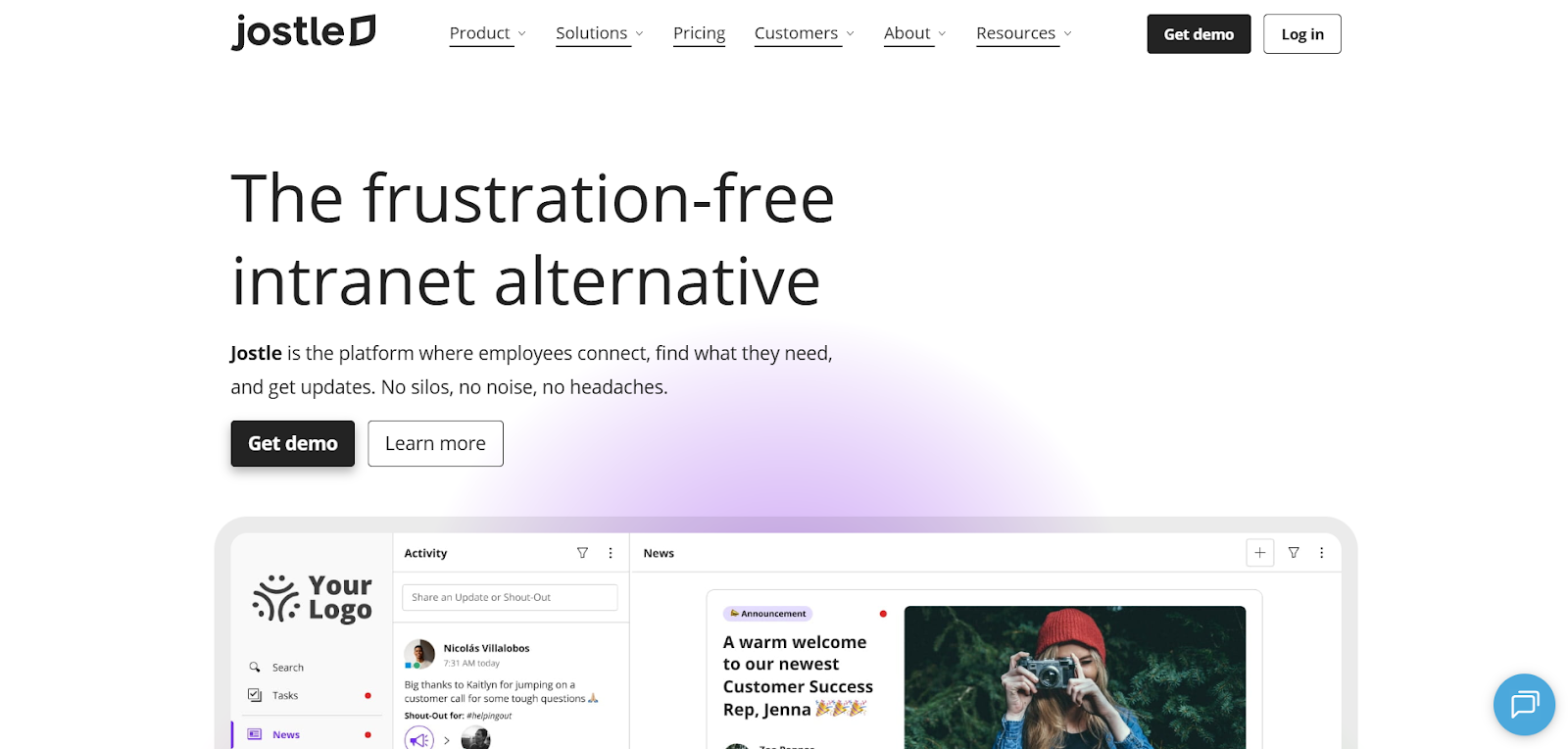
Jostle is a strong fit for organizations that want a single, dependable place for updates, connections, and essential resources without introducing unnecessary complexity. It’s available as a web platform with iOS and Android mobile apps, and it can extend reach into shared spaces through JostleTV, which is especially useful for frontline and hybrid teams.
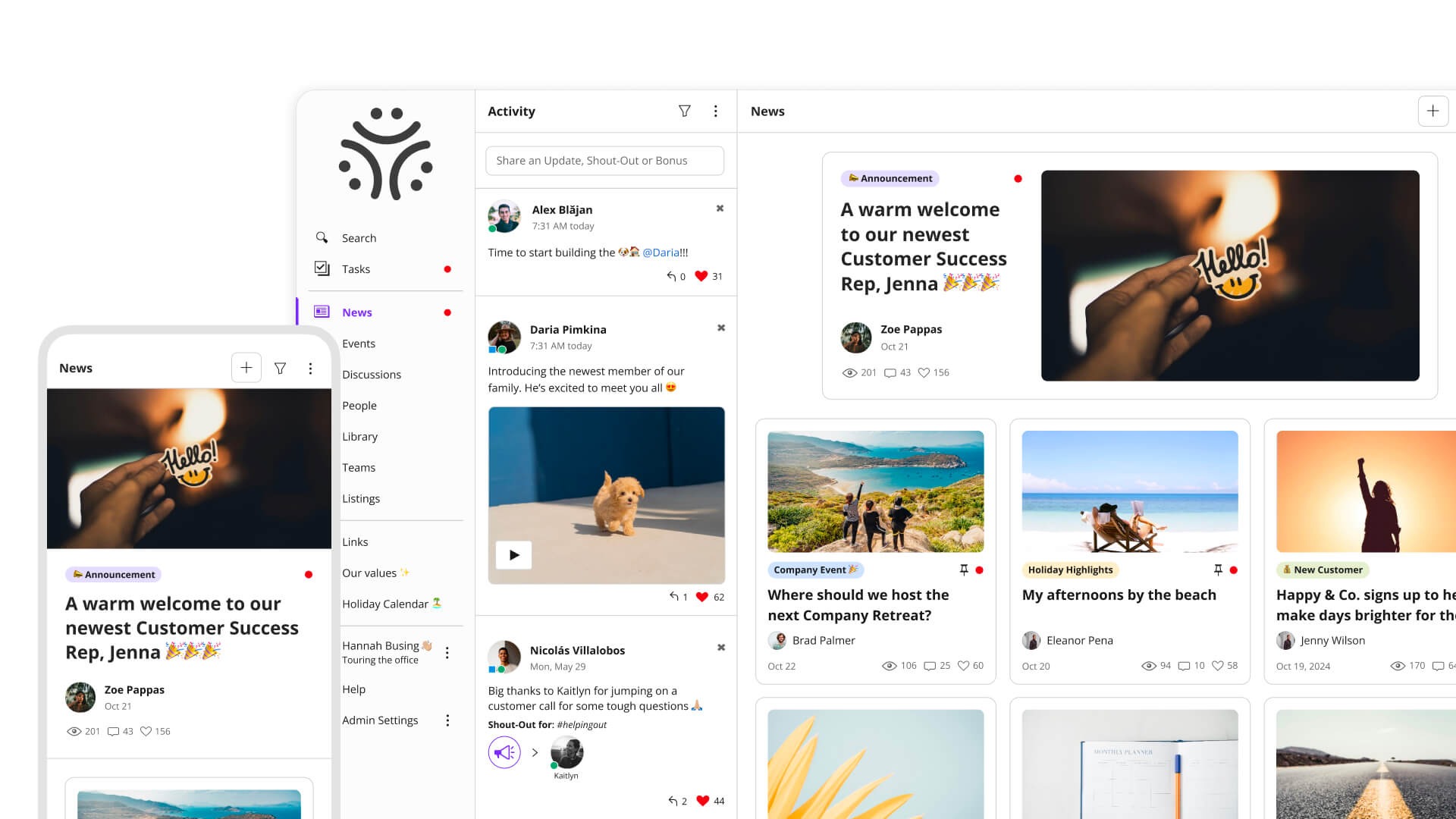
In day-to-day use, News becomes the source of truth for important updates, with targeting that ensures the right locations, departments, or teams see what applies to them. When something truly matters, sign-offs confirm it was read, and quick polls make it easy to gather input without sending employees into yet another tool. A personalized Digest then pulls the most important items into a weekly email, helping people stay informed even if they don’t check in daily.
Alongside formal updates, the Activity stream supports everyday connection and visibility. Teams share quick posts, recognize peers with Shout-Outs, and highlight milestones like birthdays or work anniversaries, keeping culture present without overwhelming the feed. Because these moments live next to official communications rather than replacing them, the platform tends to feel active without becoming noisy.
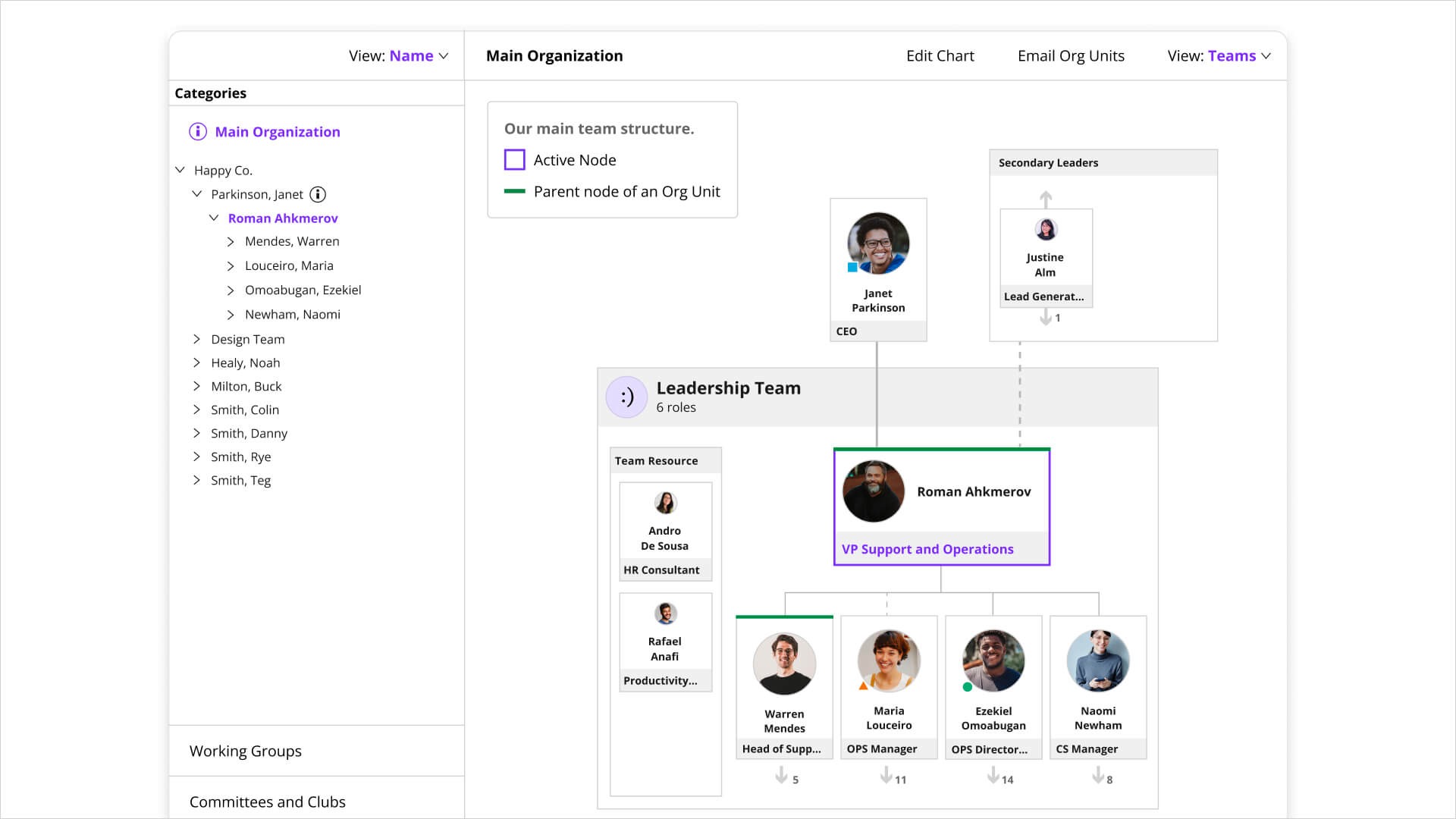
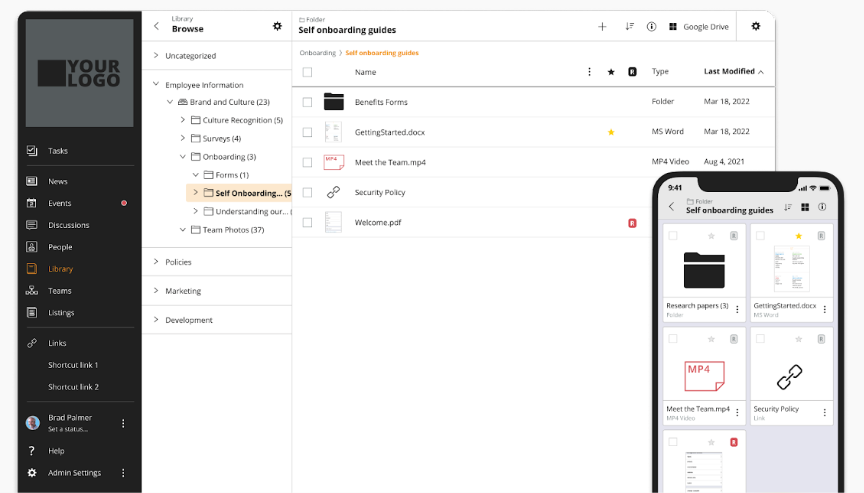
Jostle also emphasizes findability and follow-through, not just broadcasting messages. The People directory and Teams org charts help employees quickly answer “who owns this?” or “who can help?” while the Library keeps policies, procedures, and key files easy to access and maintain. Links and Custom Views extend this further by providing a practical launchpad to the tools employees already use, reducing time spent searching across systems.
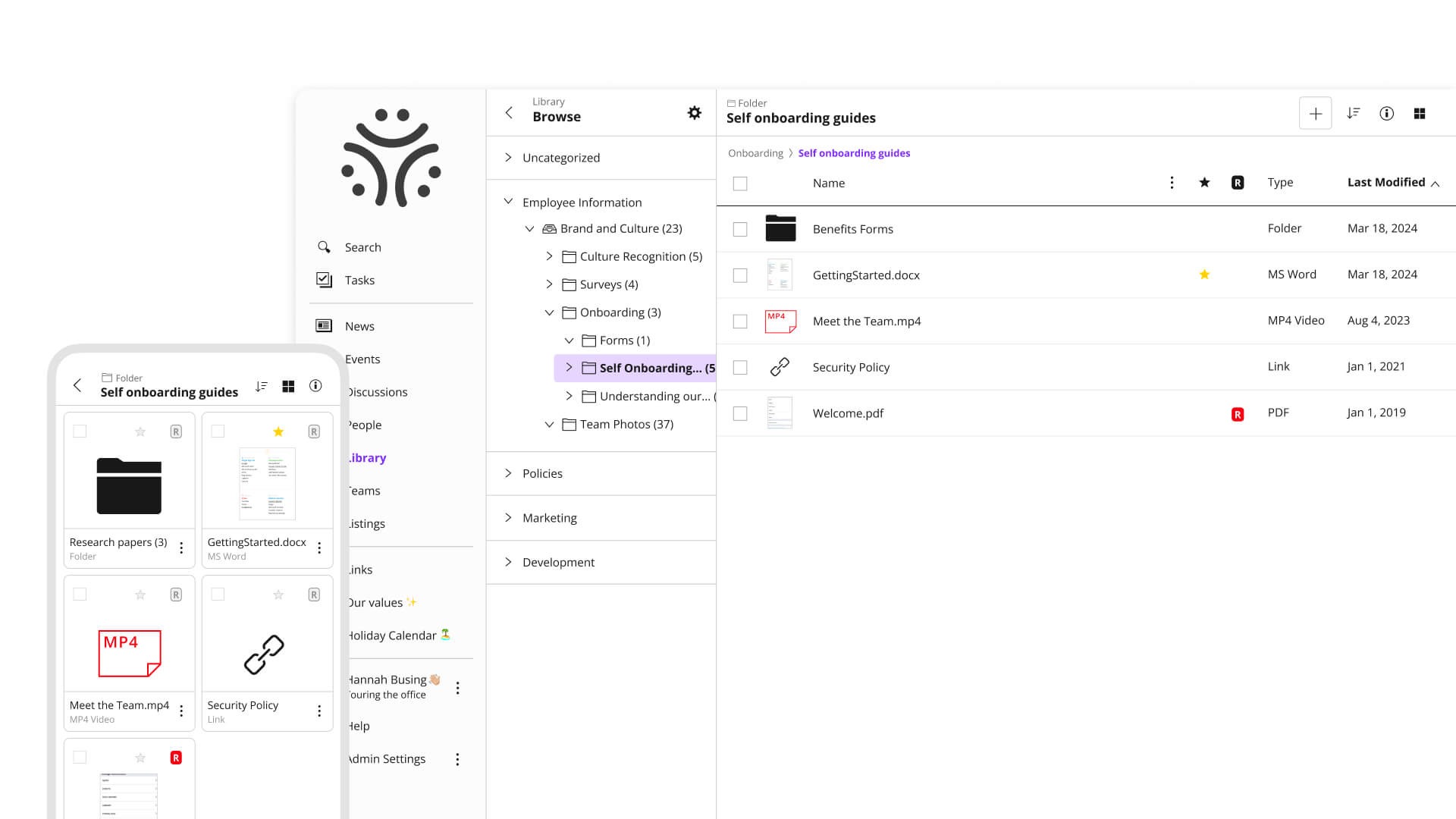
JostleAI builds on this foundation by helping employees get answers faster by searching curated Library content rather than scattered files. Using employee context like role or location, it produces responses that are relevant and reliable, supporting self-serve access without introducing version history guesswork.
Jostle is the more straightforward choice for keeping updates, people, and resources easy to find, while Workvivo is better suited to larger communications programs built around a social feed and a broader mix of native content formats. For teams coming from an existing intranet, the transition to Jostle is also often simpler, with onboarding support designed to reduce friction for employees.
Jostle uses a user-based pricing model that scales with the size of your organization and the level of functionality you need. Pricing is transparent for its standard plans, allowing teams to review costs upfront, while larger or more complex deployments can work directly with Jostle on a Platinum quote.
Each tier builds on the same core employee experience, with additional capabilities unlocked as you move up plans rather than forcing separate products or modules.
Every plan includes onboarding assistance, mobile apps, integrations with tools like Google Workspace and Microsoft 365, SSO and user provisioning, APIs and data sync, analytics, governance controls, and built-in AI features.
G2: (4.5/5) – Based on 217 reviews
Capterra: (4.4/5) – Based on 73 reviews
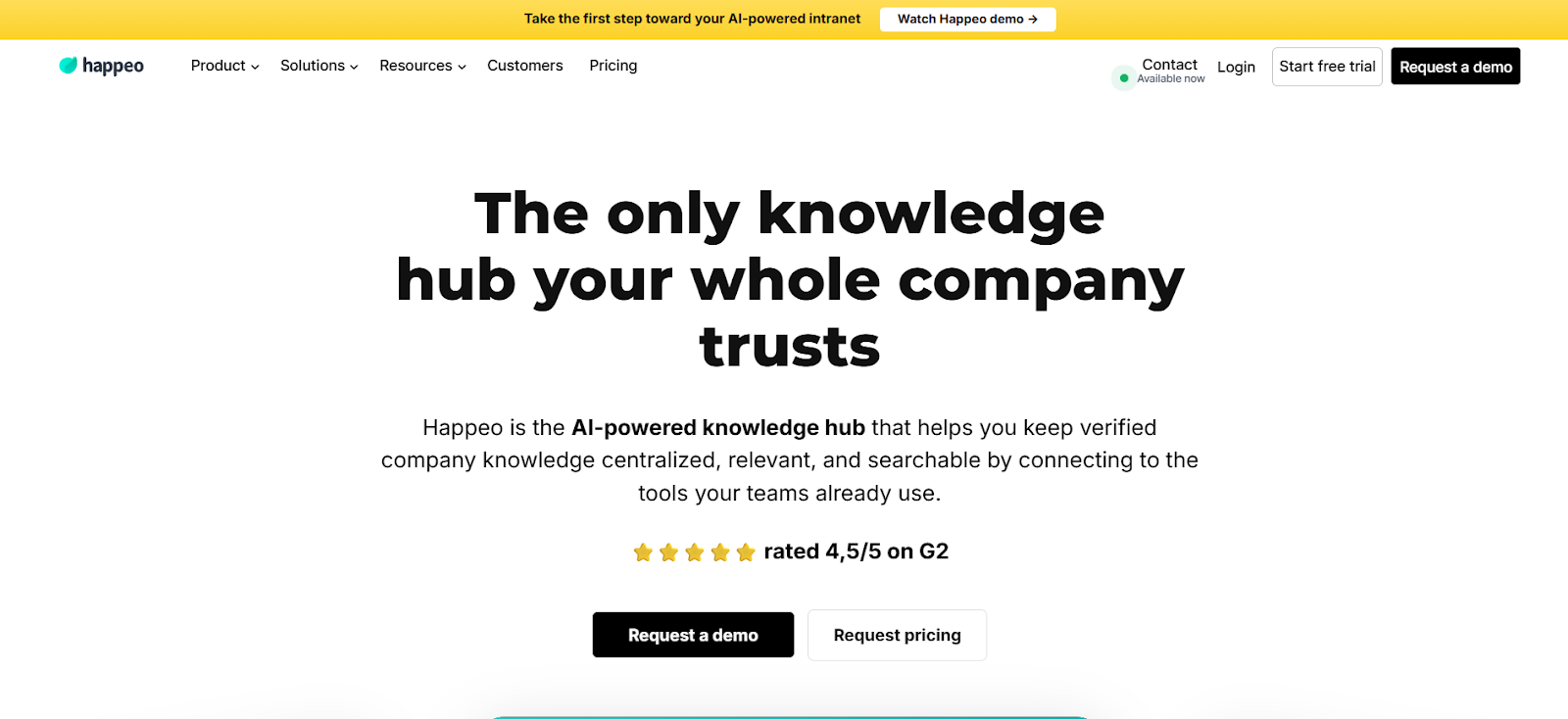
Happeo is an employee intranet and knowledge platform built for organizations that run primarily on Google Workspace. Instead of centering on a social feed or real-time messaging, it provides a structured, searchable home for internal knowledge and recurring updates, delivered through a web app with companion iOS and Android mobile apps.
Teams often adopt Happeo when information is scattered across Drive folders, Slack threads, and bookmarked links, and employees spend too much time figuring out where things live.
Content is organized so long-term materials like onboarding resources, policies, and playbooks live in clearly structured spaces, while ongoing updates and conversations remain separate, helping teams keep knowledge clean without slowing daily communication.
A unified search experience pulls results from intranet content and, depending on plan level, connected tools, with AI-assisted responses helping retrieve relevant context faster in information-dense environments like Google Drive and Slack.
Happeo is designed to stay manageable even as content grows. Teams can set clear ownership, control who sees what, and apply rules that help keep information up to date, rather than letting old pages linger unnoticed. That increased control means greater flexibility, but also more complex setup and maintenance.
Overall, Happeo prioritizes organizing and finding shared knowledge over time, while Workvivo is oriented more toward ongoing communication and participation through a feed-based experience.
Happeo’s pricing is by quote, but they list their plans publicly.
G2: (4.5/5) – Based on 153 reviews
Capterra: (4.6/5) – Based on 38 reviews
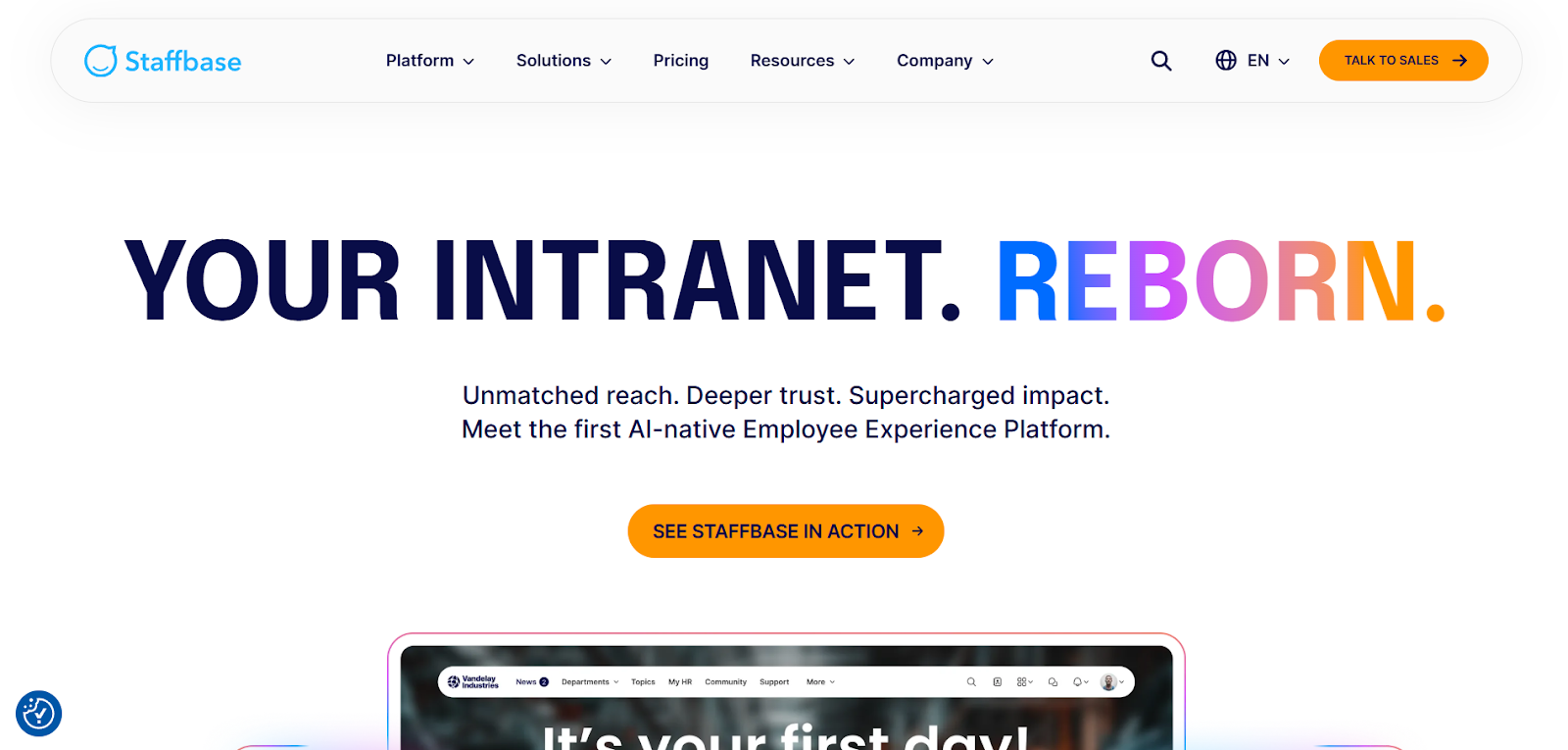
Staffbase is built for internal comms teams that need to reach employees across multiple channels without managing everything separately. It combines an employee app, intranet, and email into one platform, with optional SMS and digital signage for broader reach. Employees interact through mobile apps and an intranet, while comms teams manage publishing, targeting, and permissions through a web-based admin experience.
As part of their workflows, teams typically create a message once and then decide how and where it should appear, whether that’s in the app, via email, or on screens in shared spaces (add-on). Targeting helps ensure updates reach the right groups, and built-in measurement makes it easier to see what’s being read and follow up when important messages don’t land the first time.
Staffbase also supports large, distributed organizations where local teams need some autonomy. Regional or departmental publishers can manage their own updates, while central comms maintains consistency through shared templates, approvals, and standards.
For companies running on Microsoft 365, integrations with tools like Teams and Outlook help meet employees where they already work, and AI features support tasks like drafting, translation, and summarizing content.
With such a wide range of channels and deep infrastructure, Staffbase is understandably more costly and time-consuming to set up. Teams need to establish governance, pick their channels, and add integrations that fit their workflows, which can complicate deployment. It’s also more focused on communications than content—unless you upgrade to Enterprise or add-ons—unlike Workvivo, and excels primarily in Microsoft 365 environments that it can plug into easily.
Staffbase uses quote-based pricing, with two different plans that vary slightly based on your intent, and add-ons to choose from for more features.
G2: (4.6/5) – Based on 244 reviews
Capterra: (4.7/5) – Based on 79 reviews
Gartner: (4.6/5) – Based on 226 reviews
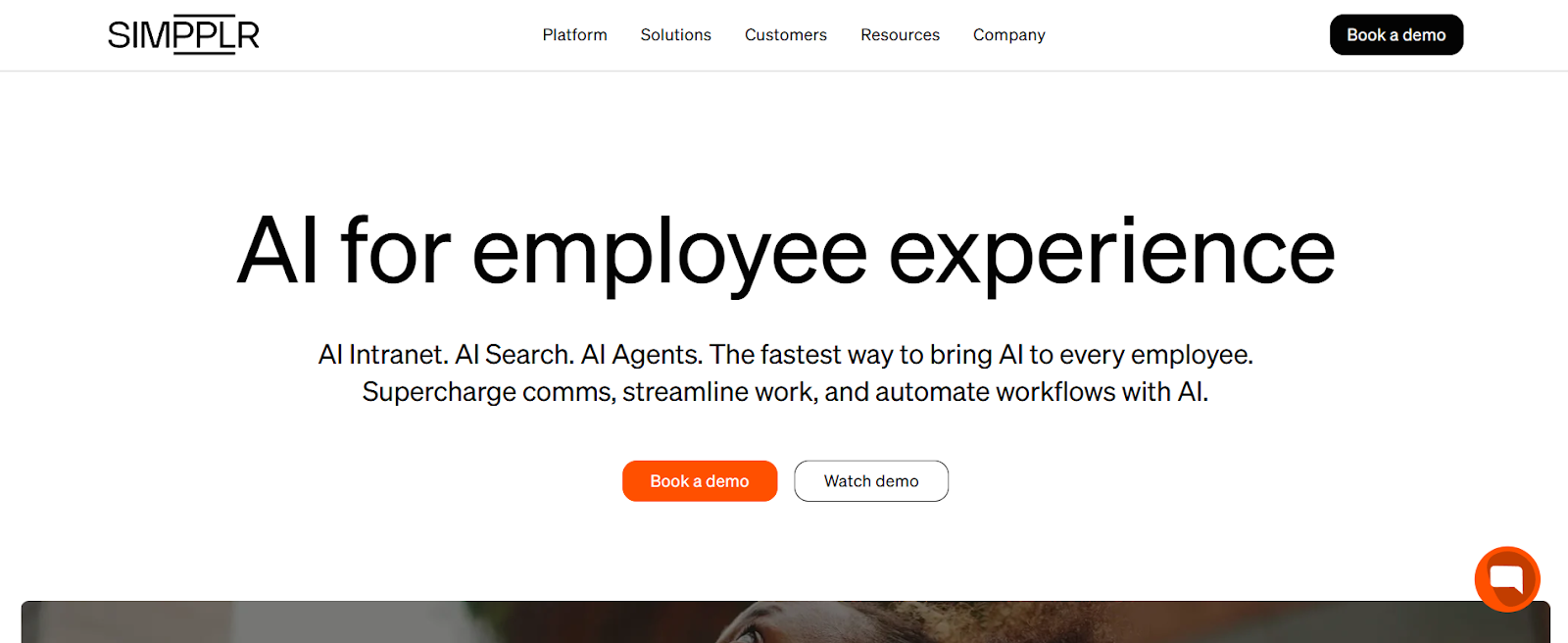
Simpplr is an intranet and employee hub designed to give employees a single place to find updates, resources, and answers. It’s delivered through a web experience with native iOS and Android mobile apps, and it connects to tools like Slack, Microsoft Teams, and email to extend reach beyond the intranet itself.
Communications teams use Simpplr to publish targeted announcements, newsletters, and campaign-style updates, with visibility into who has seen what. The platform also supports employee listening and recognition, which allows organizations to run surveys or culture programs without relying on separate systems.
A core focus of Simpplr is reducing the time spent searching for information. AI Search is designed to return permission-aware results with clear links back to original sources, while AI Agents can handle common HR or IT questions through guided interactions rather than static knowledge pages. These agents can be configured using a low-code builder, making it easier to adapt support workflows as needs change.
Simpplr supports broad integration across workplace tools, with an emphasis on pulling information together rather than replacing existing systems. These more-involved rollouts can involve additional services for implementation or migration, which may add time and cost for some teams.
Compared to Workvivo, Simpplr centers more on an intranet hub and AI-driven discovery, while Workvivo is more commonly used as a communications and engagement layer built around frequent updates and participation.
Simpplr’s plans and pricing require a quote from their sales team.
G2: (4.6/5) – Based on 357 reviews
Capterra: (4.8/5) – Based on 112 reviews
Gartner: (4.6/5) – Based on 94 reviews
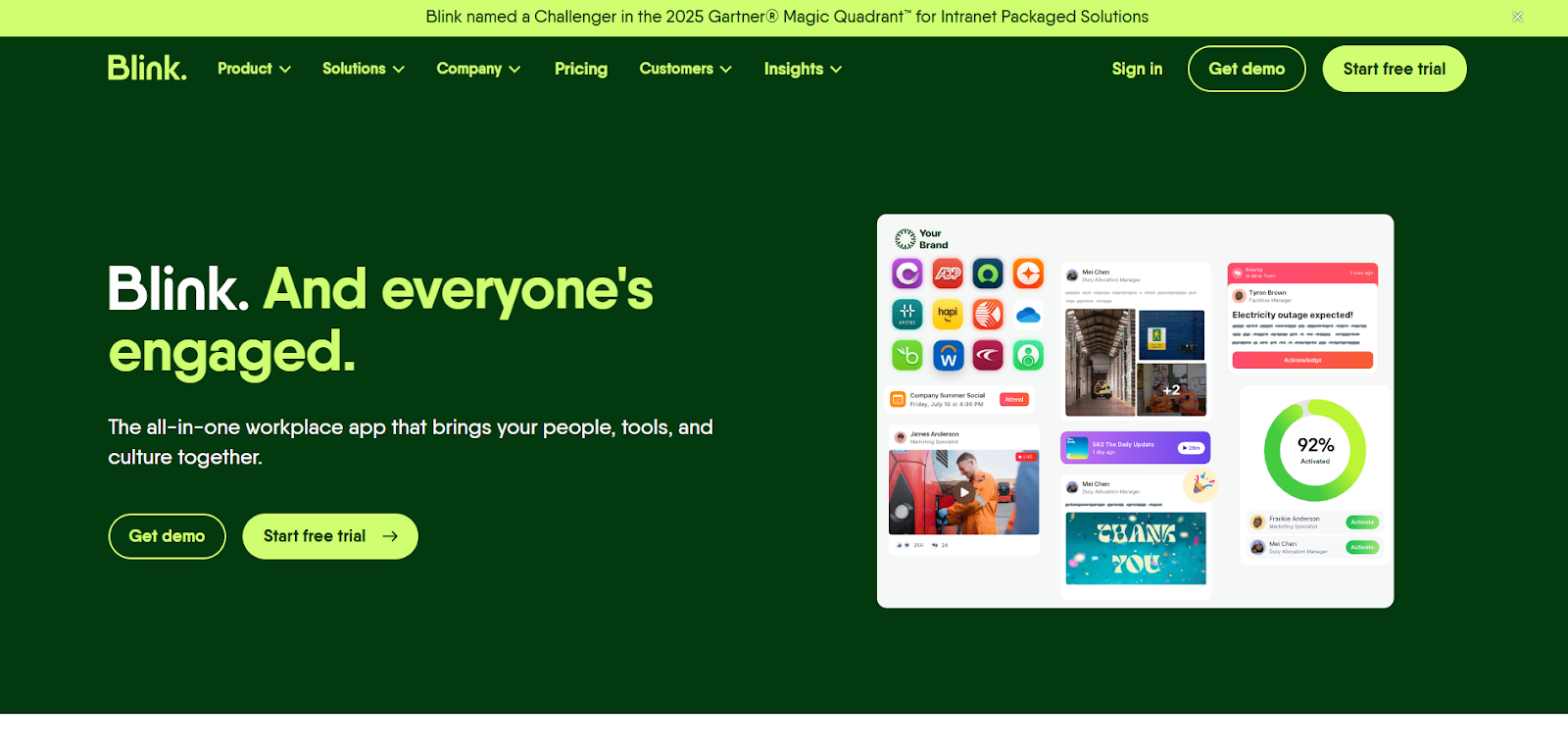
Blink is an employee communications platform designed primarily for frontline and deskless teams that need quick access to updates, tasks, and essential tools in one place. It’s delivered as a mobile-first experience with a supporting web app, making it easy for employees without regular desk access to stay connected and get work done.
Teams typically use Blink as a daily utility rather than a destination for long-form content. Comms teams share updates and alerts, while managers assign tasks, collect responses through forms, and track completion, all within the same app that employees already check for schedules or instructions. This keeps information and action close together, reducing reliance on email, paper processes, or separate task tools.
Blink also emphasizes speed and simplicity over deep customization. Navigation is straightforward, with quick links to key resources and integrations that connect the systems frontline employees rely on most. That makes it effective for operational communication, though less suited for organizations that want a highly structured knowledge base or rich editorial content.
Blink is more focused on supporting day-to-day frontline execution through tasks, forms, and alerts, while Workvivo puts more emphasis on company-wide communication, engagement, and social interaction through a broader content and community model.
Blinks offers monthly plans, with a 30-day free trial aimed at Business plan users. Nonprofits can also receive Blink for free.
G2: (4.7/5) – Based on 257 reviews
Capterra: (4.7/5) – Based on 127 reviews
Gartner: (4.8/5) – Based on 48 reviews
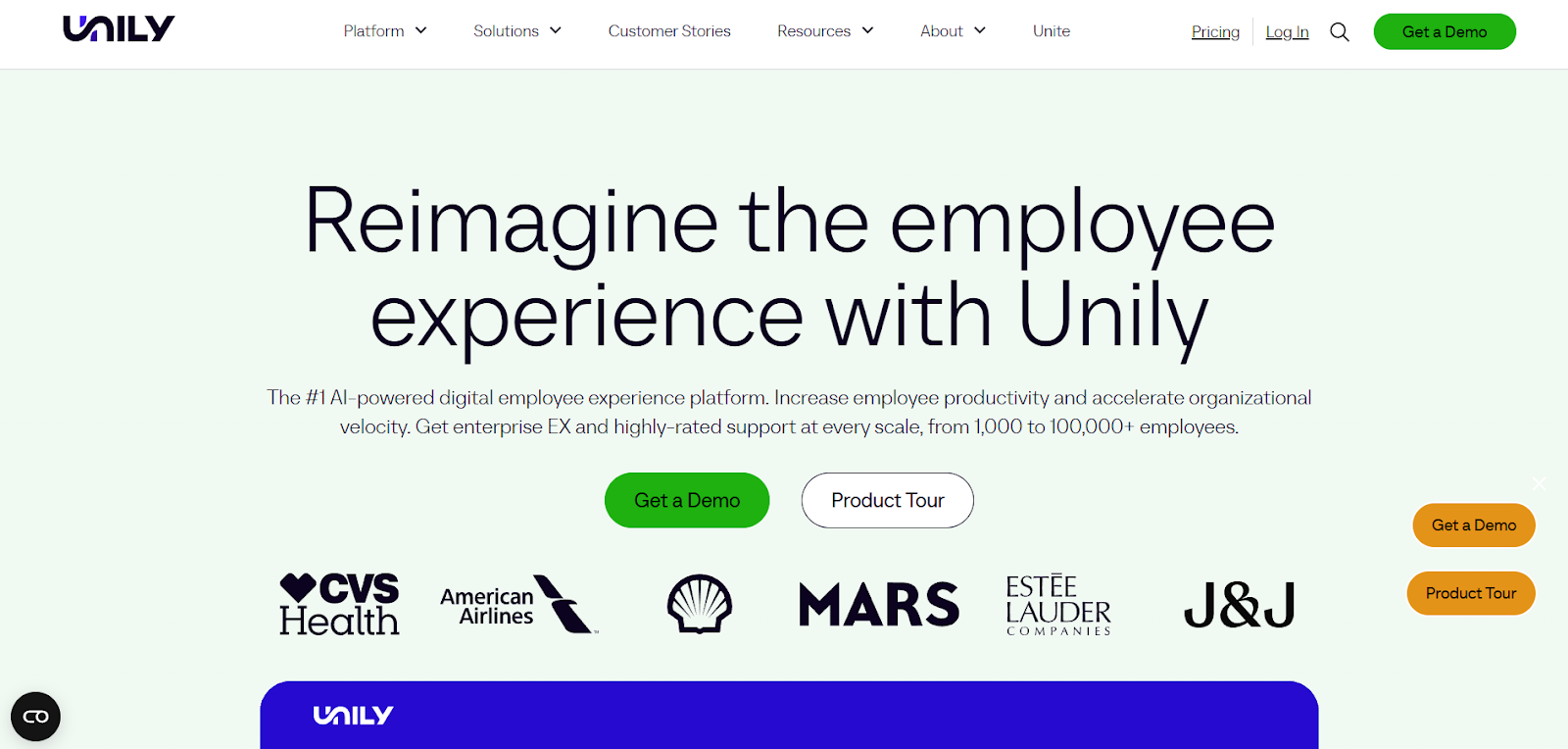
Unily is an enterprise employee experience platform built for large, global organizations that need a single, branded hub for communications, content, and everyday work tools. Delivered as a cloud platform with a robust web experience and native iOS and Android apps, it’s designed to support both desk-based and frontline employees at scale.
Many teams use Unily as the starting point for the workday. Employees open it to catch up on company-wide or role-specific updates, navigate intranet sites tailored to their region or function, and launch Microsoft 365 and third-party applications from one place. Rather than replacing Microsoft tools, Unily sits on top of Microsoft 365, using it as the underlying content and identity layer while providing a more flexible, branded, and navigable experience.
Customization is a core reason organizations choose Unily. Teams can create multiple intranet sites and portals within a single platform, each with its own layout, navigation, and permissions. Personalization rules allow content, tools, and experiences to adapt by role, location, language, or device, which is especially important for global workforces with varied needs.
Unily also supports structured, repeatable programs through campaigns and Employee Journeys. These are used for onboarding, policy rollouts, change initiatives, and learning moments, with analytics that show what’s reaching employees and where engagement drops off. Additional capabilities, such as forms, workflows, and advanced personalization, can be enabled through Unily’s Feature Store without rebuilding the platform.
Because Unily is designed for complex enterprise environments, implementations usually require more planning and IT involvement, and the platform’s depth can be more than smaller organizations need.
Unily is typically selected for deep customization, multi-site intranet experiences, and Microsoft 365–centric environments, while Workvivo focuses more on faster rollout and mobile-first engagement through a social feed.
Unily offers multiple packages, plus add-ons, to choose from. Each requires a custom quote, and packages can be combined.
G2: (4.5/5) – Based on 32 reviews
Capterra: (4.6/5) – Based on 23 reviews
Gartner: (4.4/5) – Based on 3 reviews
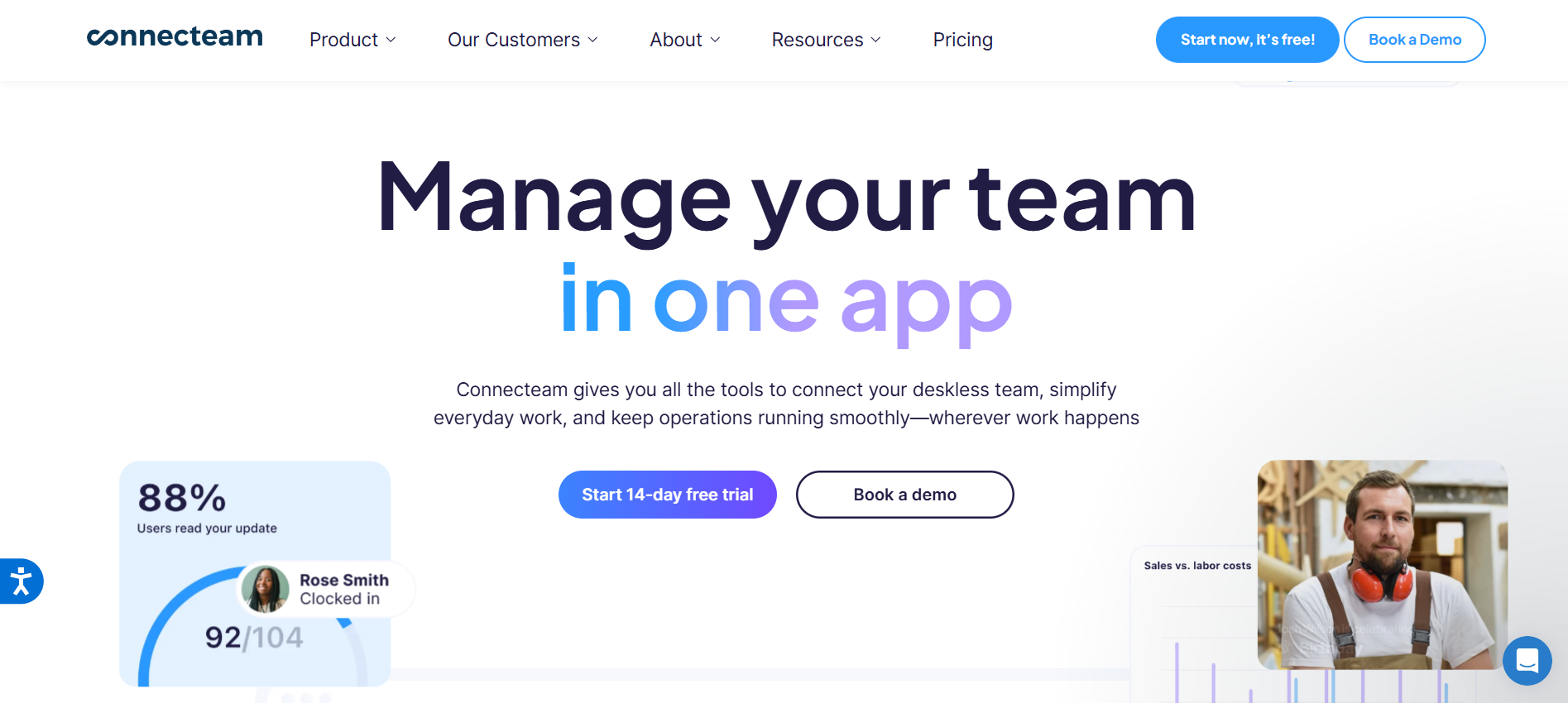
Connecteam is a mobile-first employee app built for deskless teams that need schedules, time tracking, task execution, and team communication to live in one place. Employees primarily use the iOS/Android apps to check shifts, clock in, complete work, and get updates, while managers typically handle setup, approvals, and reporting in the web admin. For shared-device environments, kiosk mode supports clock-ins and basic actions on a common device.
In practical terms, it’s often adopted when shift coordination is the daily bottleneck. Managers publish schedules, handle availability and last-minute changes, and keep attendance visible without chasing texts. On the floor or in the field, employees clock in and out (with optional location controls), complete assigned tasks, and submit checklists or forms with photos and signatures when proof matters.
Communication and enablement are tied to that “work happening now” flow. Teams push targeted updates, use direct or group chat for quick coordination, and store essentials in a knowledge base so common questions don’t keep looping back to supervisors. Training and onboarding live in the same app, which helps new hires move from “here’s the schedule” to “here’s how we do the job” without switching tools.
Connecteam is less of a classic intranet replacement and more of an operations-first platform, so it works best when content is concise and connected to action. Packaging is also something to watch: capabilities are split across hubs and tiers, so teams with needs across scheduling, comms, and training may need multiple hubs or higher tiers.
Compared to Workvivo, Connecteam is oriented around operational coordination (shifts, time, tasks, forms, training) and the communication required to make it work. It has some social tools, but they’re not a core functionality. Meanwhile, Workvivo is centered on communications and culture with a social-style experience and a broader set of native communications formats.
Connecteam offers monthly and annual subscriptions and a 14-day free trial with their plans, which span across three hubs: Operations, Communications, and HR & Skills.
G2: (4.6/5) – Based on 3,367 reviews
Capterra: (4.6/5) – Based on 4,682 reviews
Gartner: (4.4/5) – Based on 141 reviews
Workvivo is a good candidate when the primary goal is creating energy and visibility through a social feed. But teams evaluating alternatives are often trying to solve a different set of problems: making sure important updates don’t get buried, helping employees find answers without asking around, and keeping information clean as the organization grows.
The alternatives in this guide all do something well. Some platforms lean heavily into intranet structure and customization. Others focus on multi-channel communications, frontline delivery, or advanced automation. Each can be a better fit depending on whether your priority is organization, knowledge depth, campaign reach, usability, or enterprise-scale complexity.
Jostle excels when the goal is making internal communication usable, not just visible. Teams choose it to keep updates readable, resources easy to find, and ownership clear, without requiring heavy administration or constant cleanup. Employees know where to look, leaders know what’s been seen, and communication supports day-to-day work instead of competing with it.
If you’re evaluating Workvivo alternatives because you want an employee experience platform people actually return to, consider Jostle.
Schedule a demo today to see how Jostle brings your whole organization together.

See why organizations are transforming their workplace culture with Jostle!


Read more by
Jostle

Jostle’s employee success platform is where everyone connects, communicates, and celebrates at work. Find out more at jostle.me. © 2009–2026 Jostle Corporation. All rights reserved.