LumApps is a familiar name in the employee intranet space, especially for organizations already invested in Google Workspace or Microsoft 365. It’s often chosen as a central “front door” for internal news, content, and apps, with emphasis on personalization and enterprise-grade structure.
That said, LumApps can be more platform than many teams actually need. It’s time-consuming to implement because of its depth and complexity, which also makes maintaining organization harder as resources and documentation libraries grow.
For organizations that care most about keeping employees informed and connected, and helping them find what they need quickly, LumApps may feel too heavy or slow for everyday use.
As a result, companies frequently begin looking at alternatives that are easier to roll out, simpler to manage, and more intuitive for employees to use day to day. Some prioritize speed and adoption. Others focus on frontline access, engagement, or keeping information clean and easy to navigate over time.
In this article, we’ll walk through the best LumApps alternatives and what each one is best for.
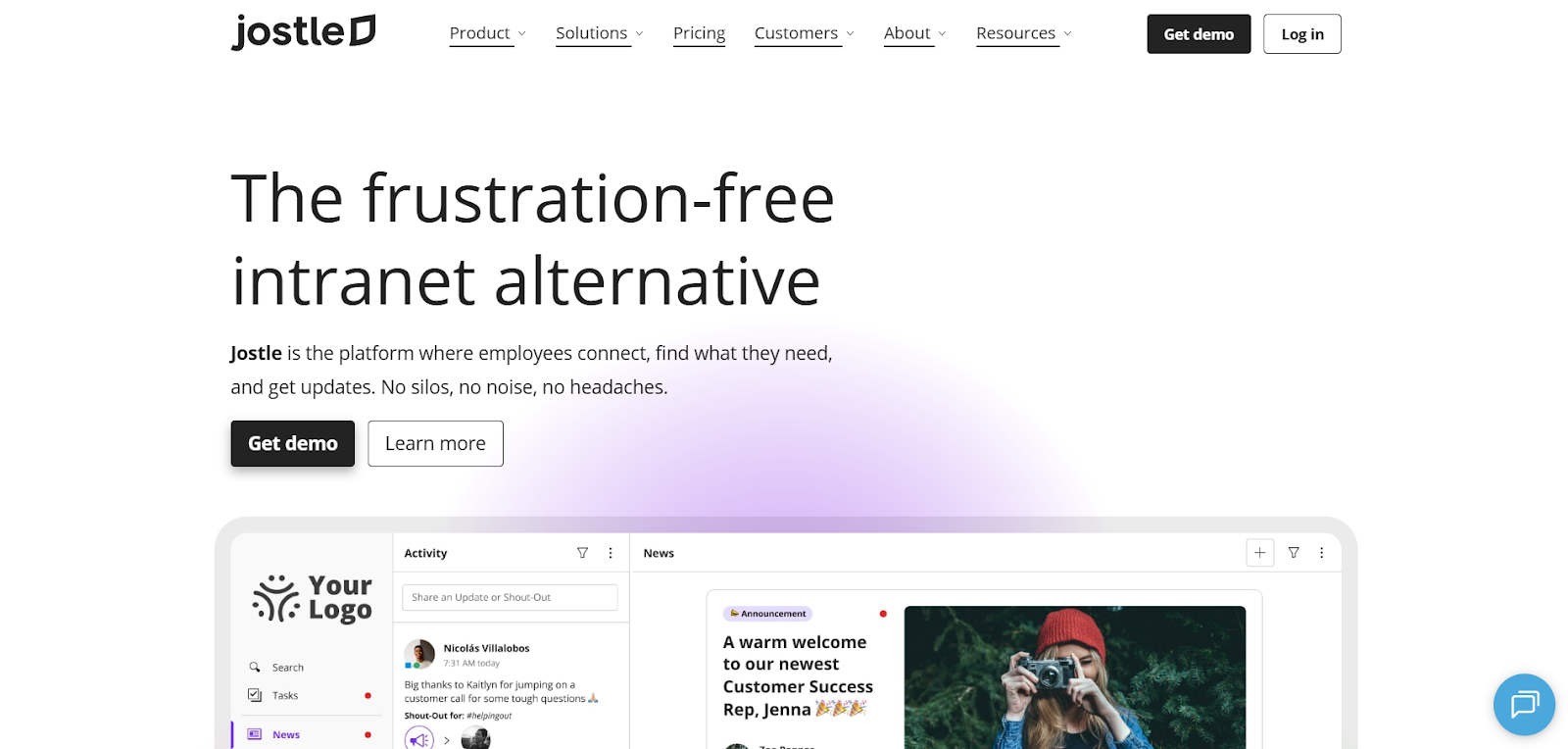
Jostle is an employee platform for organizations that want one go-to place for updates, key resources, and connections across desk-based and frontline teams. It’s available on web and mobile, with JostleTV extending key content to shared screens in common areas.
Communication stays easy to manage day to day. Teams use News for official updates, with targeting by group (team, location, department) and optional sign-offs when a message needs an explicit confirmation. Alongside that, Activity and Shout-Outs support everyday moments like recognition, quick updates, and culture, so the hub stays active without everything feeling like an announcement.
For time-sensitive communication, Notify enables push notifications so important updates aren’t missed.
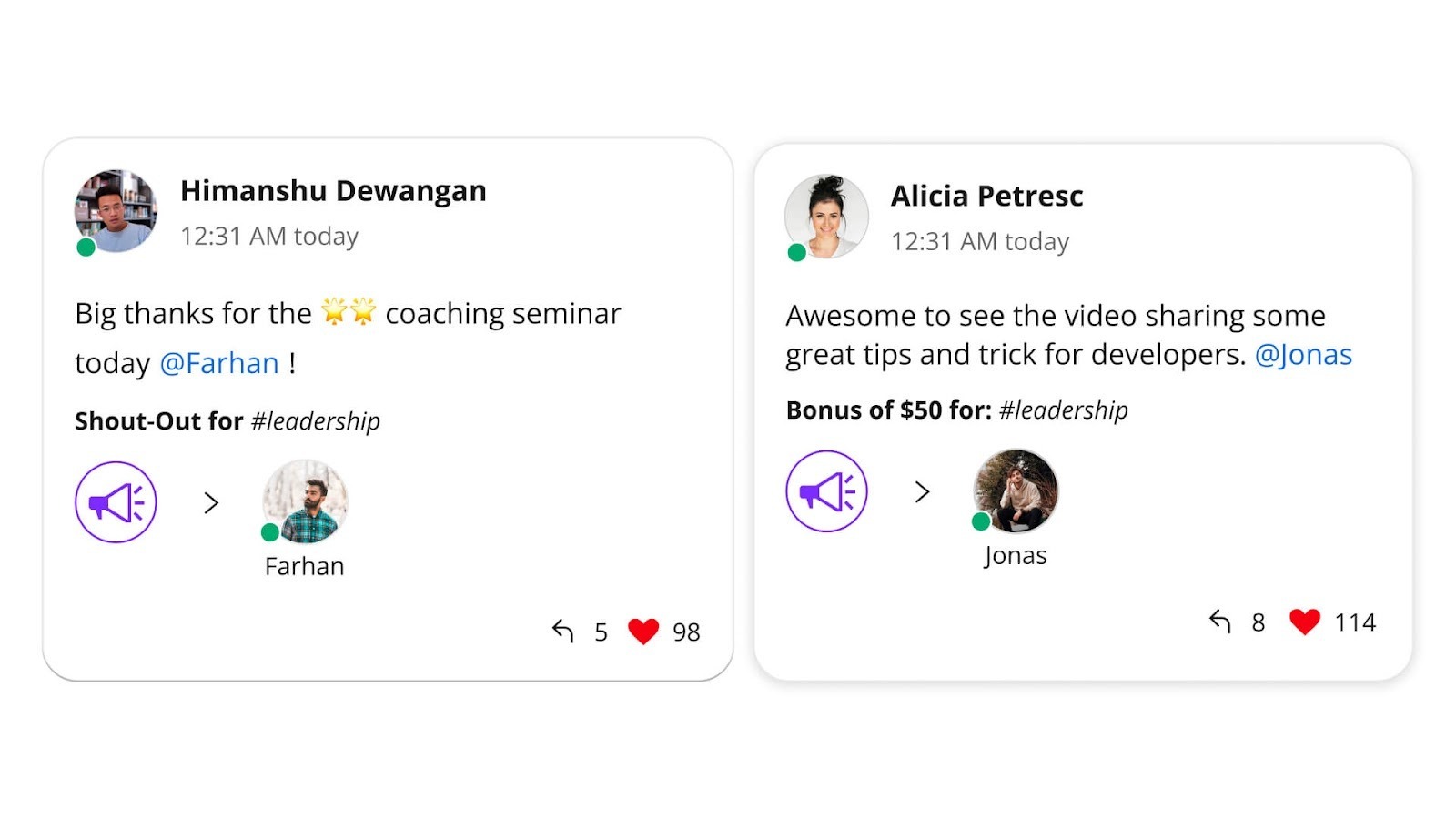
Weekly Digests provide a simple weekly recap of key News, Shout-Outs, new Library items, and upcoming Events, helping employees catch up quickly when they’re extra busy or out of the office.
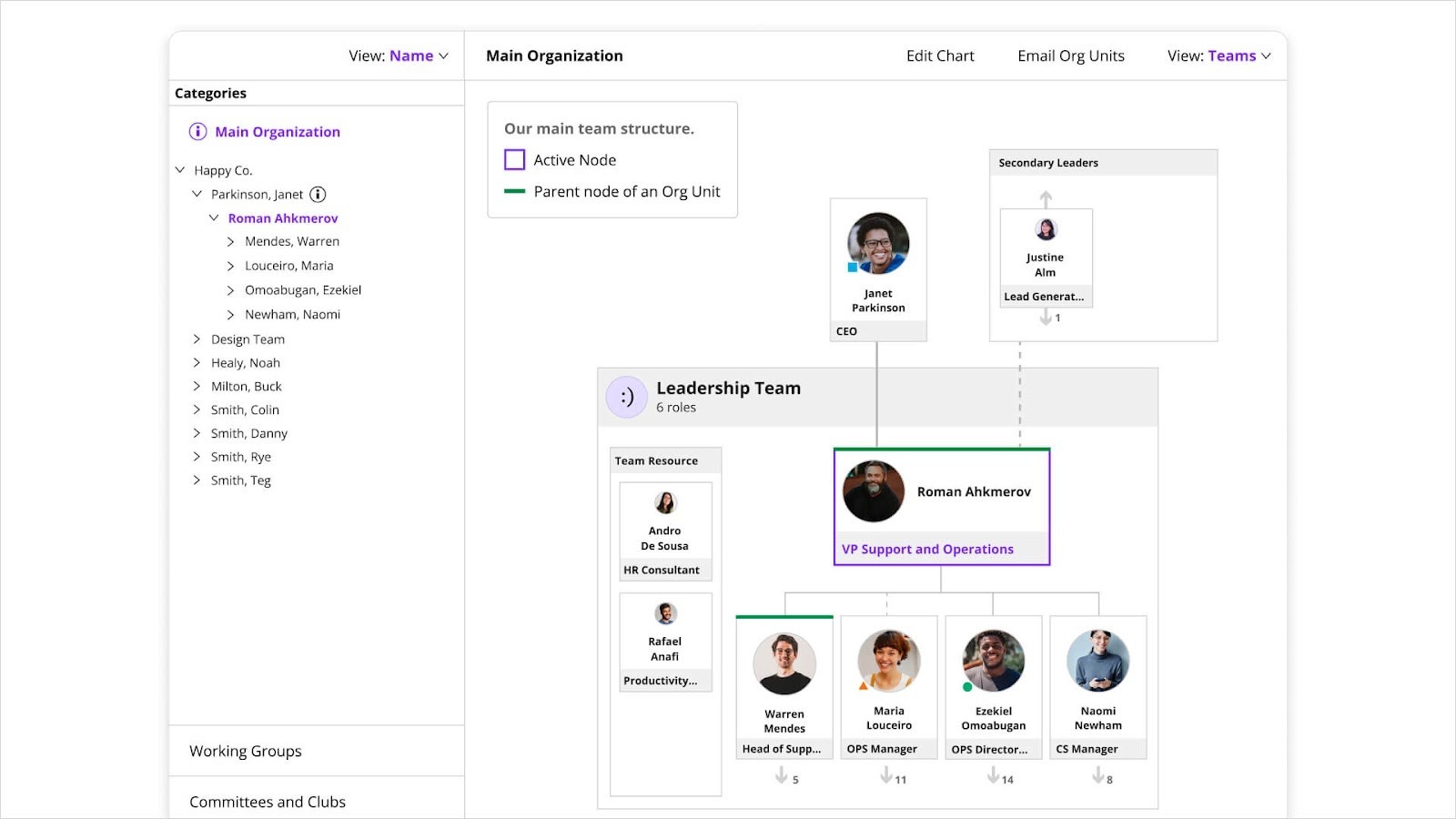
Jostle also makes it easy to find what you need. The employee directory (People) and org charts (Teams) help employees identify the right person or owner. Links provide fast access to frequently used tools, while Custom Views embed external web pages, dashboards, or systems directly inside Jostle for easier access.
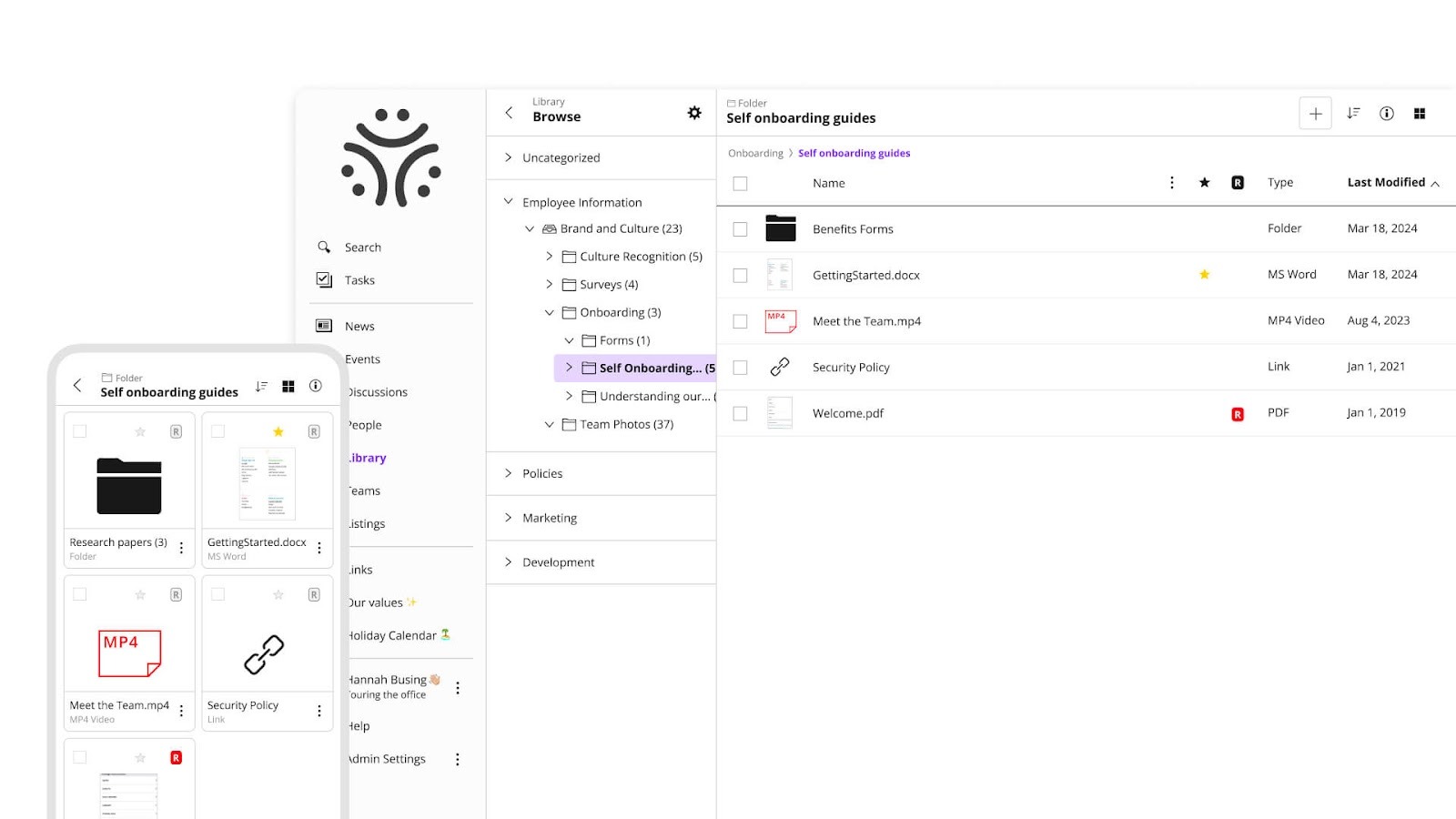
For documents and answers, the Library serves as the maintained source of truth for up-to-date policies, how-tos, and essential resources. JostleAI’s Ask a Question builds on that by returning answers only from content each employee can access, so responses stay relevant to their role, department, or location.
Jostle is best for teams that want the benefits of a company hub, but don’t want internal comms to become a long-term intranet build. It keeps the experience consistent and easy to adopt, so the platform stays usable over time without adding layers of complexity.
Jostle pricing scales by user count and plan level, with additional capabilities packaged through an options model. For 500 users:
G2: (4.5/5) – Based on 217 reviews
Capterra: (4.4/5) – Based on 73 reviews
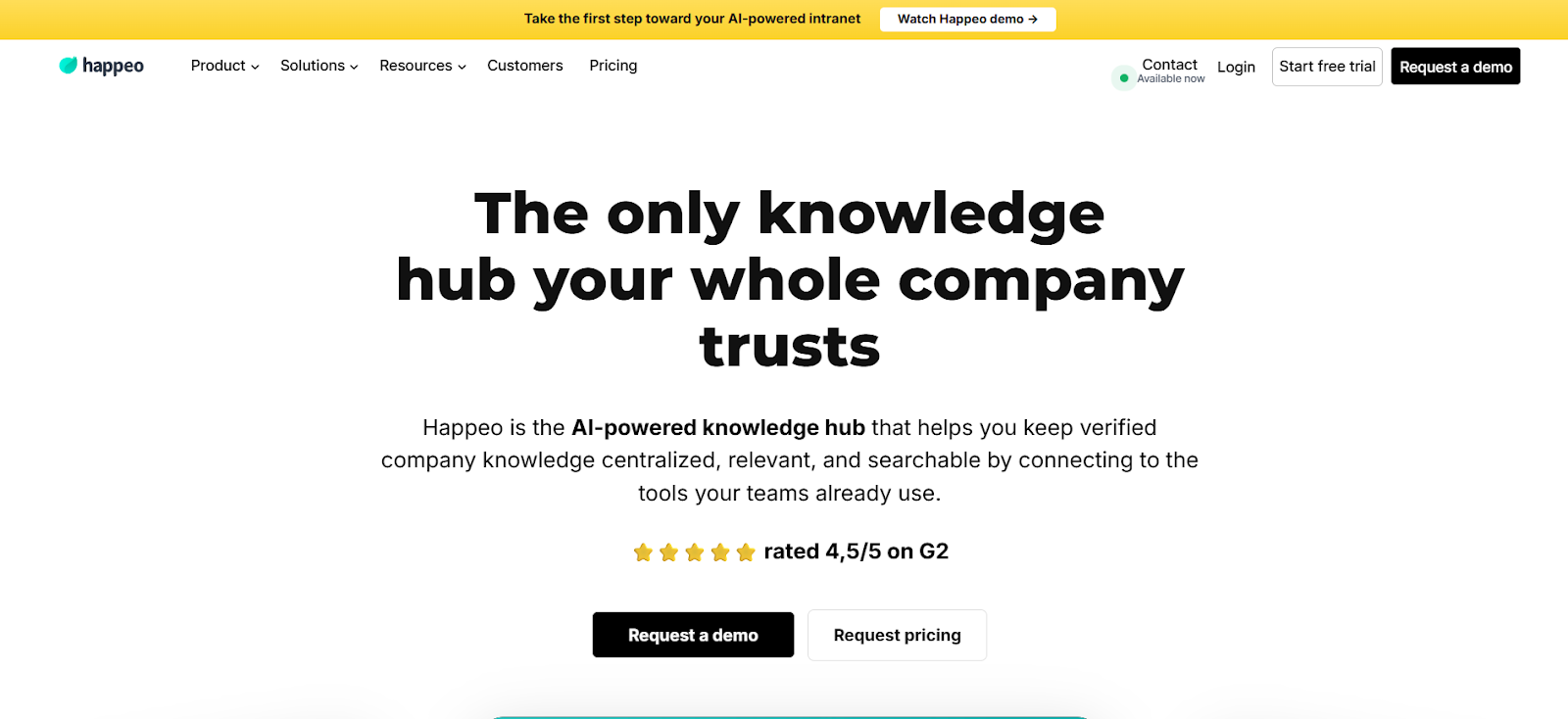
Happeo is popular amongst teams that want a clearer way to organize internal information that’s spread across chat, documents, and shared drives. Instead of trying to be an all-in-one employee experience platform, it centers on giving employees a dependable place to go when they need answers.
It’s delivered as a browser-based intranet with native mobile apps, and it fits naturally into Google Workspace environments. Many teams pair it with Slack, using Happeo as the system of record for knowledge while chat remains focused on day-to-day conversation.
Happeo keeps content organized by separating it by its purpose—longer-term information like policies, onboarding materials, and team documentation lives in Pages, while announcements and ongoing updates live in Channels. This separation helps teams avoid mixing evergreen content with fast-moving communication.
Search is one of Happeo’s main selling points. Employees search from a single entry point, with higher-tier plans extending that reach into connected tools. As content grows, permissions and lifecycle controls help teams keep information accurate and owned.
If helping employees find reliable information quickly is the priority, Happeo is often a preferred alternative to LumApps. Its structure and search-led approach make it easier to get answers without digging through chat threads or overly complex intranet spaces.
Happeo uses quote-based pricing with tiered plans and has minimum user requirements.
G2: (4.5/5) – Based on 153 reviews
Capterra: (4.6/5) – Based on 38 reviews
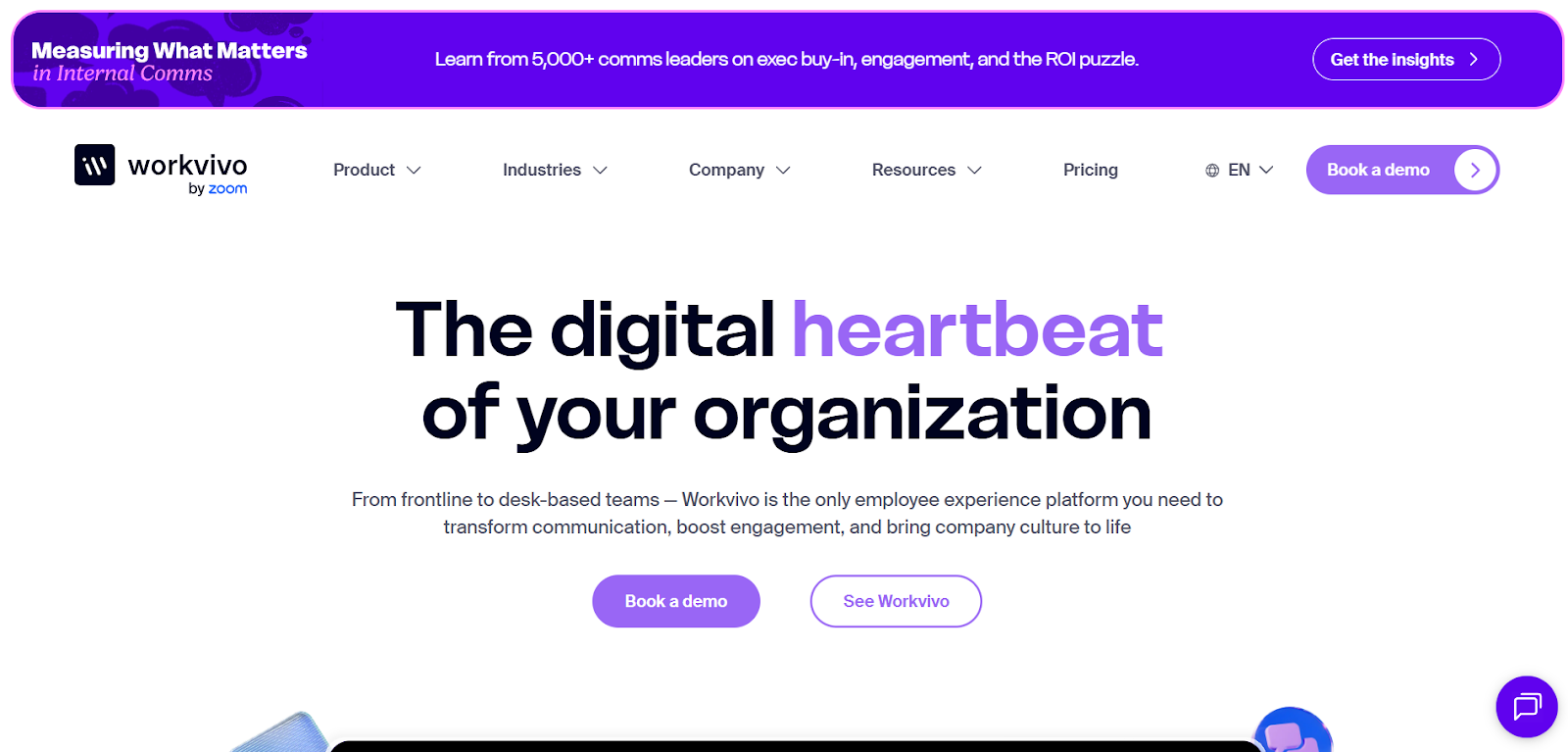
Workvivo is built for organizations that want internal communication to feel active and accessible. It’s most commonly used by teams that rely on ongoing updates, recognition, and community interaction to keep large or distributed workforces engaged, especially when they often use mobile devices to interact.
The experience centers on a personalized social feed. Updates, stories, and recognition all appear in the same place, with Spaces used to group content by team, location, or interest. This model encourages regular interaction and makes Workvivo feel closer to a workplace social network than a traditional intranet.
Communication tools are geared toward planned rollouts and broad reach. Teams can schedule campaigns, publish content in richer formats like newsletters or live streams, and send critical messages that require acknowledgement. Push notifications help extend visibility beyond the feed, which is particularly important for frontline and non-desk employees.
Workvivo also includes supporting intranet features—such as pages, documents, a people directory, and an app launcher—but these are secondary to the feed-driven experience. The platform’s strength is less about long-term information structure and more about keeping communication and culture visible day to day.
Teams may prefer Workvivo when engagement and participation are a priority. It’s a different approach than building a deeply structured intranet, and it tends to appeal to organizations that want communication to move quickly and feel social rather than formal.
Includes everything in the Business plan, plus:
G2: (4.8/5) – Based on 2,573 reviews
Capterra: (4.7/5) – Based on 134 reviews
Gartner: (4.7/5) – Based on 127 reviews
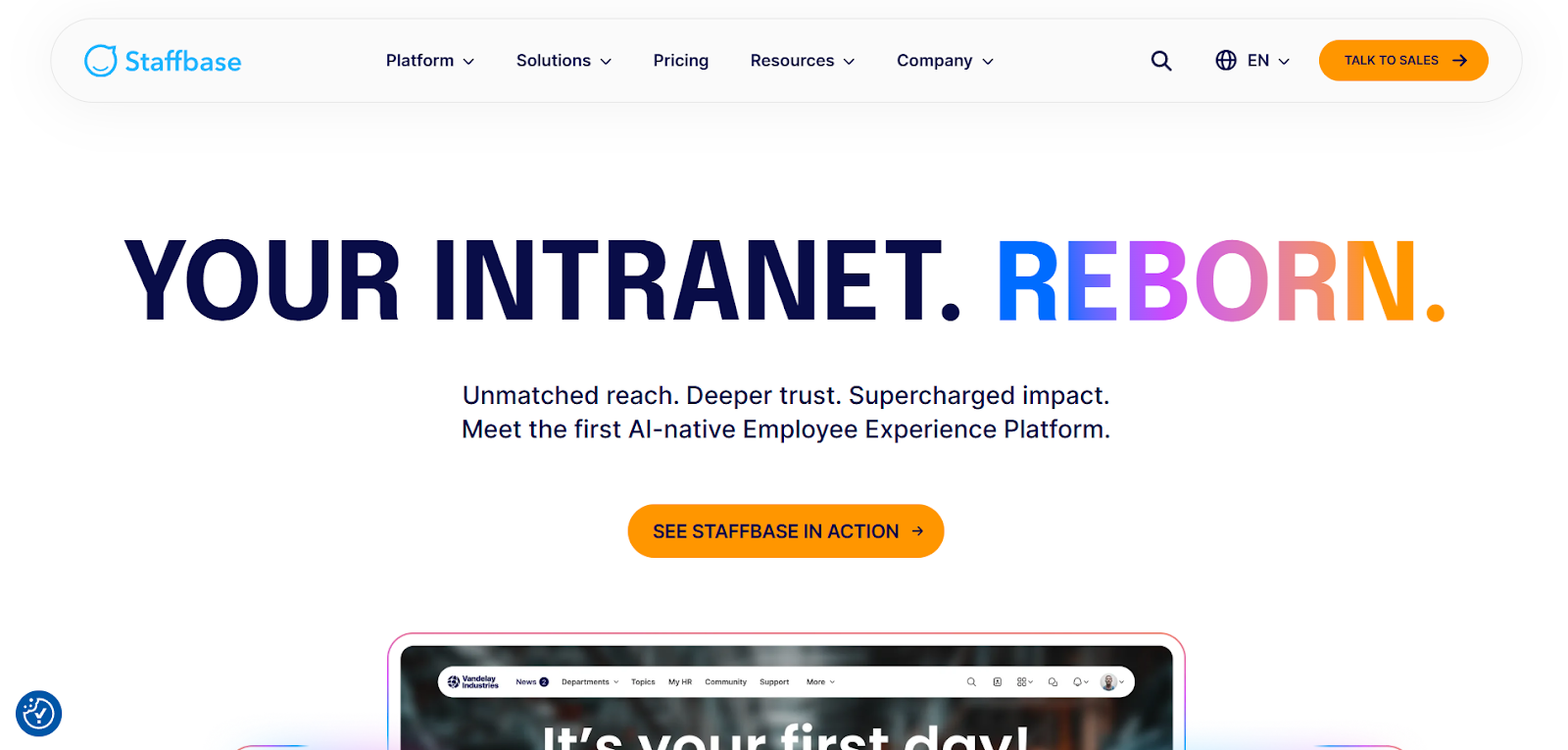
Staffbase is typically chosen by large organizations where the challenge is delivering content consistently across email, mobile, intranet, and shared screens. It’s built for enterprise comms teams that need one system to manage reach, targeting, and measurement at scale.
Rather than centering the experience on a single intranet destination, Staffbase starts with distribution. Teams publish an update once and then decide how it should be delivered. Options include the employee app, email, intranet, or optional channels like SMS and digital signage. That model is especially valuable in Microsoft 365 environments, where communication needs to show up reliably in tools employees already use, such as Outlook and Teams.
Staffbase also supports structured, ongoing communication programs. Campaign planning, scheduling, and acknowledgement tracking help teams manage critical updates and follow-ups, while analytics focus on reach and engagement rather than page usage alone. This makes it well-suited for organizations where internal communication is treated as a formal discipline with clear ownership and reporting.
In contrast to intranet-first platforms like LumApps, which teams use as a central employee hub with tailored content areas, Staffbase is best when the primary goal is coordinated delivery across channels. It fits organizations that want communication to travel to employees, wherever they are, rather than relying on employees to visit a single destination.
Staffbase uses quote-based pricing and is packaged by product scope, not a single all-in-one plan. Organizations license one or more core products, with Business or Enterprise options depending on scale and needs.
Optional add-ons include Screens (digital signage), EX Boosters (engagement modules like surveys, Q&A, and recognition), and SMS for urgent messaging.
G2: (4.6/5) – Based on 244 reviews
Capterra: (4.7/5) – Based on 79 reviews
Gartner: (4.6/5) – Based on 226 reviews
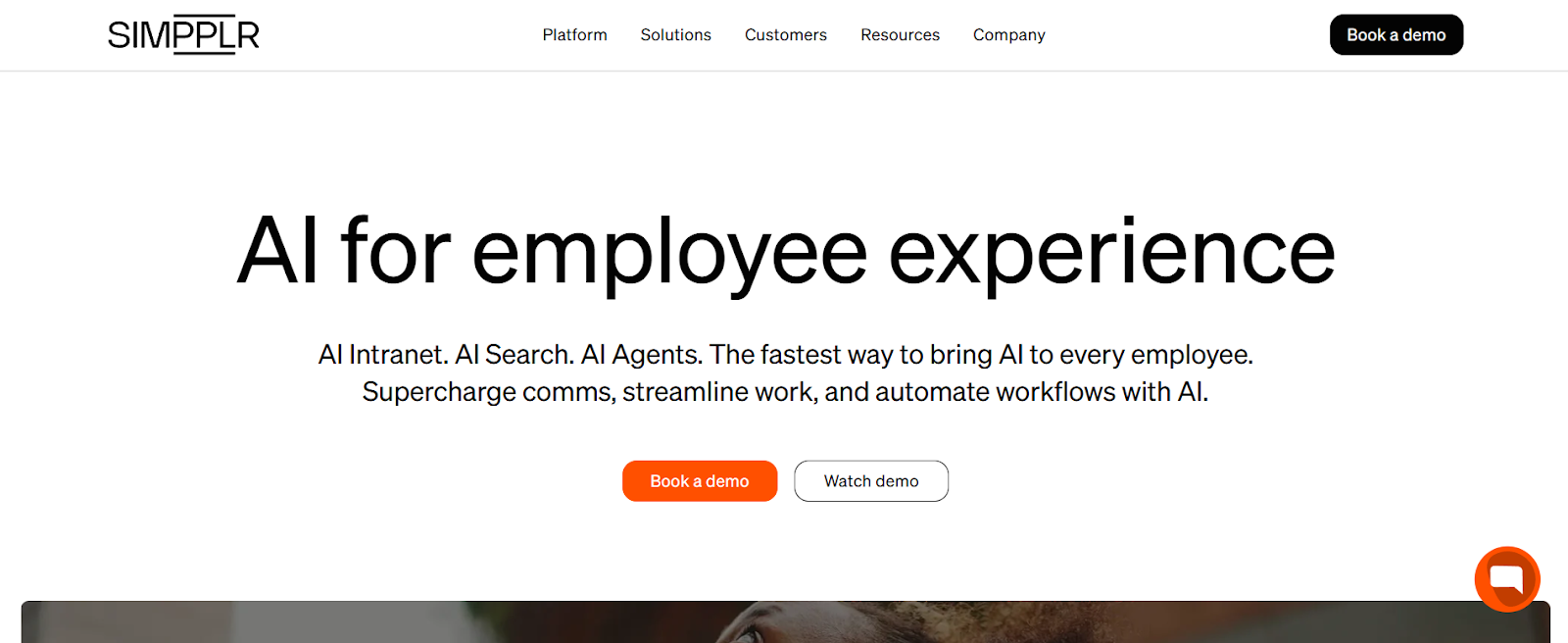
Simpplr is used by teams that want a single intranet-led experience where employees can find updates, resources, and answers without jumping between systems. It’s positioned as an all-in-one employee experience platform, with communications, listening, and support tools built around a central work hub.
Employees access Simpplr through a web experience and native mobile apps, with content also reaching them through email and collaboration tools like Slack and Microsoft Teams. This setup allows comms teams to run newsletters and campaigns while still anchoring everything to the intranet.
Helping employees get answers faster is a core part of the platform. AI Search is designed to return permission-aware results with clear links back to original sources. AI Agents add another layer by handling common HR and IT questions through guided flows. Teams configure these agents using a low-code builder, which makes it easier to adjust support as policies or processes change.
Simpplr also leans into employee listening. Built-in surveys, feedback tools, and analytics help teams understand sentiment and engagement without relying on separate systems.
Compared with LumApps, Simpplr is usually selected when teams want a more packaged employee experience that brings intranet, listening, and support together, rather than a highly extensible hub layered onto Microsoft 365 or Google Workspace.
Simpplr is sold through a custom annual subscription based on employee count and selected modules.
Core subscriptions typically include Simpplr One, with additional products and add-ons (implementation, training, and migration services) available as needed.
G2: (4.6/5) – Based on 357 reviews
Capterra: (4.8/5) – Based on 112 reviews
Gartner: (4.6/5) – Based on 94 reviews
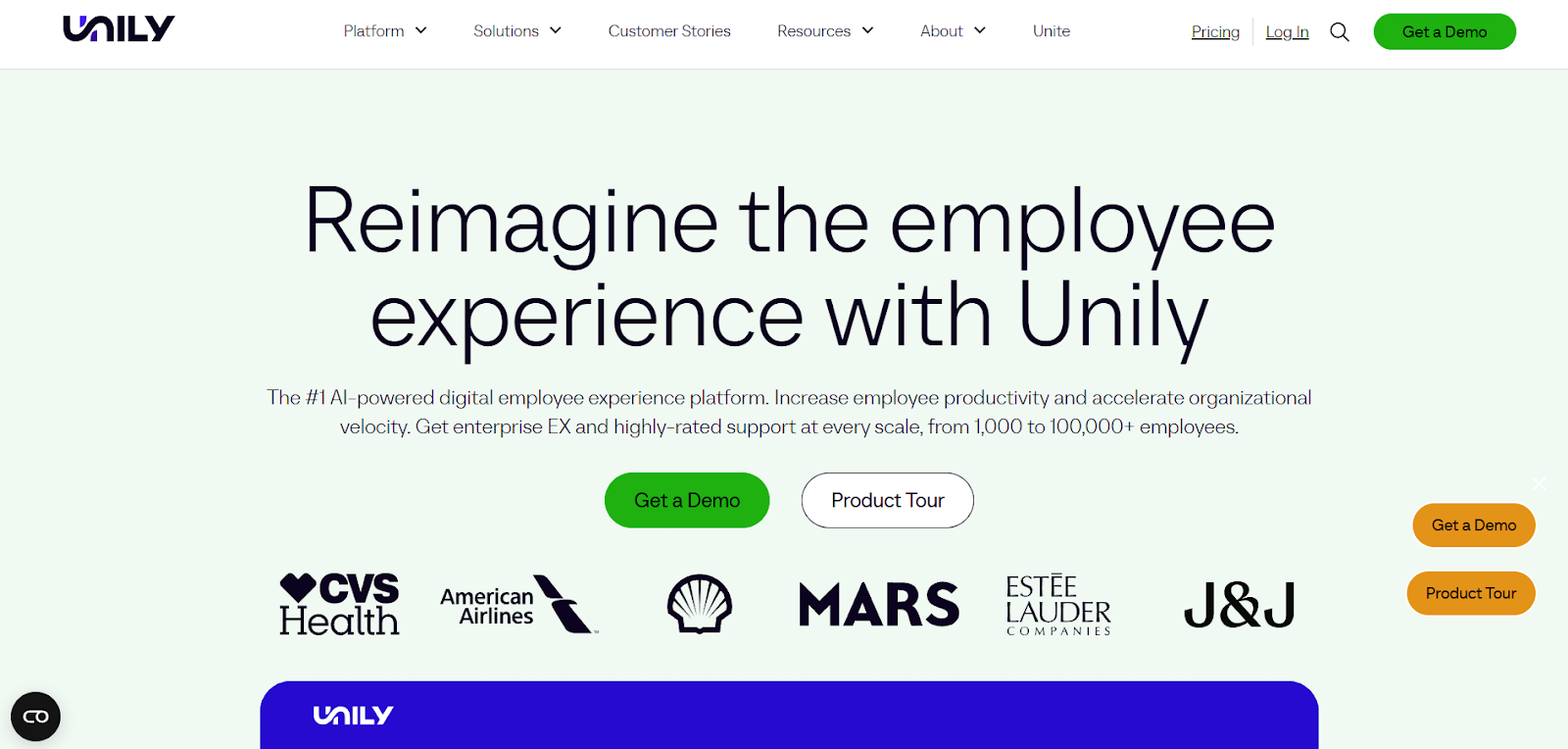
Unily is an enterprise employee hub designed for organizations that need more flexibility than a standard intranet can offer. It’s commonly used when teams want to bring communication, resources, and everyday tools together in one branded experience, while still accommodating different regions, roles, and operating models across the business.
The platform is delivered as a modular employee hub. Teams usually start with core intranet publishing and navigation, then add capabilities for engagement, structured communication programs, and deeper integrations as needs evolve. This makes Unily a common choice for organizations planning phased rollouts rather than a single, all-at-once launch.
For communications teams, Unily supports planned initiatives like onboarding, policy updates, and change programs. Campaigns and Employee Journeys help manage timing, targeting, and follow-through, while analytics show how different audiences engage across web and mobile.
Unily works closely with Microsoft 365 to bring content, tools, and access together in one resource. Employees can move easily between company updates, intranet sites, and Microsoft apps without jumping between systems, while comms and IT teams maintain a consistent structure and governance.
Compared with LumApps, both platforms are used to support large, enterprise employee hub strategies. Unily is most often selected when organizations prioritize modular growth, deeper customization, and broad integration across a Microsoft-centric environment. However, that flexibility and depth come with a steeper learning curve, and may be more than non-enterprise organizations need.
Unily uses quote-based pricing with a modular packaging model. Organizations select the capabilities they need and combine packages to match their rollout plans and complexity.
Optional add-ons are available to extend the platform further, such as branded mobile apps, in-platform chat, premium support tiers, additional identity and tenant connectors, and enhanced security controls.
G2: (4.5/5) – Based on 32 reviews
Capterra: (4.6/5) – Based on 23 reviews
Gartner: (4.4/5) – Based on 3 reviews

Haiilo is a good fit when the priority is reach, feedback, and amplification—not just publishing pages. It’s typically used by mid-sized and large organizations (often 500+ employees) that want a single platform to run internal communications, keep employees engaged, and understand what’s landing across different parts of the workforce.
The platform combines a social intranet and employee app with multi-channel delivery. Communications teams publish updates once and distribute them across the channels employees actually use, including mobile, email-style updates, chat tools, and digital signage. This makes it easier to reach desk-based, frontline, and remote employees without managing separate workflows.
Employee listening is a core part of the experience. Reactions, engagement data, and sentiment-style insights are tied directly to content, giving teams visibility into what resonates and where messages may need adjusting. This creates a faster feedback loop than relying only on periodic surveys.
Haiilo also includes built-in employee advocacy. Communications teams can curate approved content and invite employees to share it externally through their own social networks. Advocacy activity is tracked, helping organizations extend the reach of employer branding, corporate news, or campaigns without relying on separate tools.
Overall, Haiilo is well-suited for organizations that want a communications-led platform with strong insight into engagement and an emphasis on reach and amplification, rather than a deeply structured employee hub centered on intranet architecture.
Haiilo uses quote-based, modular pricing. Organizations typically combine product areas based on their needs:
AI capabilities are typically packaged as an add-on, and pricing scales by module selection and user volume. Deployments usually start with 500 employees.
G2: (4.6/5) – Based on 289 reviews
Capterra: (4.3/5) – Based on 29 reviews
Gartner: (4.1/5) – Based on 50 reviews
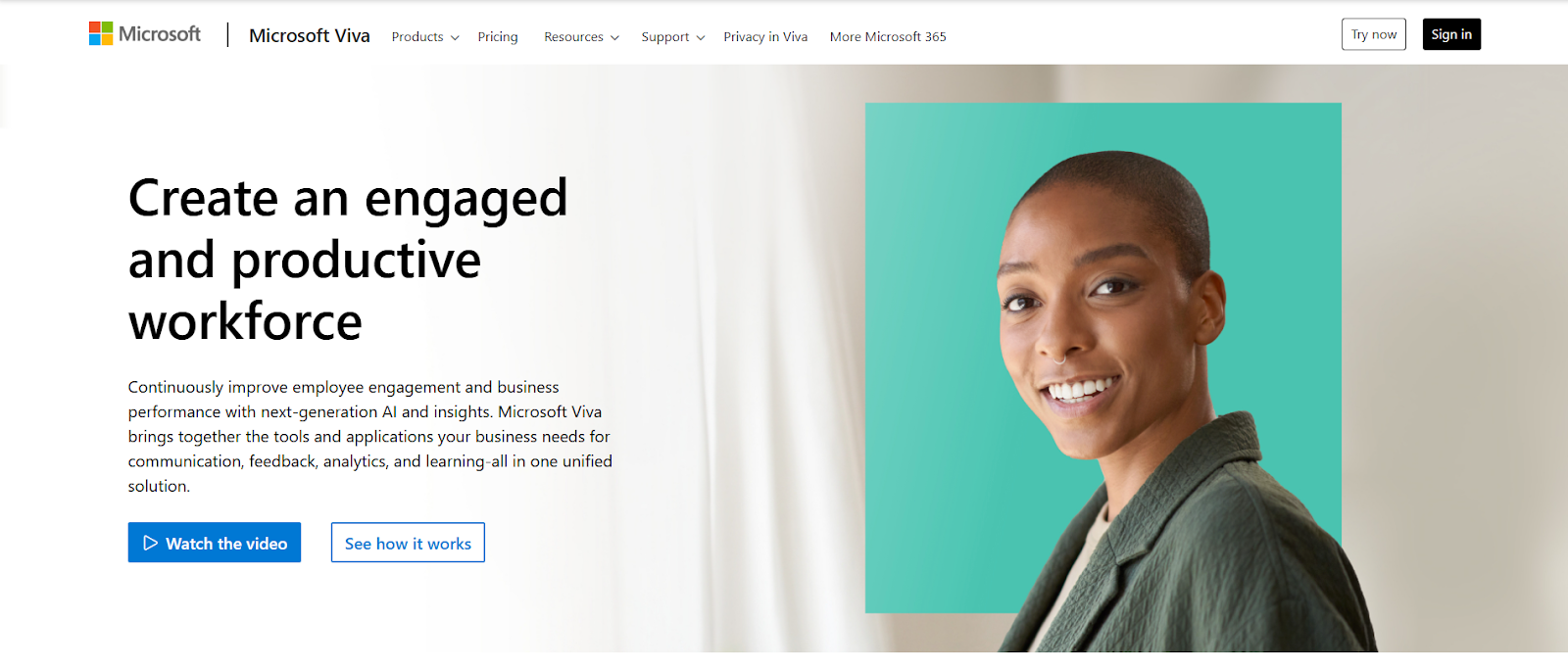
Microsoft Viva is typically chosen by teams that want employee communication, community, learning, and feedback to live inside the Microsoft 365 tools employees already use. If Teams is already the daily starting point, Viva makes it easier to extend that experience with an intranet-style home, campaign publishing, and engagement programs without introducing a separate standalone platform.
Viva is not a single app. It’s a set of modules that plug into Teams and related Microsoft surfaces. Viva Connections brings a “front door” experience into Teams using SharePoint content and navigation. Viva Engage adds communities and leadership storytelling.
Viva Amplify supports planned internal comms campaigns with centralized evaluation. Viva Learning pulls training content into one place, and Viva Insights, plus feedback tools like Glint and Pulse, support engagement measurement and employee listening.
For teams weighing alternatives to LumApps, Viva often fits when the goal is to keep the experience Microsoft-native: communications and engagement delivered where employees already work, with Microsoft identity, governance, and compliance models carrying through. It’s a different approach than adopting a separate “connected employee hub” destination.
Microsoft Viva is licensed as per-user add-ons to Microsoft 365, with an annual commitment. Pricing depends on which Viva capabilities you need and who requires access. Some baseline features are included with Microsoft 365 and Teams.
Individual app licensing is also available for select modules (such as Viva Learning, Insights, or Glint) when needed. Pricing varies.
G2: Varies based on module – Ranges from 3.6 to 4.5 stars for Engage & Insights
Capterra: (4.2/5) – Based on 11 reviews
Gartner: (4.4/5) – Based on 91 reviews
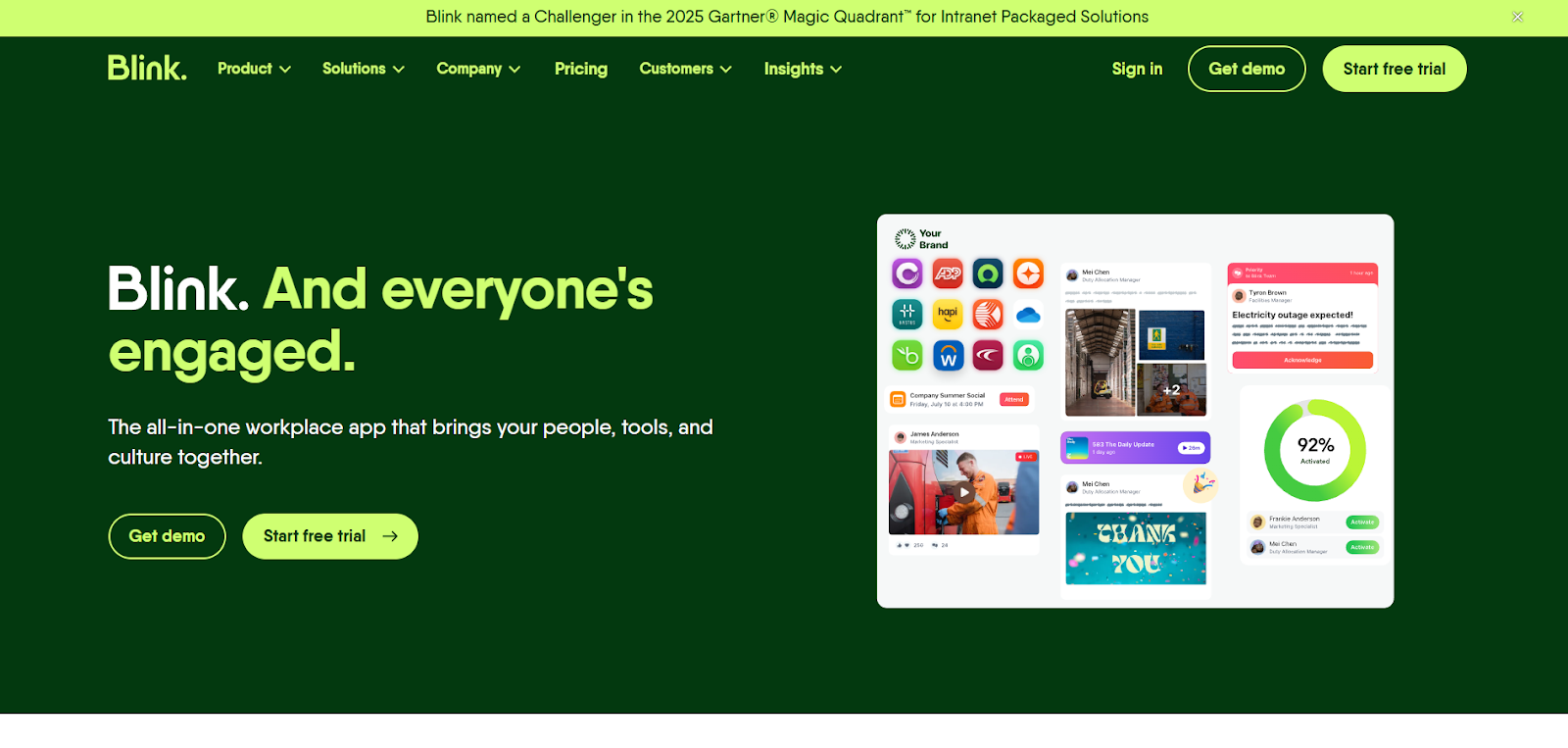
Blink is typically used by organizations with a large frontline or deskless workforce where email and desktop tools aren’t reliable. It gives employees a single mobile app to check updates, message coworkers, and access the tools they need during a shift, without relying on corporate email to get started.
Most teams use Blink as a daily go-to resource. Communications show up in a targeted news feed, policies and guides live in a simple hub, and employees can quickly find the right person through the directory. The experience is mobile-first, with web and desktop access available, plus a Teams app for Microsoft-heavy environments.
A big reason teams choose Blink is ease of access. Blink SSO and the app marketplace let employees open key systems, like HR, scheduling, or payslips, with a single tap. That focus on access and adoption is especially important when the goal is getting people into the tools they need, not running a full intranet program.
Blink also supports priority posts and mandatory reads for urgent updates, along with onboarding and training flows through Journeys. Surveys and forms help teams collect input or replace simple paper processes.
If you’re considering broader employee hub platforms, Blink is usually the better fit when frontline reach and everyday task access matter more than deep intranet structure.
Blink has published pricing for Business and quote-based Enterprise packaging.
They also offer a 14-day trial for smaller teams, and a nonprofit program (“Blink for Good”) that provides their full platform for free to eligible organizations.
G2: (4.7/5) – Based on 257 reviews
Capterra: (4.7/5) – Based on 127 reviews
Gartner: (4.8/5) – Based on 48 reviews
LumApps makes sense when you’re committing to a full intranet program with layered structure, personalization, and long-term ownership. But many teams comparing alternatives are really trying to answer a more practical question: how do we keep people informed, connected, and able to find what they need without adding more complexity to everyone’s plate?
That’s where Jostle excels. Instead of asking teams to build and maintain a large intranet ecosystem, it gives you a clear, predictable home for communication and core resources. Updates are easy to publish and easy to follow, important messages don’t get lost, and employees know where to go when they’re looking for answers.
Jostle works well when adoption matters as much as capability. Teams use it to share official news, recognize everyday wins, and keep priorities visible, all while keeping information organized without constant cleanup or oversight. It supports the work people do every day, rather than competing for attention.
If you’re evaluating LumApps because you want a company hub that stays useful over time and doesn’t require a heavy intranet effort to succeed, Jostle is a strong alternative to consider.
See how Jostle works for your organization by booking a demo or starting a free trial.

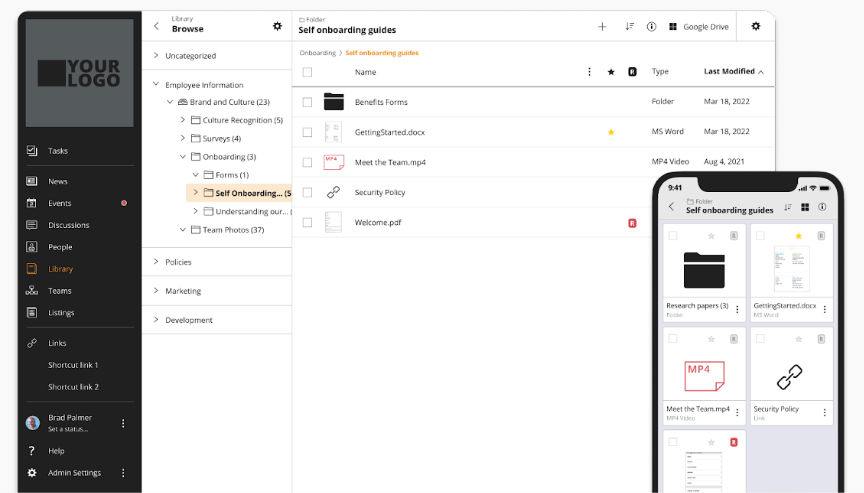
See why organizations are transforming their workplace culture with Jostle!



Read more by
Jostle

Jostle’s employee success platform is where everyone connects, communicates, and celebrates at work. Find out more at jostle.me. © 2009–2026 Jostle Corporation. All rights reserved.