Key takeaways:
We’ve all heard of (and maybe even used) Microsoft SharePoint. It’s included in Microsoft 365, so many teams use it as a starting point for their internal communication and document sharing. But is it actually any good, or is its continued popularity driven by name recognition and “it’s good enough” apathy among organizations?
Microsoft SharePoint is included in Microsoft 365, so many teams with an existing license use it as a starting point for their internal communication and document sharing.
The problem is that what starts as a simple place to share information often grows into a sprawling collection of pages and documents that become difficult to manage and navigate.
That's why people searching for SharePoint alternatives are rarely looking for a direct replacement. Some need a better way to communicate with employees, while others want a more modern intranet or just a simpler way to organize information without constant maintenance and governance.
The good news is that there are plenty of options. In this guide, we'll look at 9 of the best SharePoint alternatives and what they're best for, so you can find the right one for your teams.
Before we discuss each platform, here’s an overview of what each platform in the list does best and why a team might choose it.
|
Platform |
Best for |
Why choose it |
|
Jostle |
Culture-driven internal alignment and employee engagement |
Combines targeted communications, employee recognition, people discovery, governance, and knowledge sharing in a simpler alternative to traditional intranets. |
|
Culture Amp |
Employee engagement insights and performance workflows |
Connects engagement surveys, employee feedback, action planning, and performance workflows in one platform. |
|
Viva Engage |
Employee communities and leadership engagement within Microsoft 365 |
Creates organization-wide conversations, communities, Q&A, and leadership communication without leaving the Microsoft ecosystem. |
|
Happeo |
Google Workspace-first intranets and knowledge hubs |
Organizes company knowledge through structured pages, channels, search, and governance controls designed for Google-centric organizations. |
|
Simpplr |
Multichannel internal communications and AI-powered discovery |
Delivers personalized communications across web, mobile, email, Teams, and Slack while improving information discovery through AI-powered search. |
|
Confluence |
Team documentation and Jira-connected knowledge bases |
Provides structured spaces for documentation, SOPs, project knowledge, and collaborative content management. |
|
Appspace |
Managing employee communications across physical locations and frontline environments |
Reach desk and frontline workers across every location from one system that manages the intranet, digital signage, and employee app together. |
|
Ideagen Collaboration Portal |
Secure collaboration with clients, auditors, regulators, and partners |
Supports document-centric collaboration with granular permissions, version control, audit trails, and approval workflows. |
|
Google Workspace |
Google-first collaboration and productivity |
Covers document collaboration, file management, communication, and lightweight internal publishing within a familiar Google environment. |
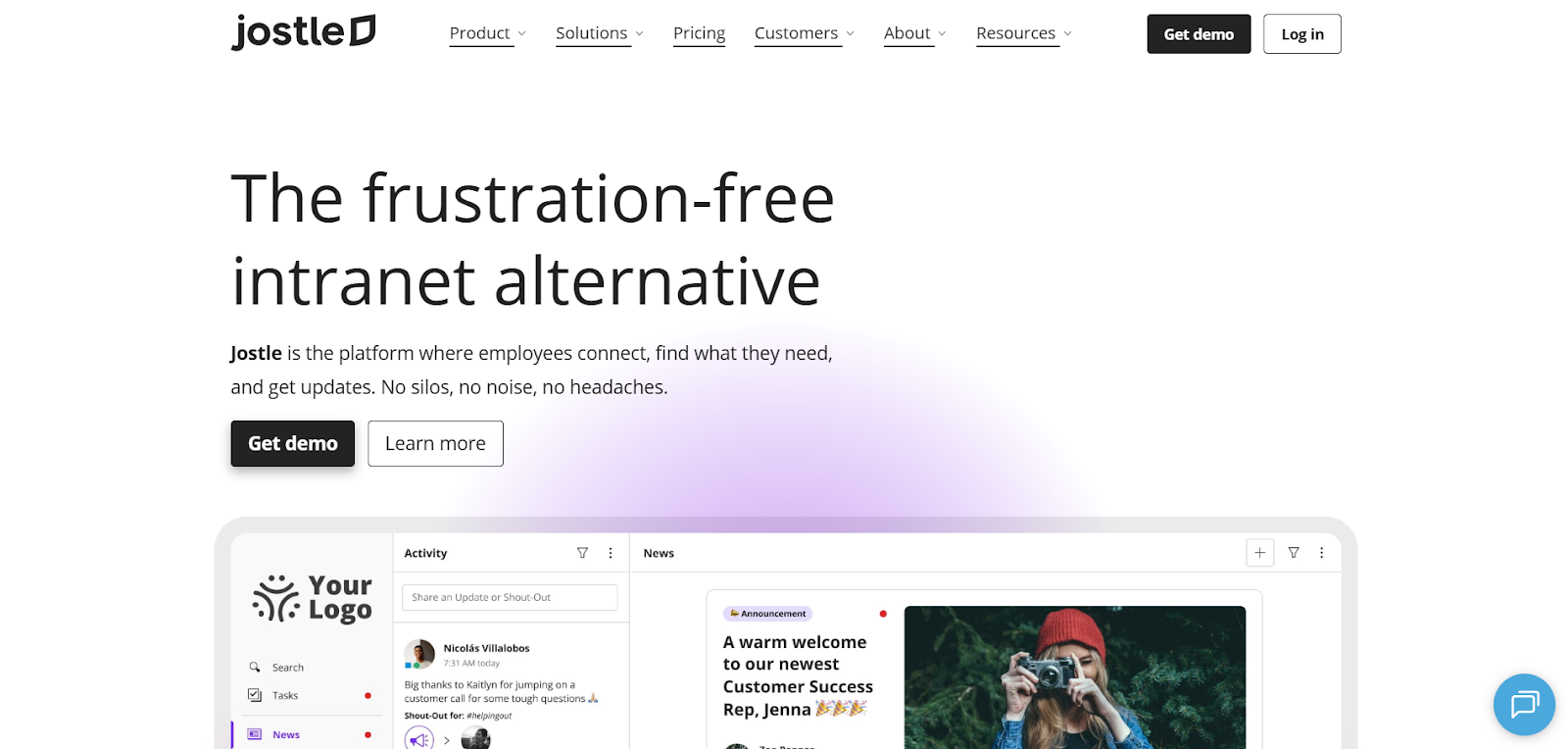
Jostle gives employees one place to get updates, find information, and feel connected to the people around them. Teams can access it through a web browser, native iOS and Android apps, or JostleTV, which broadcasts updates to screens in warehouses, lunchrooms, and other shared spaces where employees aren't sitting at a desk.
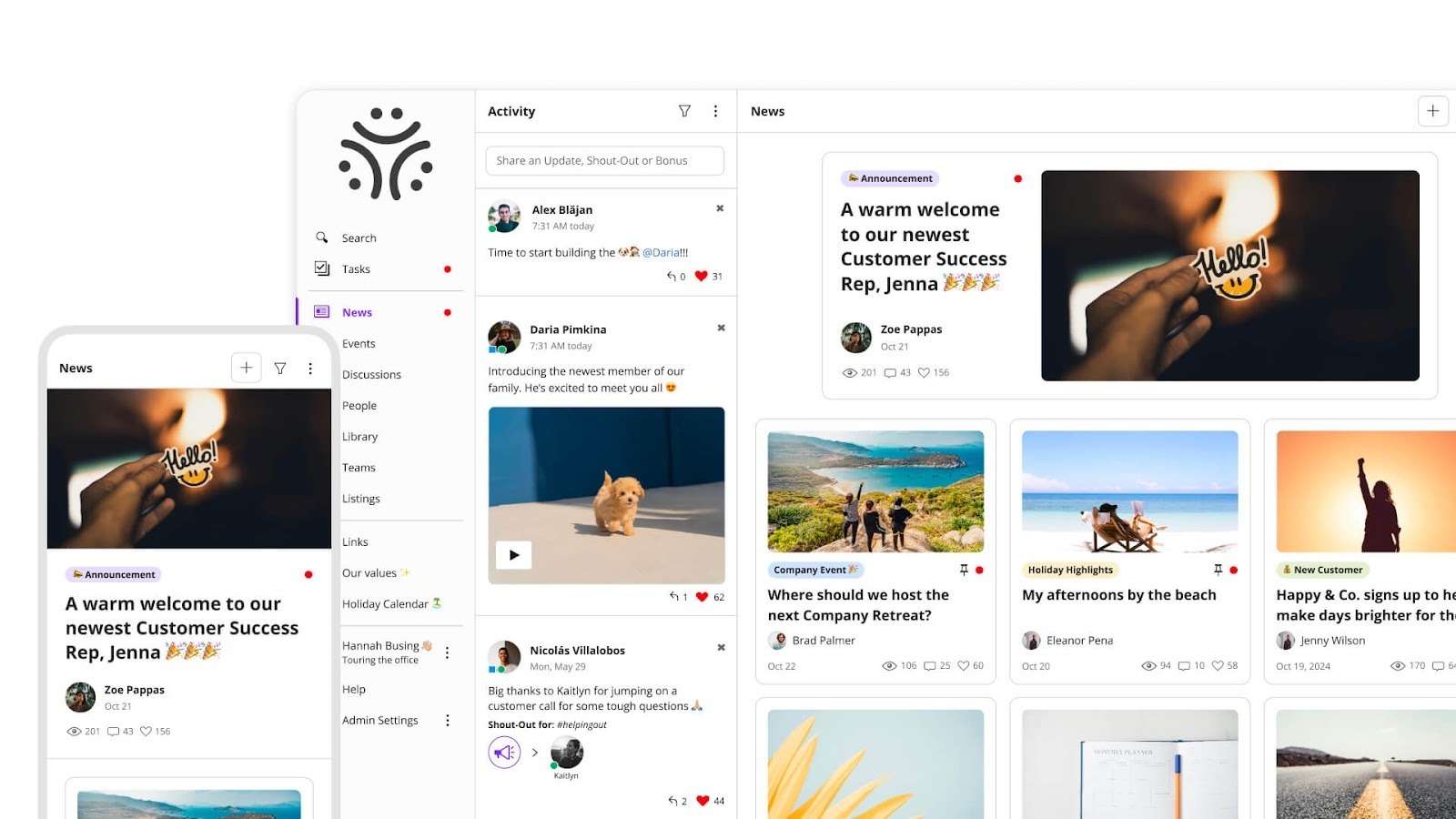
News and the Activity feed are the starting point for all communication. They give teams a dedicated place for company announcements and culture instead of relying on inboxes and chat channels to carry important updates. Integrations with Microsoft Teams and Slack build on that foundation by bringing reminders, updates, and conversations into the tools employees already check regularly while working.
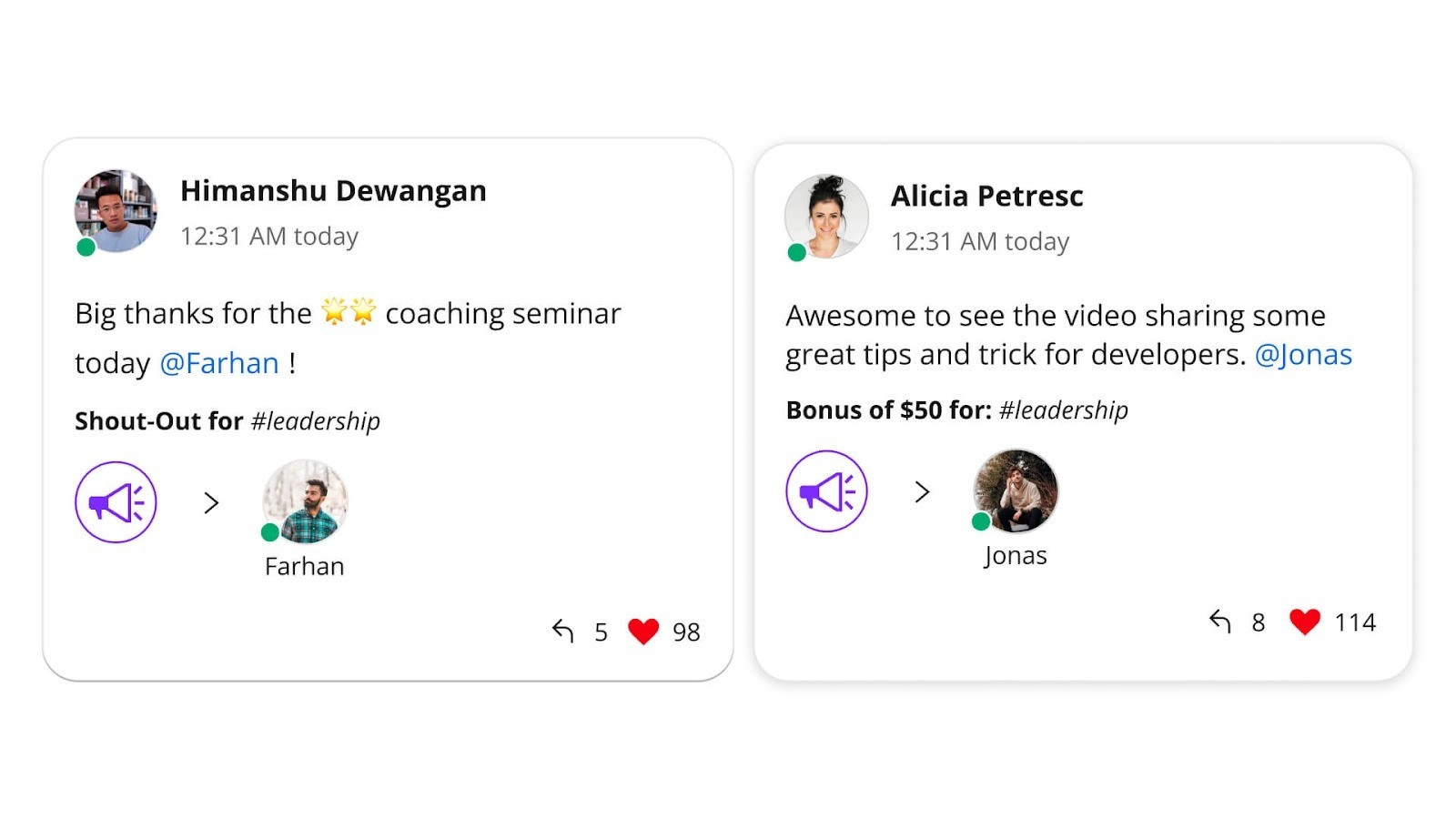
Jostle helps target news and updates to specific teams, locations, or roles, and offers Notify push notifications when something needs immediate attention. Employees can then sign off to confirm they’ve read an update, which helps with compliance audits and prevents management from needing to follow-up with each employee manually.
The separate Activity feed supports quick celebrations, ongoing conversation, and Shout-Outs that reinforce recognition and help culture develop organically. It's where automated birthday posts make employees feel valued and people can share milestones that would otherwise get buried or be missed entirely.
Many organizations start looking for SharePoint alternatives after their intranet becomes cluttered with outdated pages and duplicate information. Jostle addresses that with governance tools that put ownership and access in the right hands without requiring IT to manage every change.
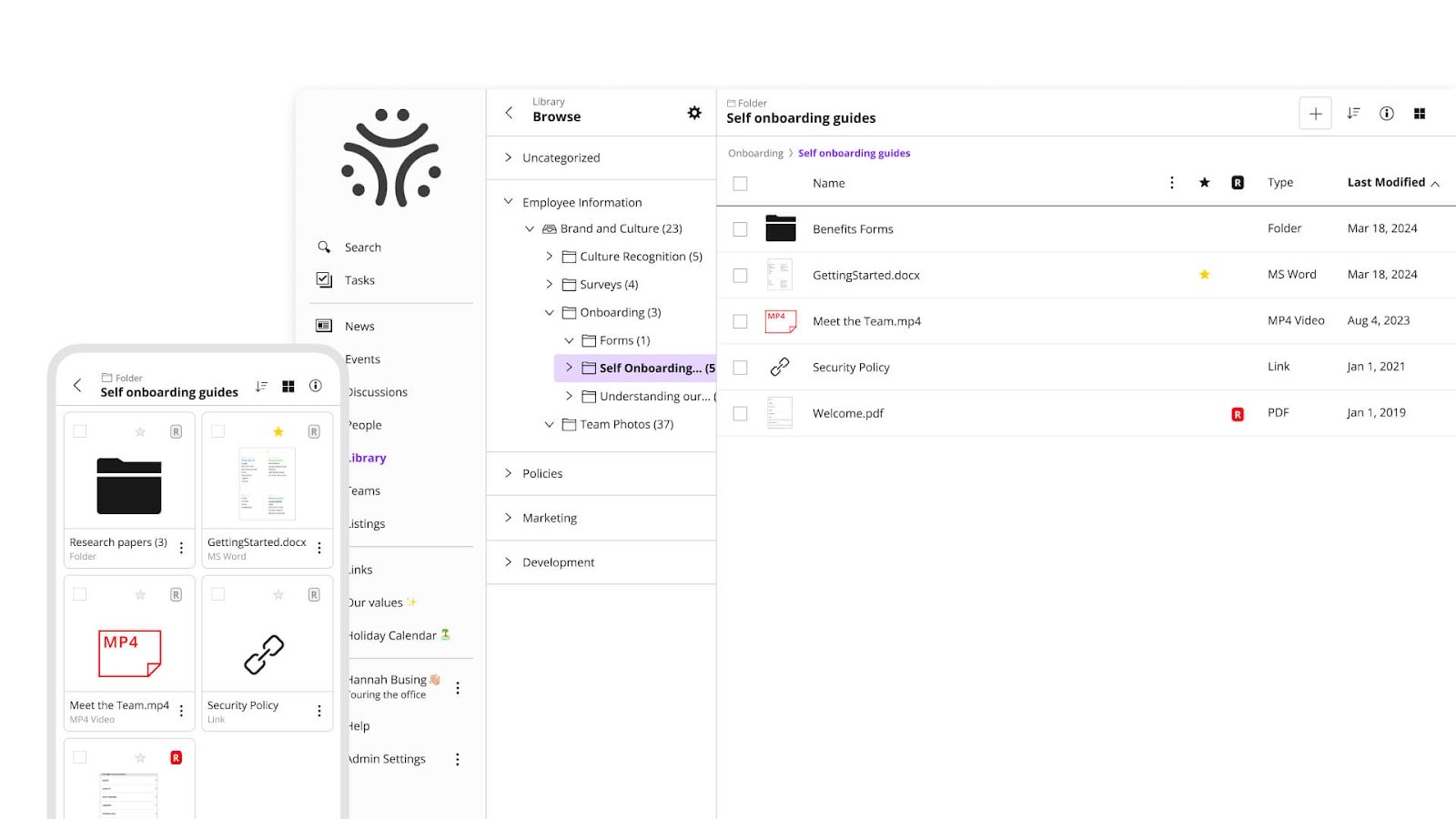
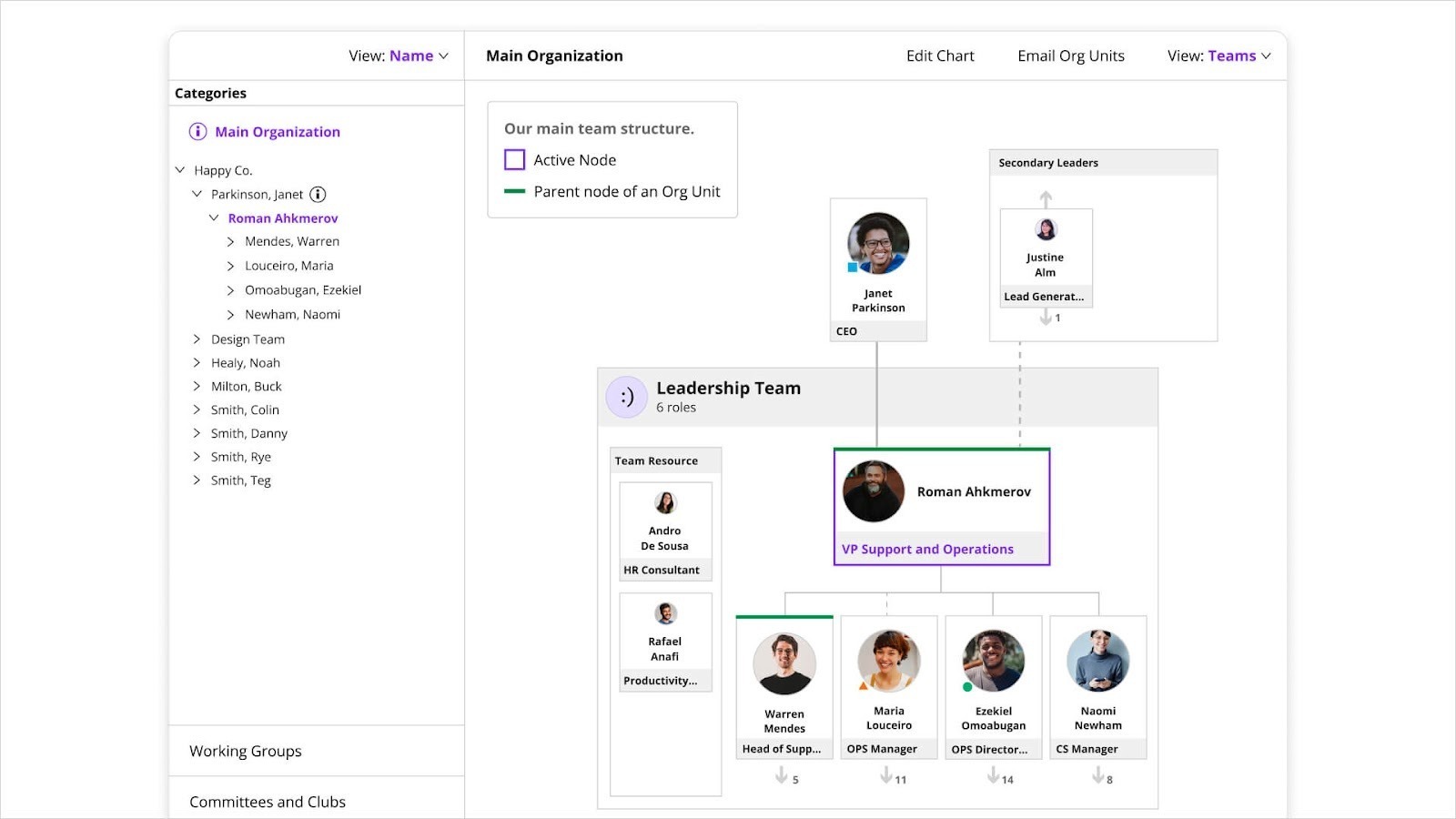
Jostle also supports everyday “find and get help” workflows. The People directory and Teams org charts make it easier to locate expertise, understand reporting structure, and connect across departments. JostleAI and Ask a Question help employees get quick answers and find relevant information without searching across multiple sections or tools, letting teams get more work done with less back-and-forth.
Jostle also helps keep employees who are out of the office up to date with automated Weekly Digest emails. These bring tailored announcements, Activity posts, Library updates, and Events directly to employees’ inboxes, so it’s easy to to stay up to date when out sick or on vacation.
SharePoint is built around documents and sites, which makes it powerful for organizations that need deep customization and complex workflow automation, but that same depth is what makes it hard to govern at scale. Content sprawls because the platform makes it easy to create and hard to maintain.
Jostle works the other way around. The structure is intentionally constrained, so there are fewer places for content to get lost and less administrative lift to keep things current.
That focus shows up in adoption too. Employees don't need training to find what they're looking for, and teams aren't waiting on IT to publish an update or adjust who has access to a file. That means your employee hub stays usable as it grows, without a dedicated team managing it.
Jostle’s pricing depends on the number of users and the plan chosen. You can check the exact cost of the three standard plans for your organization, or request a quote for the Platinum plan, before committing.
For 500 users:
All plans include onboarding and coaching, mobile apps, integrations (including Google Workspace and Microsoft 365), SSO/provisioning, APIs/SFTP sync, analytics, governance features, and AI features.
G2: ★★★★⯨ (4.5/5) – Based on 217 reviews
Capterra: ★★★★⯨ (4.4/5) – Based on 73 reviews
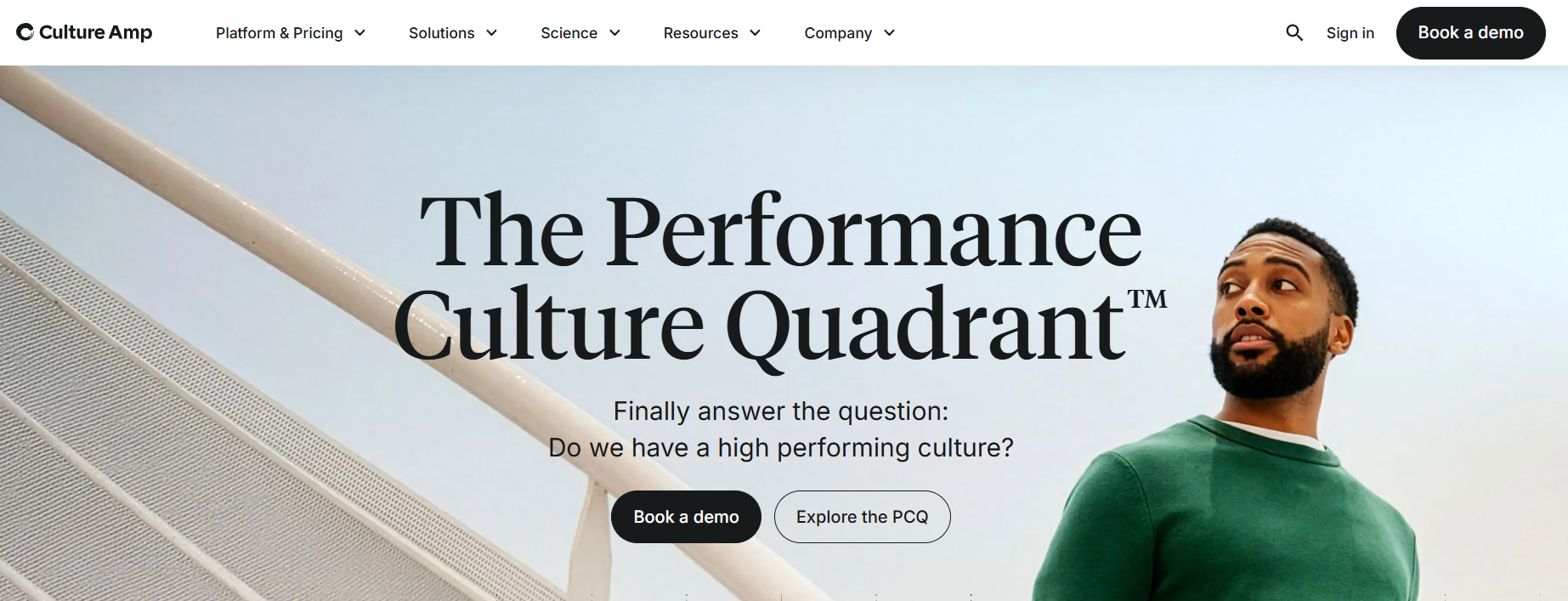
Culture Amp is built for organizations that want a clearer view into employee sentiment and a more consistent way to manage performance conversations. It’s most often adopted by HR and People teams that need to listen at scale and support managers through regular feedback and review cycles, particularly as teams grow or become more distributed.
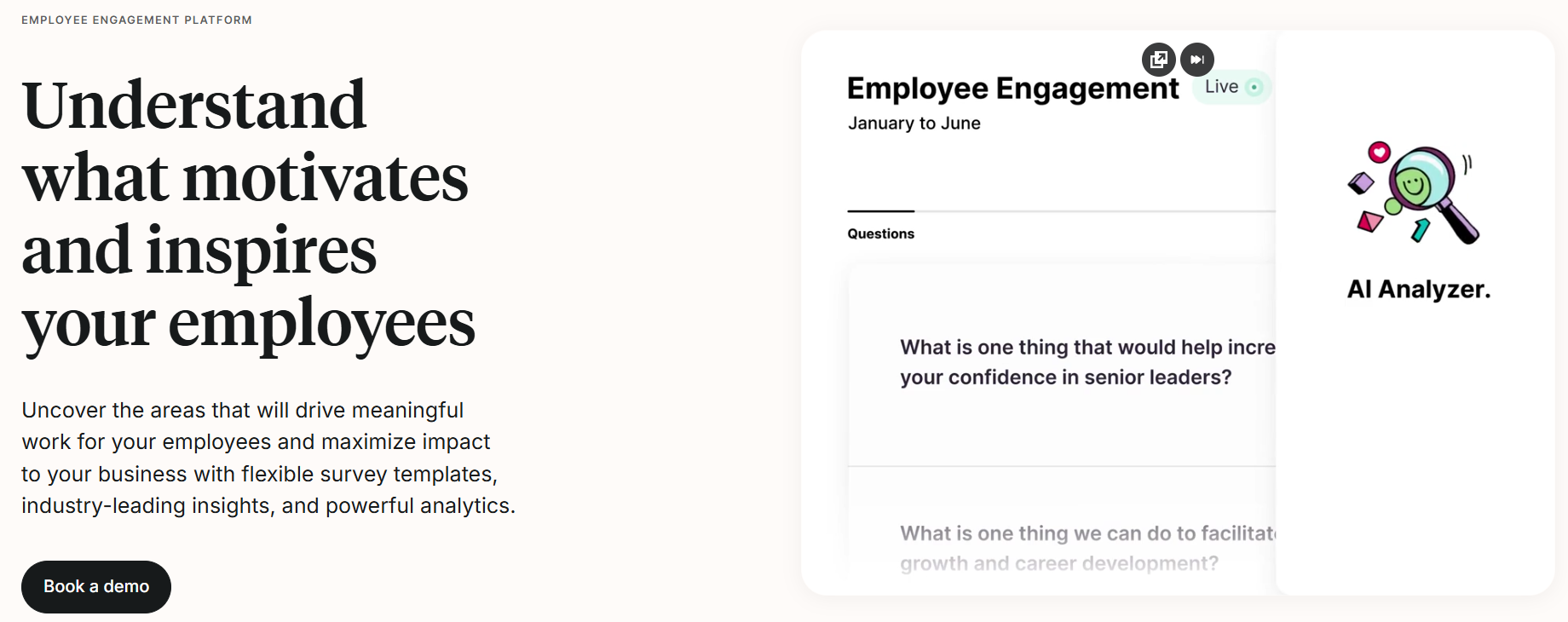
The platform connects employee listening with performance workflows by linking survey data and benchmarks to goals, feedback, and reviews in one system. AI support helps teams make sense of large volumes of open-ended responses by identifying patterns and recurring themes without heavy manual effort.
Once the team uses AI support to make sense of all responses, the Action planning tools (add-on) encourage ownership and follow-through of those insights, while integrations with Microsoft Teams and Slack help keep participation high by delivering reminders and prompts without introducing a new tool or channel.
Unlike SharePoint, Culture Amp doesn’t offer page publishing, document libraries, or site-based navigation. Its value is focused squarely on employee listening and performance processes, which makes it more of a management-centric tool.
That’s why organizations tend to see the strongest results when managers use insights as part of ongoing development conversations rather than one-time survey exercises. But any team that also wants a central place to publish information or organize resources will need a separate solution alongside it.
Culture Amp’s plans are annual subscriptions that require a quote for pricing. There’s no public pricing information available.
Their plans include:
G2: ★★★★⯨ (4.5/5) – Based on 1,518 reviews
Capterra: ★★★★⯨ (4.6/5) – Based on 151 reviews
Gartner: ★★★★☆ (4.3/5) – Based on 16 reviews
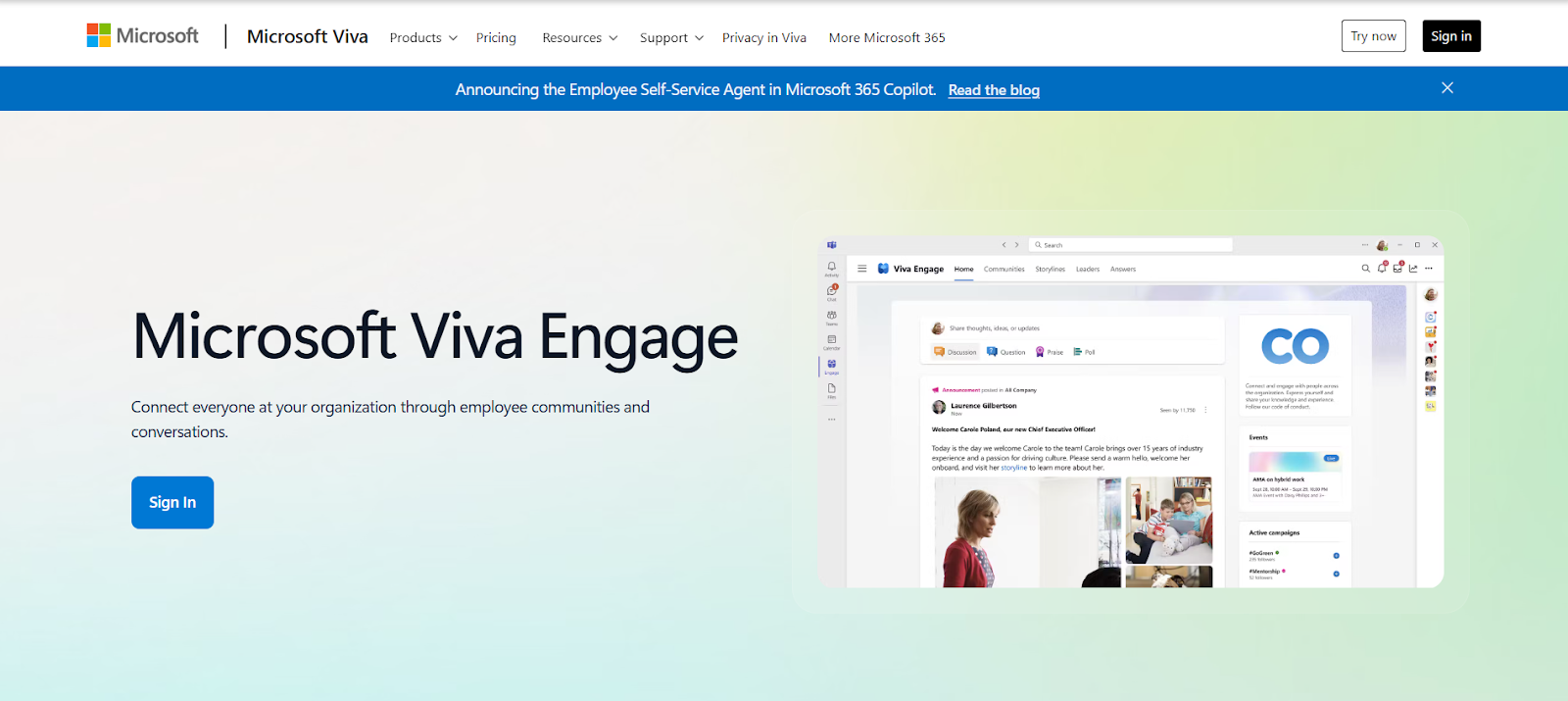
Viva Engage is a platform for company-wide conversation, Q&A, and culture that lives inside Microsoft 365. Employees typically use it through the Teams app or the web, with native iOS and Android apps available for mobile access.
Viva Engage focuses on communities and feed-based discussion rather than structured intranet publishing. Teams use it to run org-wide communities for peer support and best practices, host leadership updates through storylines, and create more open dialogue than you usually get in chat.
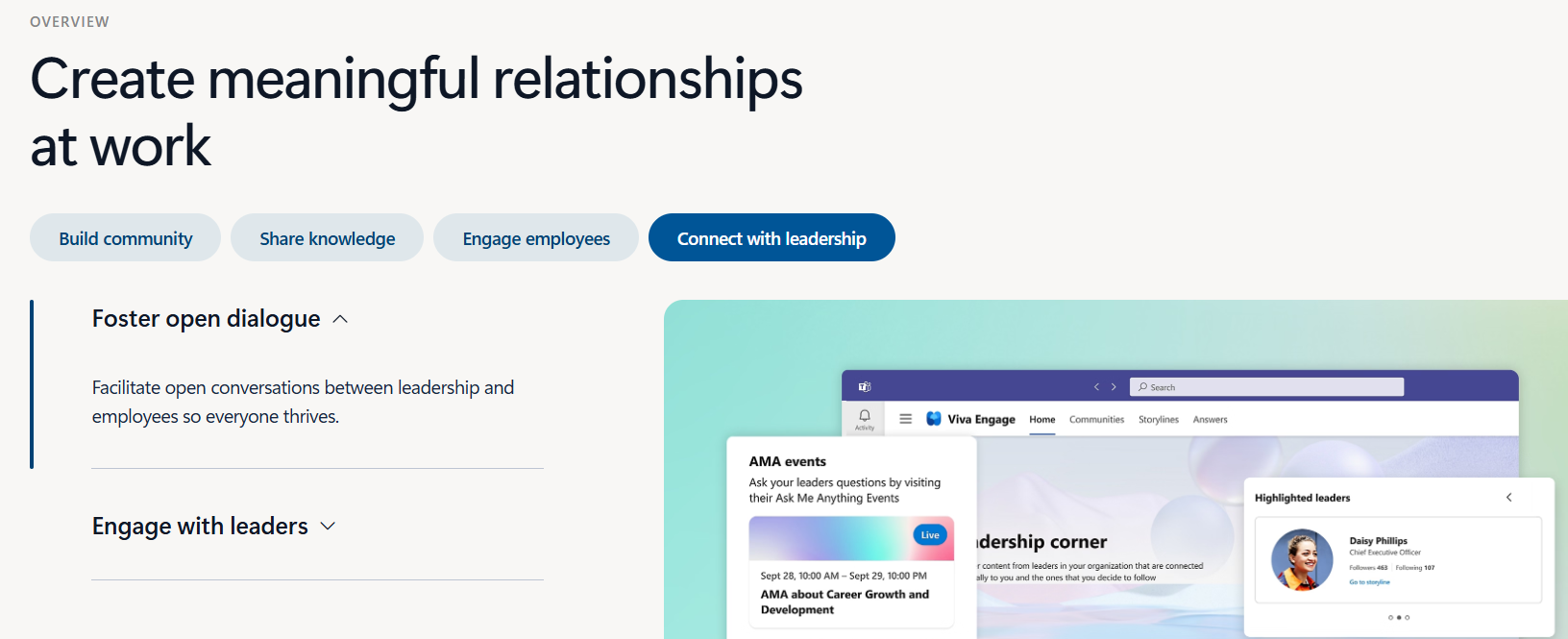
For internal comms, it can also support events and town hall-style engagement where discussion and questions continue before and after the live moment.
The tradeoff is that it’s not built to replace SharePoint’s strengths in curated pages, governed content hubs, or document library workflows. Its strongest suits are conversation and community engagement. But remember, the feed can become noisy without clear community ownership, especially in large organizations, which makes it easier for important updates to get missed.
G2: ★★★⯨ (3.6/5) – Based on 1,441 reviews
Capterra: ★★★★⯨ (4.2/5) – Based on 819 reviews
Happeo is a browser-based intranet and knowledge platform with native iOS and Android apps, built for organizations that want a structured, searchable home for internal content without the complexity of a traditional document-library model.
It integrates natively with Google Workspace and connects to Microsoft 365 and Slack, making it a natural fit for teams running on Google but needing to reach employees wherever they work.
Happeo organizes content into two primary formats: Pages and Channels. Together they keep reference content and ongoing communication in the same platform without one bleeding into the other.
Pages handle the longer-lived material, policies, SOPs, onboarding guides, and department hubs that need to stay accurate over time and be easy to navigate. They're built with drag-and-drop templates and support rich content including video, embeds, and widgets, so teams can create something that actually gets used rather than bookmarked and forgotten.
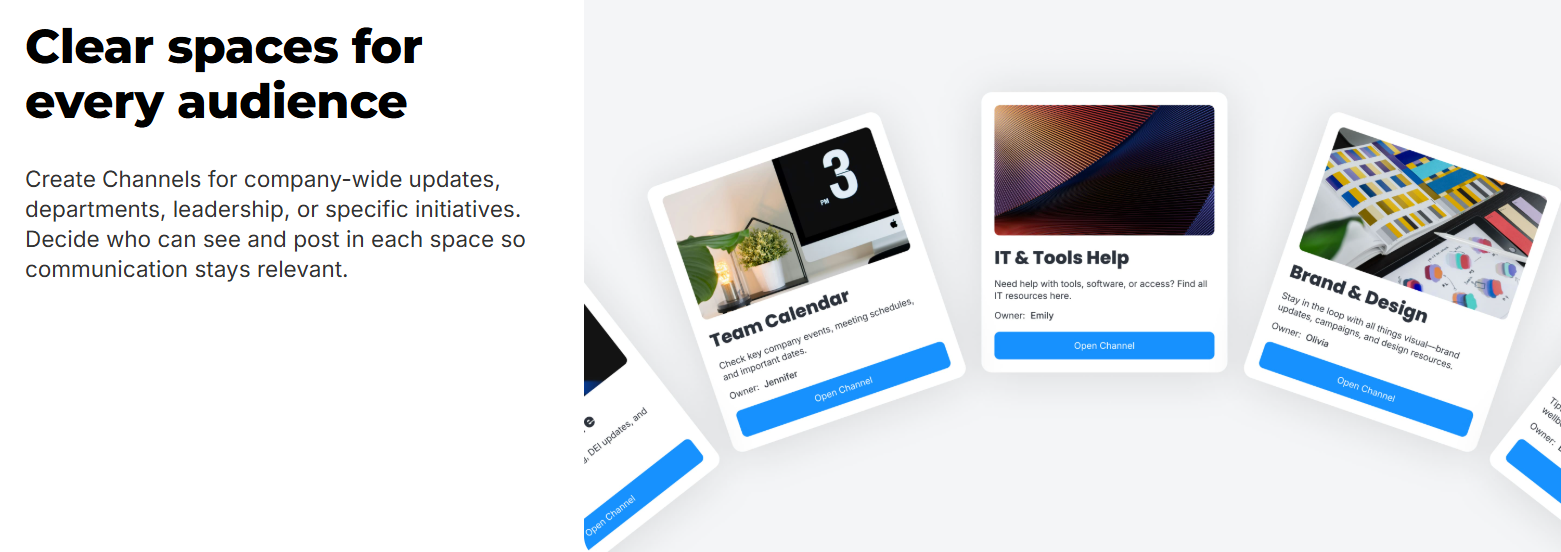
Channels sit alongside Pages and handle announcements, discussions, targeted updates to specific groups, and posts that can be escalated to Articles or Announcements depending on how broadly something needs to travel.
Search ties those experiences together and offers a unified experience that allows employees to find information across the intranet and connected systems. With a higher-tier plan, you can expand the scope of the search feature to cover third-party systems.
As content grows, governance features like permissions, lifecycle controls, and analytics help teams maintain quality and avoid outdated or duplicated information. And all of this updated information remains accessible 24x7 through Happeo’s native mobile apps, which make it easier for distributed and frontline teams to stay informed.
Unfortunately, Happeo doesn’t offer a document library model or deep Microsoft 365 integrations like SharePoint. Teams that rely on Microsoft-native site architecture, advanced document workflows, or extensive customization often find more value elsewhere.
Happeo provides pricing by quote only. Starter plans may be billed monthly, but other plans are annual subscriptions.
G2: ★★★★⯨ (4.5/5) – Based on 153 reviews
Capterra: ★★★★⯨ (4.6/5) – Based on 38 reviews
Simpplr is an intranet and employee experience platform designed for organizations that want to centralize internal communications, improve information discovery, and reduce friction for employees navigating a growing number of tools and systems.
At its core, Simpplr functions as a digital work hub that combines intranet content with targeted communications and personalized delivery. Teams can publish updates and campaigns across multiple channels, including web, mobile, email, and collaboration tools like Microsoft Teams or Slack, while engagement analytics help communicators understand what’s resonating and where attention drops off.
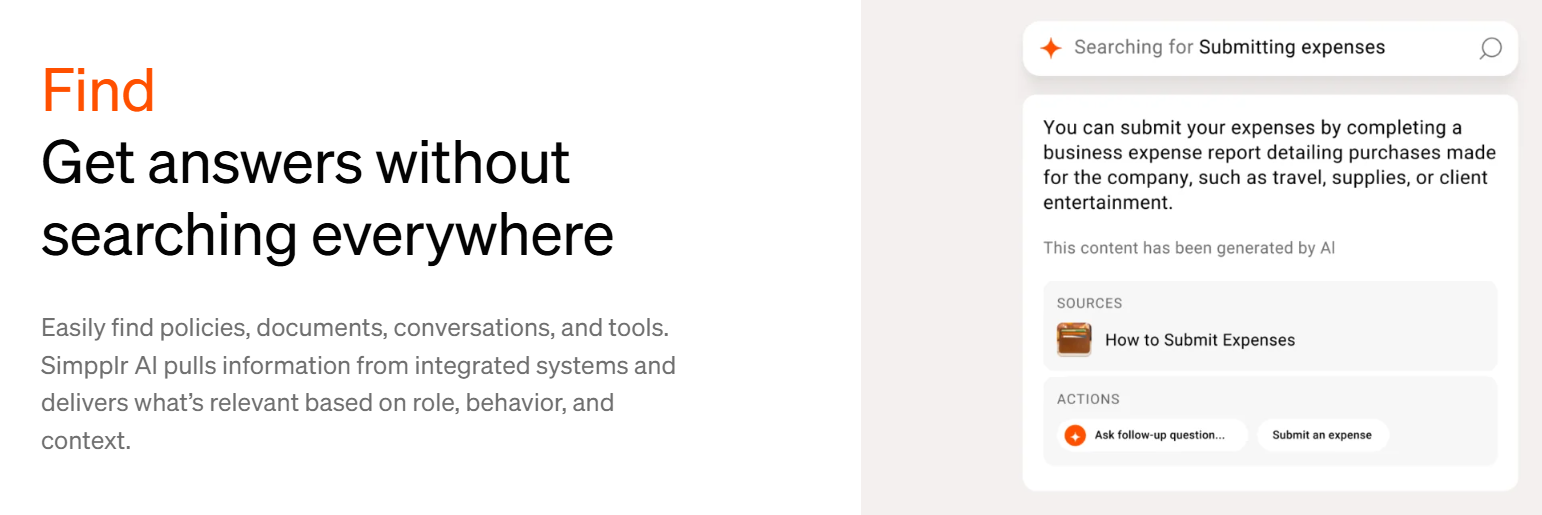
AI is a central part of Simpplr’s approach to discovery and support. Search is designed to return relevant answers from across connected systems while respecting permissions, and newer agent-based tools extend that same intelligence into HR, IT, and operations workflows to help handle common questions and requests with less manual effort.
To keep answers accurate, Simpplr's Auto-Governance Engine tracks validation periods set at publication and prompts authors to review or unpublish content on a schedule, so outdated pages get caught before they start returning bad answers.
Where Simpplr differs most from SharePoint is in what it trades away to stay usable. SharePoint's flexibility over site architecture and page layouts is exactly what makes it difficult to govern at scale. Simpplr solves that by standardizing the experience, but teams that want department hubs with genuinely distinct layouts or pages shaped around their own workflows will find homepage customization limited.
Simpplr earns its place in organizations that have enough content, employees, and communication volume that AI-powered discovery and automated governance helps. Without that, the infrastructure is more than most teams need.
You have to request a quote for the plan and pricing information from Simpplr.
G2: ★★★★⯨ (4.6/5) – Based on 357 reviews
Capterra: ★★★★⯨ (4.8/5) – Based on 112 reviews
Gartner: ★★★★⯨ (4.6/5) – Based on 94 reviews
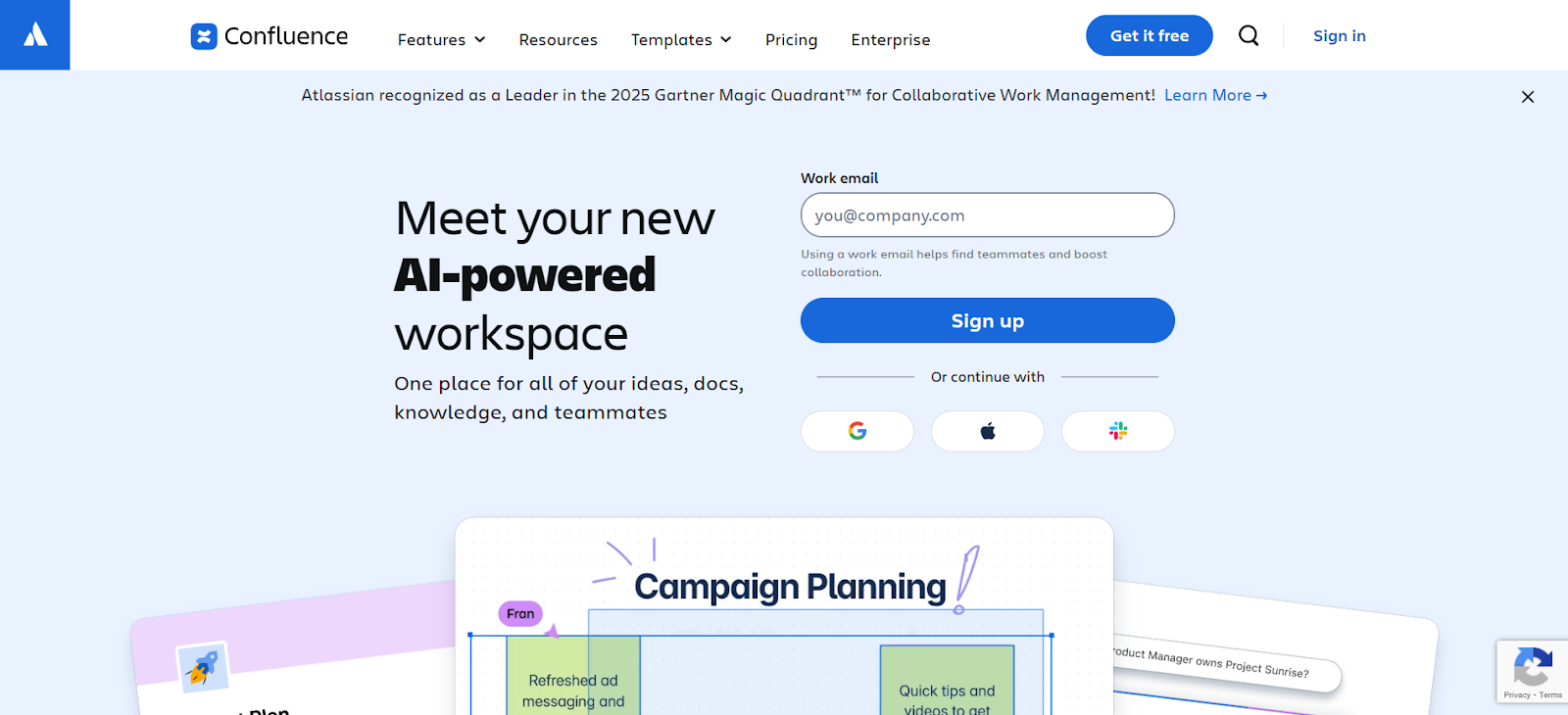
Confluence is a browser-based documentation and knowledge workspace with native iOS and Android apps, available as a cloud service or a self-managed Data Center deployment. It’s a strong fit when teams want a durable “source of truth” for project context, decisions, runbooks, onboarding docs, and SOPs, especially in organizations already running Jira.
Instead of organizing content through traditional intranet pages and document libraries, Confluence structures information through Spaces and Pages. Teams use templates, page hierarchies, comments, and version history to keep documentation consistent and easy to maintain.
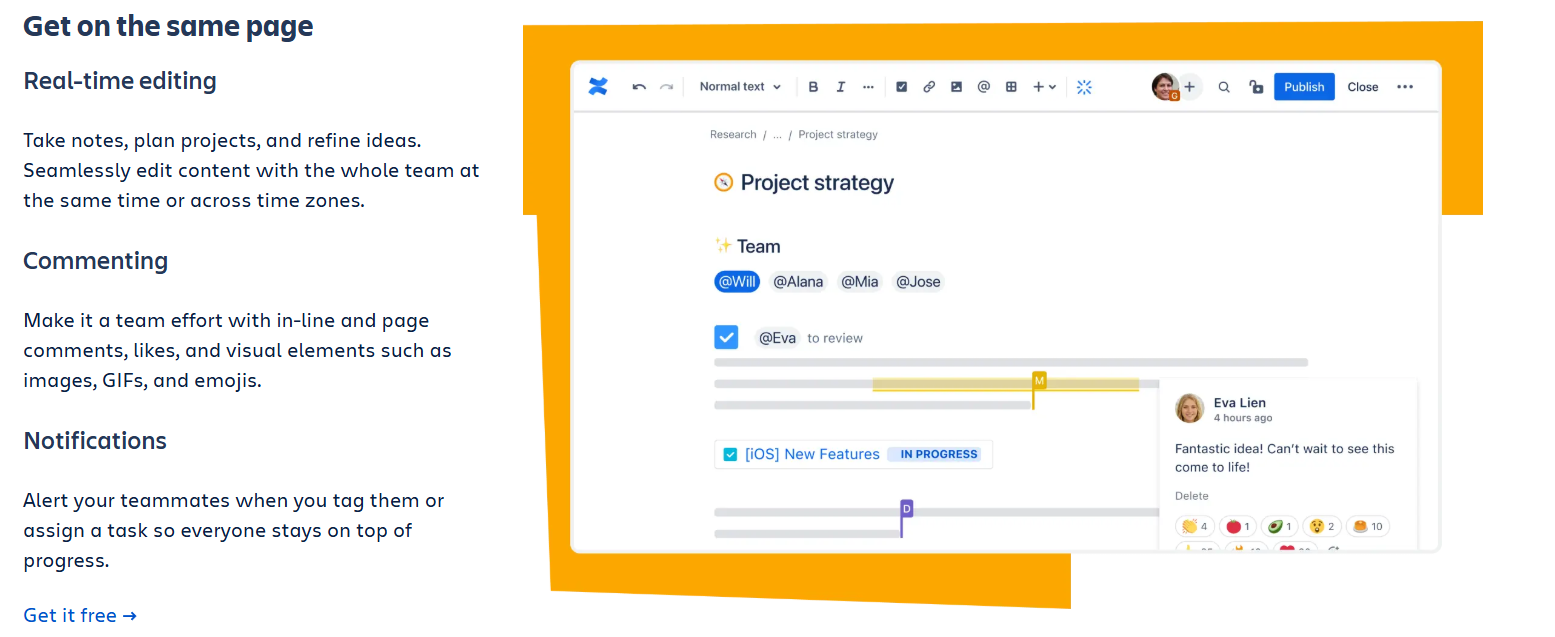
When you’re working across product, engineering, IT, and support, it’s also helpful that Confluence can embed Jira context directly into pages, and extend workflows through Atlassian’s Marketplace and automation.
The main tradeoff is that Confluence needs active governance to stay clean over time. As spaces grow, navigation can get messy, older pages can linger, and the overall UI can feel dense for occasional contributors.
It’s also worth checking the Cloud vs Data Center differences, since some newer capabilities like integrations, AI tools, and additional apps, are cloud-only.
Confluence fits teams that are already deep in the Atlassian ecosystem and need documentation that stays connected to active work. Outside of engineering and product teams, it tends to get uneven adoption. And without someone owning the maintenance, spaces get messy fast.
G2: ★★★★☆ (4.1/5) – Based on 4,113 reviews
Capterra: ★★★★⯨ (4.5/5) – Based on 3,637 reviews
Gartner: ★★★★⯨ (4.4/5) – Based on 1,608 reviews
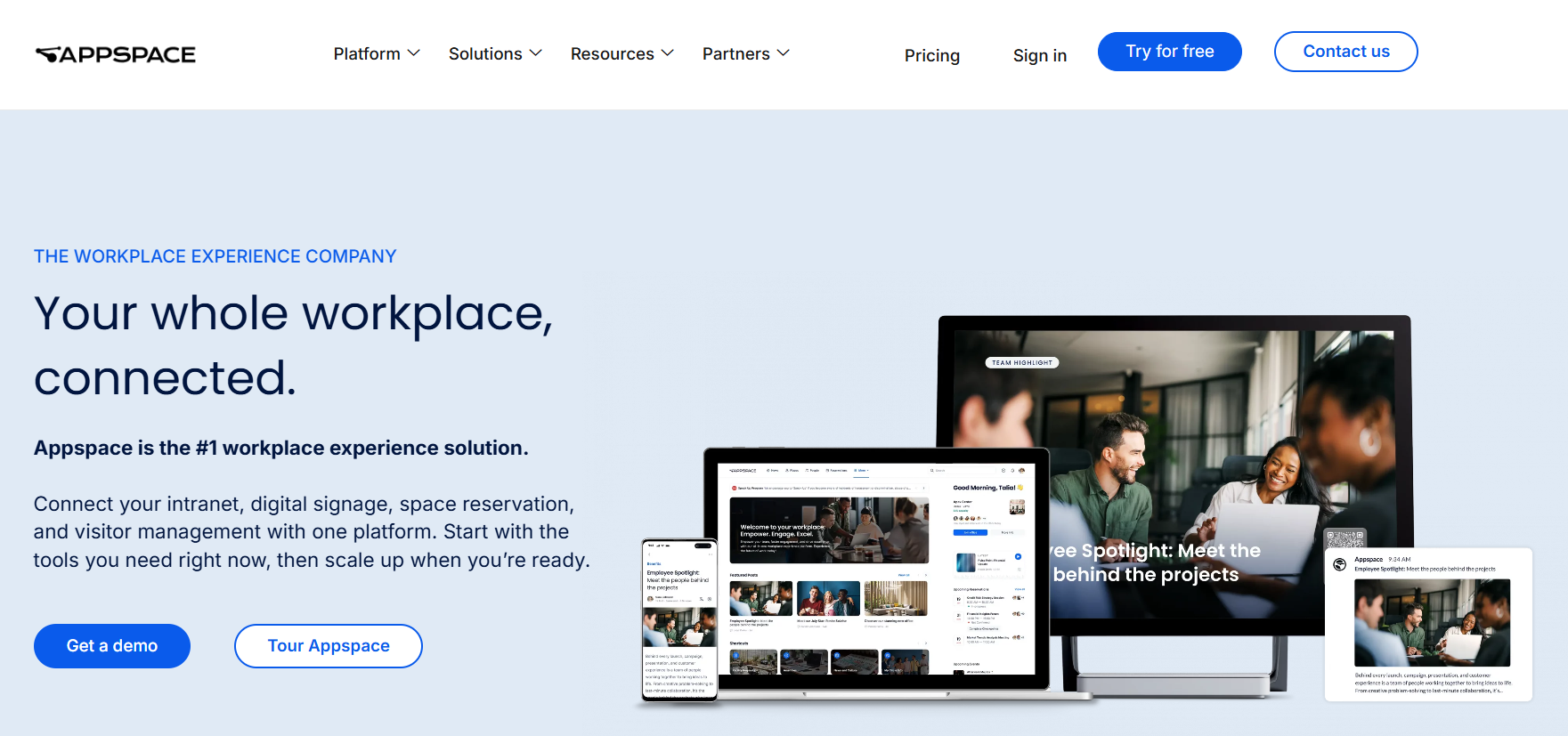
Appspace acquired Igloo Software in late 2025, integrating it into their full workplace experience platform so organizations can manage their intranet, employee mobile app, and digital signage in a single system.
The intranet gives employees a personalized newsfeed with content targeted by role and location, community spaces for teams and departments, a people directory, and built-in AI for drafting, translation, and audio narration. Communicators publish once and the content goes wherever it needs to go, including the employee app, Teams and Slack, email, and physical screens across offices and sites.
Where Appspace separates itself is in how it handles those physical screens. Most platforms that include signage treat it as a publishing destination. Appspace manages it as infrastructure. That means hardware partnerships, kiosk management, wayfinding, space reservation, and visitor management all sit alongside content delivery in the same admin interface.
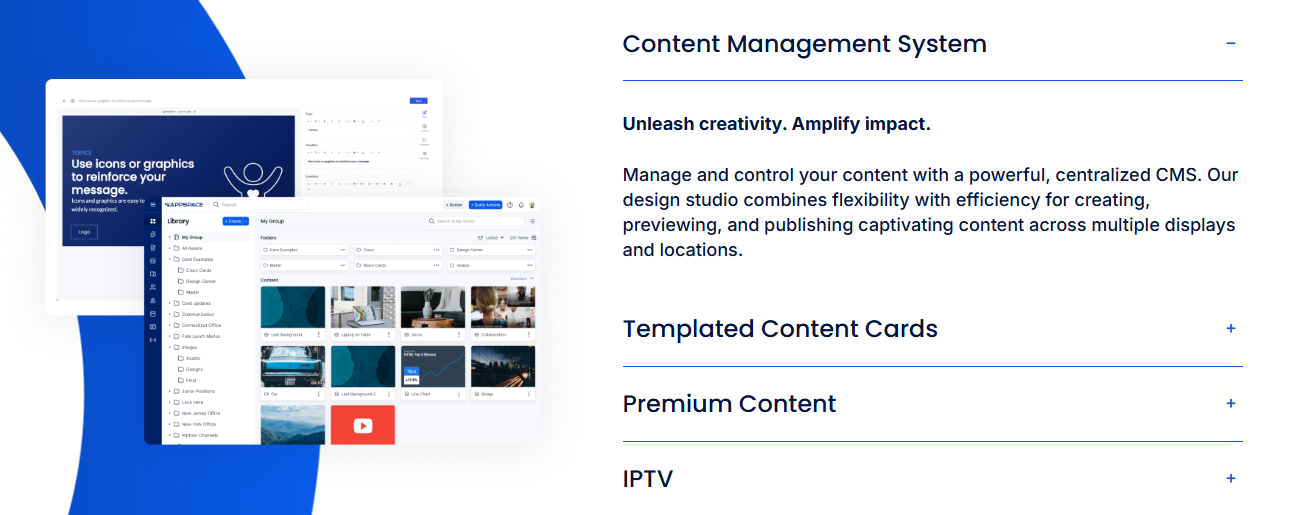
An organization running a hospital network, a manufacturing operation, or a distributed retail chain can control what's on every screen in every building from the same place they manage their intranet, with role-based governance and approval workflows keeping messaging consistent across locations.
Intelligence Assistants can also connect content engagement data to physical space usage, so communications teams see what's landing across both digital and physical environments.
If your challenge is reaching people who move through physical spaces, Appspace’s depth is hard to find elsewhere. For more desk-based teams where signage plays no role, the platform carries more overhead than the job requires.
Appspace uses quote-based pricing that varies by users and devices. Each plan includes the same baseline functionality, with premium features added in higher tiers, and per-feature pricing that applies to all plans.
G2: ★★★★☆ (4.2/5) – Based on 94 reviews
Capterra: ★★★★⯨ (4.5/5) – Based on 40 reviews
Ideagen Collaboration Portal, formerly Huddle, is designed for teams that regularly share sensitive documents with people outside the business, such as clients, auditors, regulators, or partners. It’s accessed primarily through a web app, but also has desktop apps for Windows and macOS, and native iOS and Android mobile apps supporting review and uploads across devices.
Rather than functioning as a broad internal workspace, the platform focuses on controlled, document-centric collaboration. Work is organized into secure, branded workspaces where files, tasks, comments, and approvals stay connected, making it easier for teams to manage formal review cycles without losing visibility.
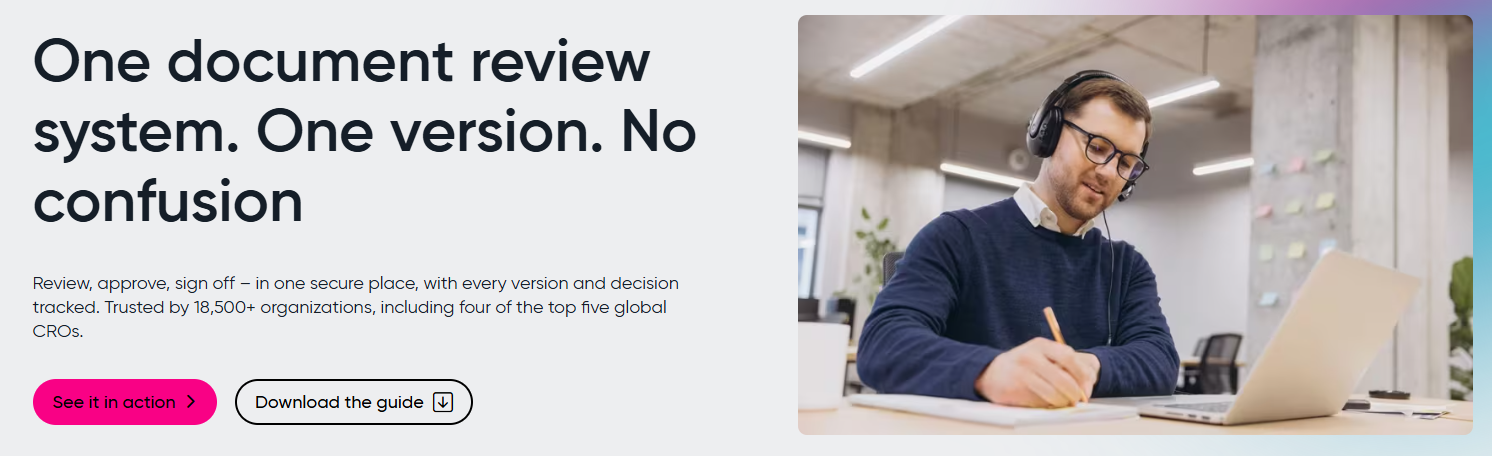
Version control and activity tracking are core to the experience, helping teams understand who accessed what, what changed, and when. It also integrates with Microsoft 365 tools, allowing teams to work with familiar Office documents while maintaining permissions, version history, and audit trails.
Ideagen Collaboration Portal supports team collaboration, but within clearly defined boundaries. It’s not intended for publishing internal news, building a company-wide knowledge hub, or supporting everyday internal communication. The tradeoff here is that teams gain more control over external collaboration, but managing permissions and access for outside users adds administrative overhead.
Ideagen fits organizations that regularly bring auditors, regulators, or external partners into formal document workflows and need a clear record of who touched what and when. Teams without that external collaboration requirement will find it too narrow, and those looking for a platform employees can navigate independently for news, resources, or internal communications will need to look elsewhere.
Ideagen Collaboration Portal doesn’t list its pricing. You have to request a quote to learn more about the plans and their costs.
G2: ★★★★☆ (4.2/5) – Based on 140 reviews
Capterra: ★★★★⯨ (4.5/5) – Based on 68 reviews
Gartner: ★★★★⯨ (4.4/5) – Based on 82 reviews
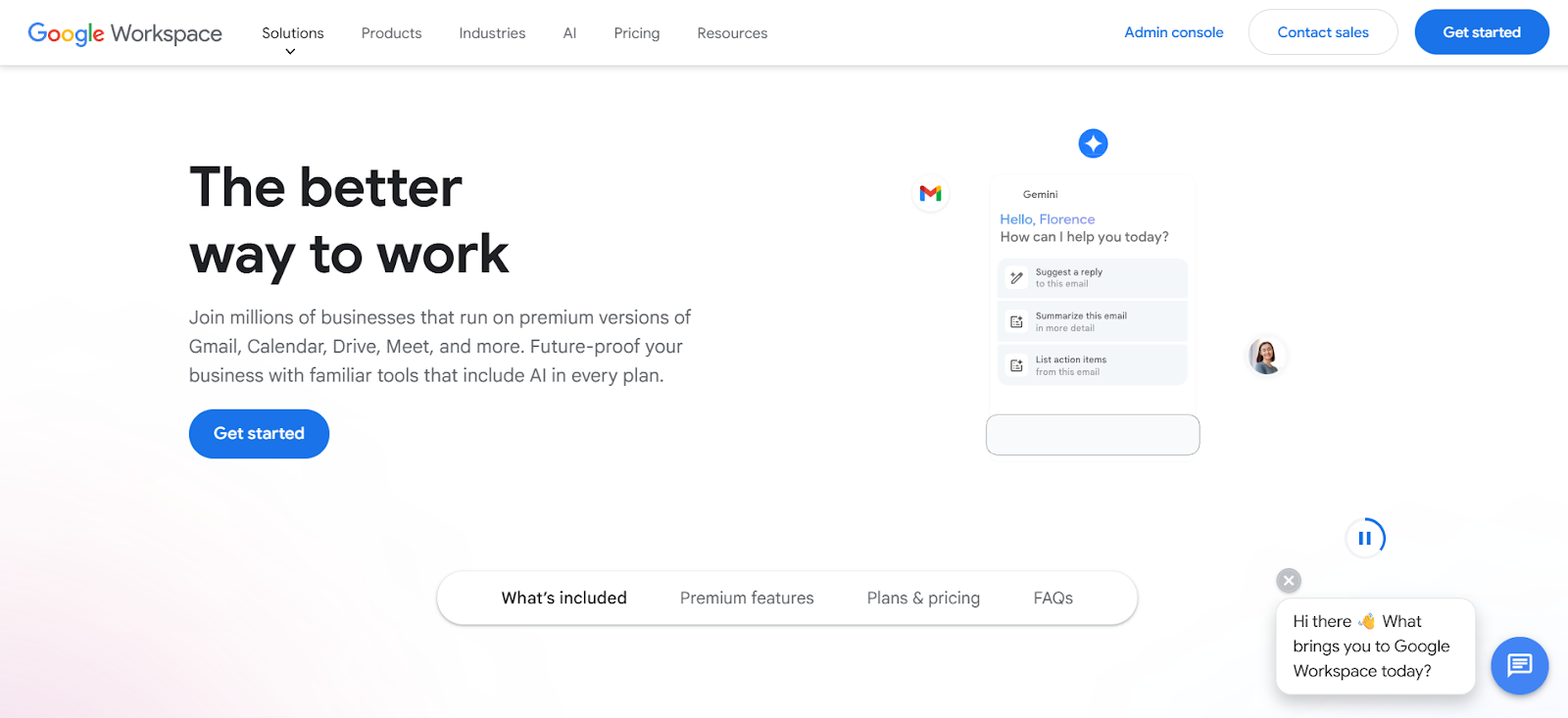
Google Workspace is a strong fit for teams whose day-to-day work already runs through Gmail and Google Drive, and who want collaboration to stay fast across devices. Most work happens in the browser, with native mobile apps for core tools (Gmail, Drive, Docs, Meet, Chat, and Calendar) and Drive for desktop on Windows and macOS for more “local” file access and syncing.
For SharePoint-style needs, Workspace can cover the basics when the goal is simple. You can keep files accessible, co-author docs in real time, and create lightweight internal pages.
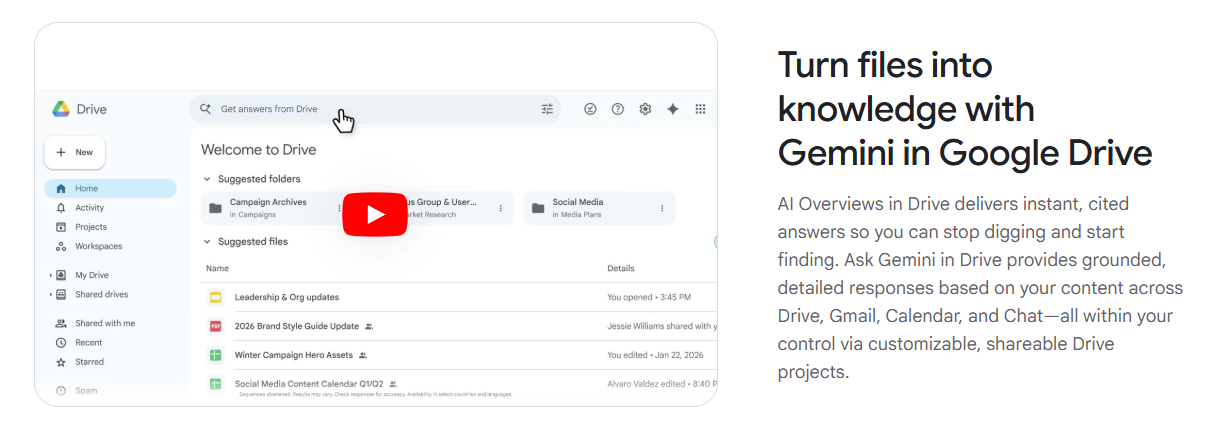 Teams often lean on Shared Drives for durable file ownership, Google Docs as living policies and playbooks, and Google Sites for link hubs and internal pages. AI is increasingly part of the experience too, with Gemini built into common work areas and NotebookLM available on higher tiers for research and synthesis.
The problem with using Google Workspace as an intranet is that it lacks structure and governance. Without intentional organization, Drive can quickly become difficult to navigate due to duplicated files and inconsistent permissions. Google Sites on its own also doesn’t provide the communication workflows or audience targeting that many internal teams expect.
While Workspace is a strong collaboration backbone, creating a more intranet-like experience usually requires deliberate governance and ongoing structure that makes ready-made options more appealing.
Google Workspace offers a 14-day free trial for its plans, plus monthly and annual pricing.
G2: ★★★★⯨ (4.6/5) – Based on 46,945 reviews
Capterra: ★★★★⯨ (4.7/5) – Based on 17,327 reviews
Gartner: ★★★★⯨ (4.5/5) – Based on 3,281 reviews
SharePoint is a strong document management platform. But ask anyone who's tried to use it as their company's intranet, and you'll usually hear some version of the same story: once it’s finally set up, it technically does the job. But few employees enjoy using it, and it’s rarely worth the configuration cost required for it to function as a daily employee hub.
Here are some specific reasons many organizations start looking elsewhere.
SharePoint is built to organize and store content, not to make sure the right people see it. An announcement about a policy change can sit on the same page tree as a five-year-old meeting agenda, with nothing distinguishing one from the other except whoever happens to stumble across it.
Employees end up scrolling through outdated pages looking for what's actually current, and eventually they stop looking altogether and just wait for someone to tell them directly. When that happens, the intranet stops being a communication tool and turns into a filing cabinet nobody opens unless they have to.
Every department wants its own site, every project wants its own library, and within a year or two there are dozens of locations holding overlapping or conflicting versions of the same information.
Without someone actively pruning it, that sprawl creates more questions than it provides answers. Old pages stay live because nobody owns the decision to take them down, and employees end up unsure which version of a document is the real one.
Searching for something you need, only to find three outdated copies before you find the current one, is one of the most common complaints about SharePoint as an intranet.
SharePoint works best for someone sitting at a company laptop with a standard Microsoft 365 login, and falls apart for almost everyone outside that picture.
A frontline worker trying to check it from their phone during a break gets a cramped, half-rendered version of the desktop experience instead of something built to actually be used on a five-inch screen, which is part of why so many of them give up and rely on a group chat instead.
Contractors and seasonal staff run into a different version of the same problem, since access usually depends on a standard company login that they don't have, leaving IT to manually sort out licensing before someone can even open the page they need.
When you force SharePoint to fill in as an intranet, the employees who most need quick, reliable access end up with the worst experience getting it.
SharePoint can be built into almost anything, but that flexibility comes with a cost. Getting from a default SharePoint site to something that feels like a polished, easy-to-navigate intranet usually means stitching together multiple Microsoft tools, building custom workflows, and accepting an ongoing maintenance burden that doesn't go away after launch.
Teams without dedicated IT support often end up with a site that was clearly stood up quickly and never quite finished, because finishing it properly requires more technical investment than most communications teams have on hand.
Most SharePoint replacements get evaluated the wrong way. Someone builds a feature checklist, scores a handful of platforms against it, and picks whoever checks the most boxes. Then six months after rollout, the same problems show up again, because nobody was actually solving for the thing that drove them away from SharePoint in the first place.
Here’s how to make a decision that sticks.
SharePoint can act as an intranet, a document library, and a collaboration tool all at once, which is exactly why so many evaluations go sideways. Teams sit down to find a "SharePoint alternative" without agreeing on which SharePoint they're actually trying to replace, and end up comparing platforms against a vague, all-purpose standard instead of the specific thing that's broken.
Get specific about what's actually failing. If updates get published and nobody sees them, you need a platform built to push information to people, not one that's just better at storing it. If content has multiplied into dozens of stale, overlapping sites, the fix is ownership and lifecycle tools, not a fresh coat of paint on the same sprawl.
If auditors or external partners need controlled access to sensitive documents, that's a collaboration and compliance problem, and a general-purpose hub with permissions bolted on won't hold up the way a platform built specifically for that workflow will.
Naming the actual failure first does two things. It keeps a long, impressive feature list from distracting you from whether the platform solves your specific problem, and it stops you from buying a tool built around someone else's pain point instead of your own.
A platform that works fine for someone at a desk all day can fall apart for a frontline employee checking it from their phone on a ten-minute break, which is the exact problem that pushes a lot of organizations away from SharePoint to begin with.
If your workforce is distributed, the mobile experience determines whether the platform actually gets used, or quietly gets ignored the same way the last one did.
Sprawl is usually what kills an intranet's usefulness over time, and most platforms look fine in a demo before sprawl has had time to set in. Ask what happens to a page after it gets published. Does someone own it? Does the platform flag it when it goes stale, or does it just sit there indefinitely, the way pages tend to pile up in SharePoint?
Strong search matters more here than people expect going in. A platform with weak search just recreates the same "which version is the real one" problem you're trying to leave behind, no matter how clean the content structure looks on paper.
And don't take the sticker price at face value. A lot of platforms in this category quote a reasonable per-user number and then gate the features that actually matter, AI search, advanced governance, signage, behind a higher tier or a separate add-on. What looks cheaper upfront can end up costing more once you've priced out what you actually need.
SharePoint is the default starting point for a lot of organizations. But as content piles up, it becomes harder to navigate and adoption stalls. That’s when it becomes clear that a document-centric tool isn't the same thing as one built for communication.
The right choice depends on what you're trying to improve. Some organizations need better knowledge management. Others need a more structured way to collaborate with clients or external partners. Many simply want a platform employees will actually pay attention to and use consistently.
If your goal is to improve how information and communication flow through the organization, Jostle is the top choice. It gives employees one dependable place to stay informed, find what they need, and feel connected to what's happening across the organization. That consistency is what drives adoption, and adoption is what makes the investment worthwhile.
For organizations that want that without the administrative weight that follows SharePoint at scale, Jostle is the better fit.
Book a demo to see how Jostle works for yours.





Read more by
Jostle

Jostle’s employee success platform is where everyone connects, communicates, and celebrates at work. Find out more at jostle.me. © 2009–2026 Jostle Corporation. All rights reserved.