Choosing an employee hub starts with how you expect people to use it. In some organizations, employees go to the hub when they need to look something up or talk to the team. In others, the hub needs to actively deliver updates and keep important information visible without requiring people to go searching.
Happeo works best as a structured intranet where teams invest in organizing content into pages and spaces, then rely on navigation and search to help employees find answers. When most of your workforce is desk-based and comfortable finding information on their own, that model can work well.
But if your bigger problem is getting updates seen quickly or reaching frontline employees who don’t sit at a computer, you may need a different kind of employee hub—one that supports discovery but doesn’t rely on employees navigating a complex page structure just to stay informed.
In this article, we’ll review some of the strongest alternatives to Happeo. Each reflects a different way teams handle employee communication—whether that’s keeping important company documents up to date and easy to find, making sure critical updates reach the right people, or giving employees a simple, reliable place to stay informed day to day.
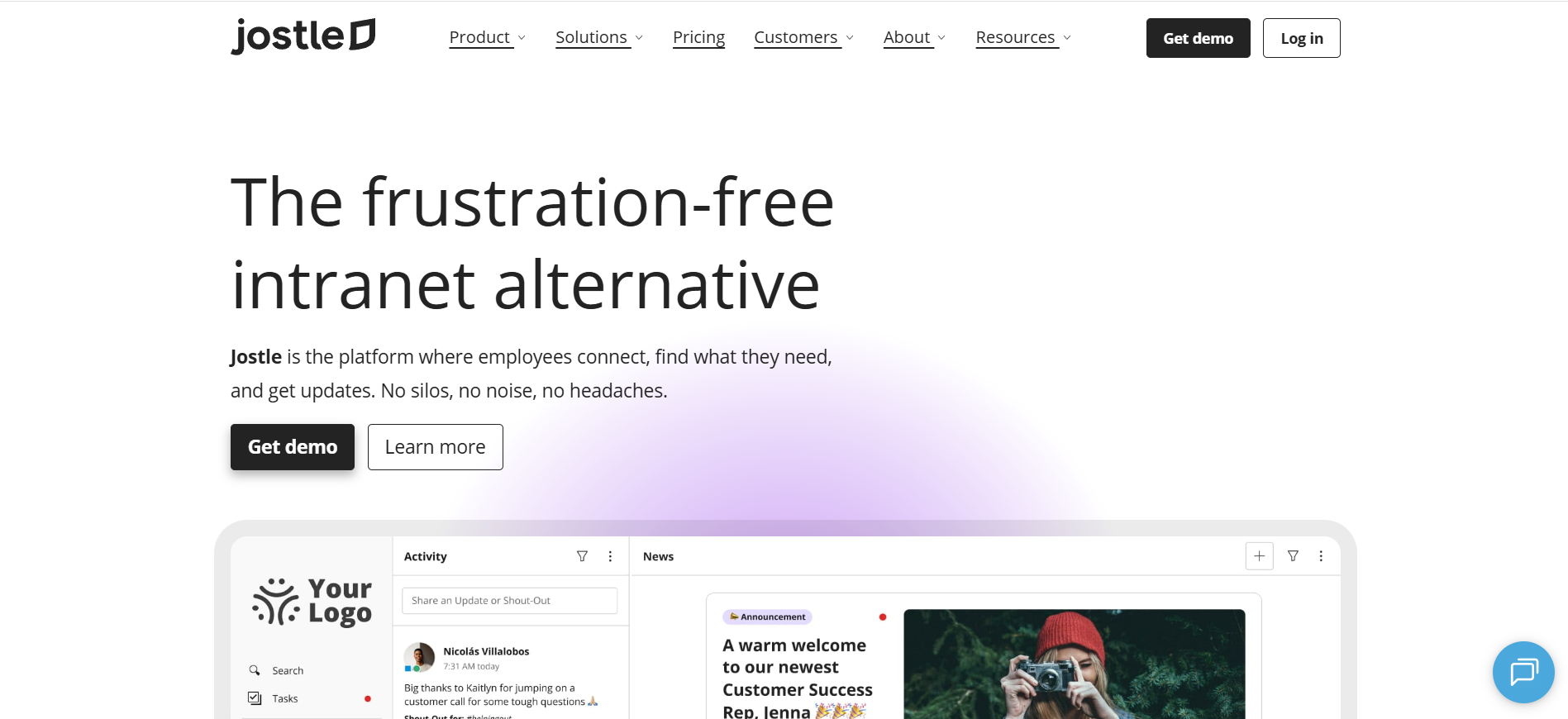
Jostle gives organizations an employee hub they can rely on for core communication and day-to-day alignment. It creates a clear, predictable place for important updates, essential resources, and ongoing connection—without asking teams to design and maintain a complex page structure. The experience works consistently across desktop and mobile, employees can easily navigate and find what they need, no matter how they access the platform.
For shared spaces, JostleTV extends communication through a simple broadcast experience. Key news, recognition, and celebrations are automatically displayed on screens in offices and common areas using content that already exists in Jostle, without requiring teams to create or manage separate slides.
Together, that consistency and visibility helps Jostle feel like an asset rather than an obligation. Employees know what they’ll find when they open the platform, and important updates stay present even when they’re not actively logged in. And with free guided onboarding and rollout support, teams can also get everyone started quickly and keep usage strong over time.
Organizations use News as the home for leadership messages, operational updates, celebrating employees, time-sensitive announcements, and much more, with targeting by team, location, and/or role so only the right people get the message. When timing matters, Notify lets teams push a notification to employees so they can see it and respond quickly. And when management needs to be sure that employees have seen something important—like a policy change or schedule update—they can add a required sign-off to the post for quick and easy acknowledgement that’s trackable via downloadable reports for audits.
Jostle also helps build community without distracting from essential messages. The Activity view brings Shout-Outs, milestones, and day-to-day moments together into a social-like feed that helps employees stay connected to the whole organization. That ongoing pulse is part of what keeps the hub feeling current, while still leaving News as the obvious place to look for official updates.
When employees need guidance or answers, Jostle makes it easy to find them on their own. Teams org views show how groups are structured and who leads them, helping employees understand where a question belongs, while the People directory makes it easy to find and contact the right individuals with filtering by team, location, or availability. The Library acts as a maintained source of truth for policies, how-tos, and essential resources, so employees know where to find the current version of important information instead of relying on old links.
Ask a Question with JostleAI builds on the Library by giving employees direct answers instead of search results. It pulls from the content they already have access to and uses their role and location to keep responses relevant, so employees can get what they need quickly without digging through documents.
Weekly email Digests then tie everything together, pulling the most important updates from News, Activity, and the Library into a single recap that’s personalized for each individual employee based on their department, location, and other details. That way, even employees who don’t live on the platform can stay informed on a week-to-week basis.
Jostle fits organizations that want clarity, reach, and everyday usability to drive adoption. While Happeo is typically used as a more knowledge-centric intranet, Jostle focuses on making communication, connection, and essential information straightforward to access and manage for the whole workforce.
Jostle uses user-based pricing on annual plans with published rates for standard plans and a quote-based Platinum tier.
For 500 users:
All plans include mobile apps, free onboarding and coaching, analytics, governance controls, SSO and provisioning, integrations (including Google Workspace and Microsoft 365), and AI features.
G2: (4.5/5) – Based on 217 reviews
Capterra: (4.4/5) – Based on 73 reviews
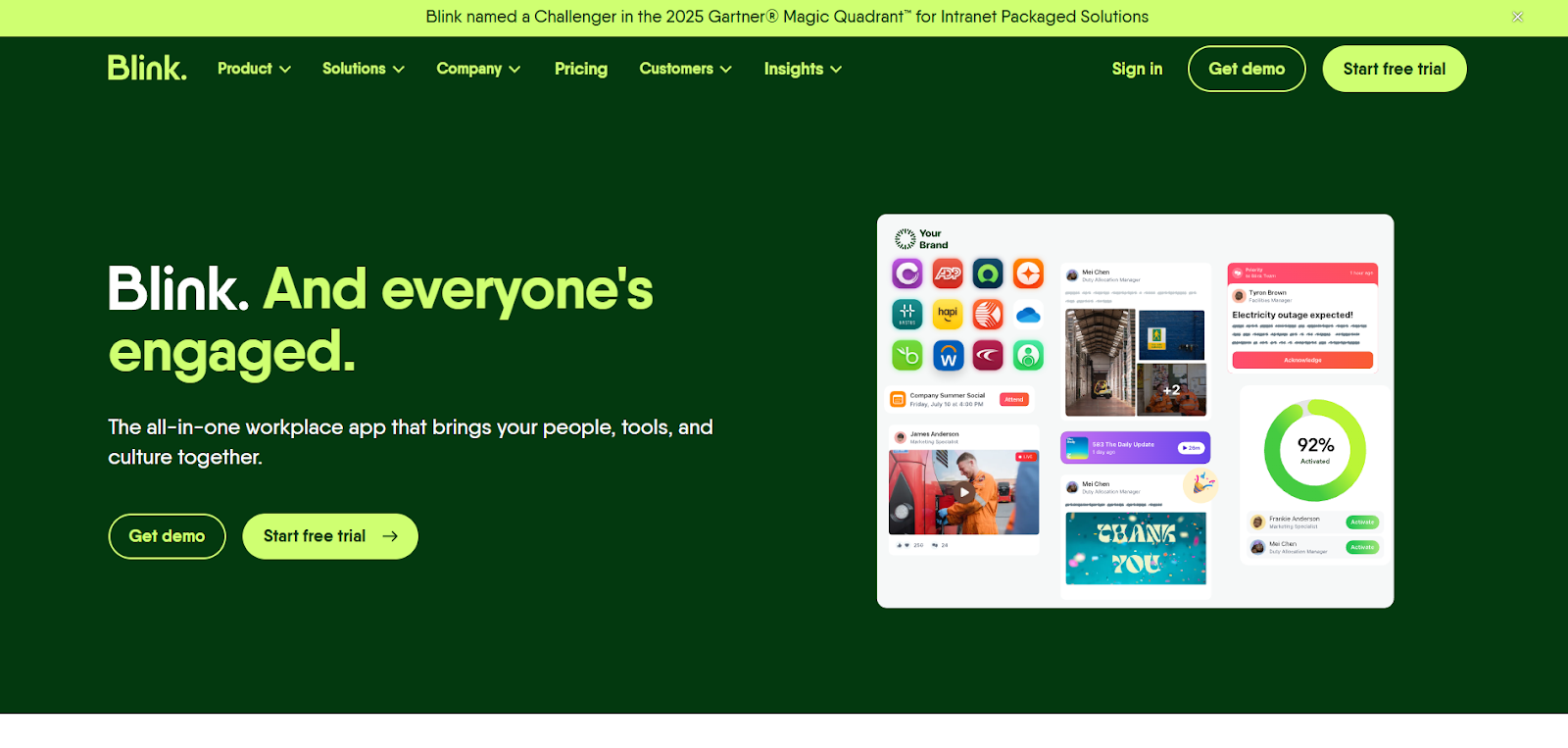
Blink is usually a good fit for teams whose biggest challenge is reaching employees who move between locations, work shifts, or rarely sit at a desk. The mobile-first app becomes a practical “daily starting point” that employees open to catch up on updates, message coworkers, and get to the tools they need to do their job.
Most organizations run core communication through Blink’s feed-first experience. Comms teams publish targeted updates, while managers use Priority Posts and Mandatory Reads when something truly needs attention and acknowledgement. This approach works especially well in environments where email is easy to miss or just isn’t seen fast enough.
A big part of Blink’s appeal is how it handles daily access across organizations. With Blink SSO and its built-in marketplace, employees can jump into essential tools—like HR, scheduling, or payslips—without juggling logins or hunting for links, which makes the hub feel more useful in day-to-day work.
That access-first approach also shapes how teams use the rest of the platform. Blink keeps messaging, recognition, and engagement close at hand so employees don’t have to bounce between systems throughout the day. A secure chat system supports quick coordination, while recognition and community features help reinforce connection across locations without adding overhead for managers or comms teams.
Blink also offers lightweight “Pages” for policies and essential resources, designed more for quick reference than deep knowledge management. Teams tend to share what employees need to know to do their job well, rather than building complex page structures, which keeps the experience fast and practical—especially for frontline use—but less suited to a structured, search-led intranet.
Blink works best when the employee hub needs to function like an operational app that’s quick to open, easy to act on, and reliable for reaching frontline teams. It’s designed around speed, visibility, and access to everyday tools, while platforms like Happeo focus more on deeper knowledge management and search-driven discovery.
Blink has published pricing for Business and quote-based Enterprise packaging.
Blink also offers a 14-day free trial for smaller teams, along with a nonprofit program (“Blink for Good”) that provides eligible organizations with free access to the full platform.
G2: (4.7/5) – Based on 257 reviews
Capterra: (4.7/5) – Based on 127 reviews
Gartner: (4.8/5) – Based on 48 reviews
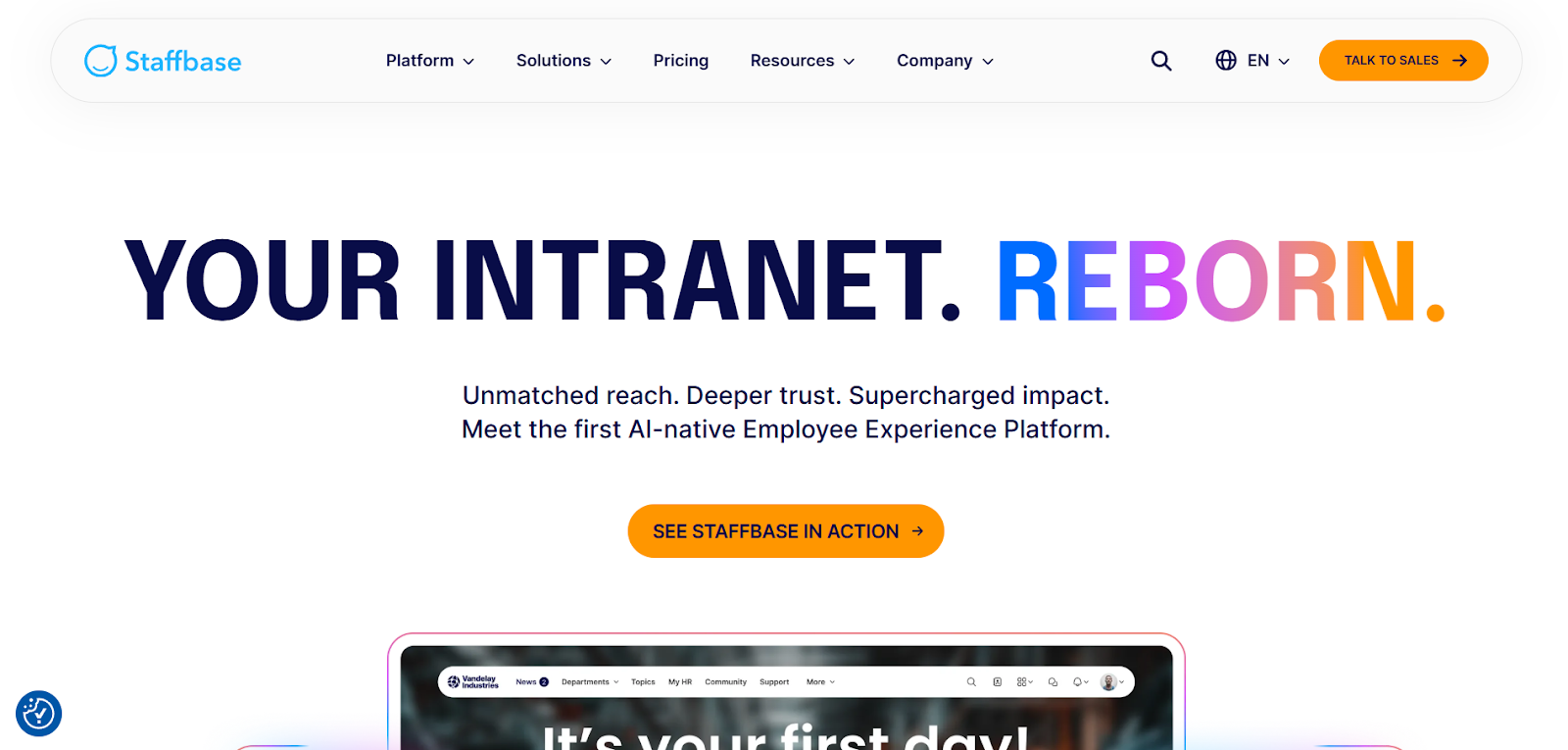 Staffbase is built for internal communications teams that need to run a more coordinated program across a large, distributed workforce. It makes it easy to reach different employee groups in different ways—often across regions and languages—and works closely with Microsoft 365 channels like Teams and Outlook to help keep everyone on the same page.
Most teams use Staffbase to plan content centrally and publish it across the employee app, intranet, and email without rewriting the same message in three places. Targeting and personalization help ensure employees see what applies to them, while Outlook-friendly email and app delivery support make important updates more accessible—especially in organizations where not everyone checks an intranet regularly.
Staffbase also supports multi-team communications, allowing local and regional communicators to manage their own updates through Spaces, while central comms maintains shared structure, approvals, and standards. This makes it easier to balance local relevance with consistency in multi-site and global organizations.
As teams settle into Staffbase, it becomes the system they use to plan, publish, and evaluate internal communications. Editorial calendars and campaign-style planning help teams stay organized, while measurement and engagement signals give them a clearer read on what’s working. It also includes forms and surveys for employee input, and employs AI to help communicators draft content and employees retrieve answers via search.
Staffbase fits best when the main goal is structured communications, and teams are comfortable with the structure and governance that come with an enterprise rollout. It’s less focused on collaboration or informal knowledge sharing, so teams looking for a social layer or deeper internal knowledge management should consider other options first.
Staffbase uses quote-based pricing for its three main products, which can be licensed separately or together:
Extra options, like Screens for digital signage, EX Boosters for engagement features, and SMS for urgent messages, are also available as add-ons.
G2: (4.6/5) – Based on 244 reviews
Capterra: (4.7/5) – Based on 79 reviews
Gartner: (4.6/5) – Based on 226 reviews
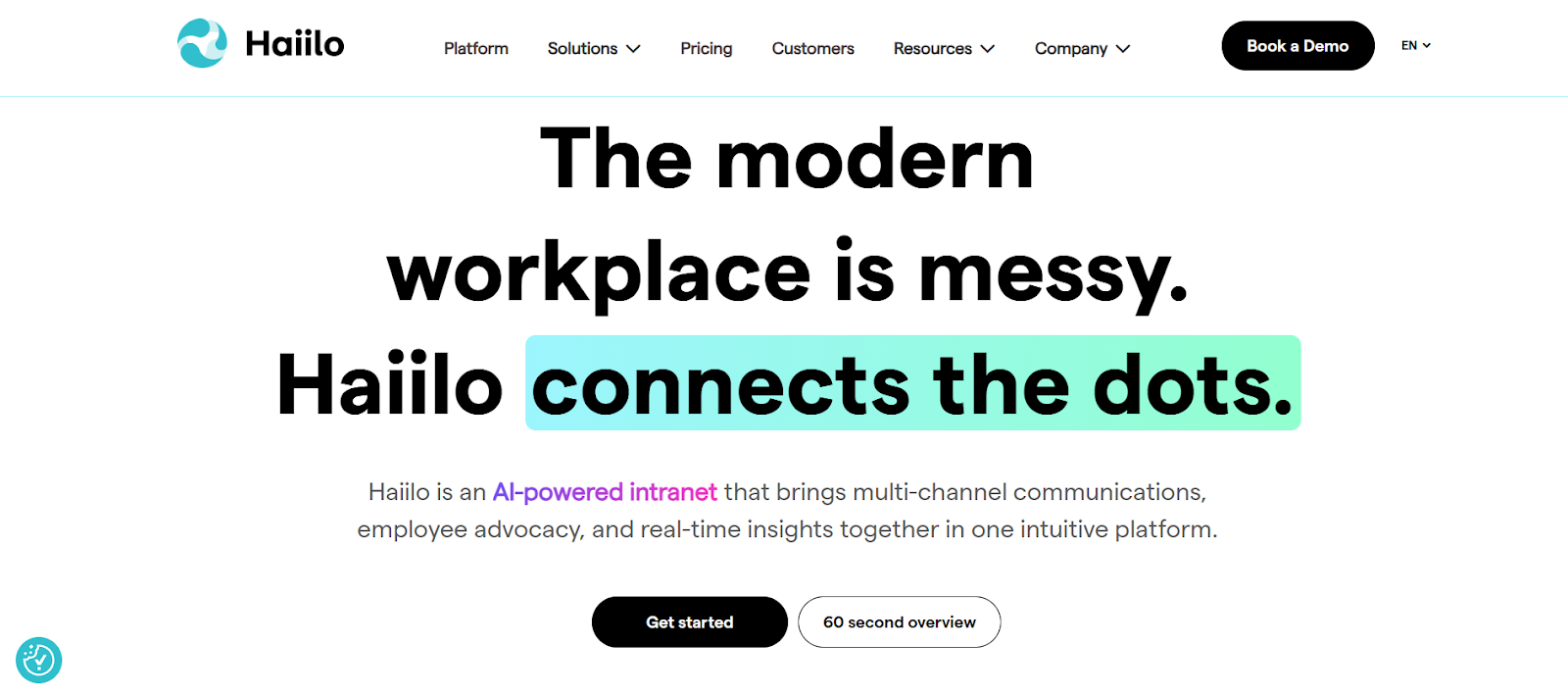
Haiilo helps mid-sized and large organizations deliver internal communications to frontline, desk-based, and multi-site audiences across multiple channels. It’s often chosen by communications and employee experience teams who need a more dependable way to get updates seen and understand what’s resonating with employees across the organization.
For employees, Haiilo works like a quick-check hub. Updates show up in a feed, people can follow what matters to their location or team, and the platform keeps them connected to broader company context beyond their immediate manager. It works well when employees need something simple and consistent to return to, especially on mobile.
Communications teams use Haiilo to run planned publishing instead of one-off posting. They build audiences, schedule content, and distribute updates through multiple touchpoints—mobile, email-style delivery, and digital signage—so key messages keep moving even when employees aren’t checking the hub directly. Local communicators can also publish to their own teams, which helps in multi-region rollouts where not everything should come from central comms.
Haiilo also gives comms teams a clearer view into what’s working. Engagement data and search behavior make it easier to see what’s getting attention, where interest drops off, and which groups may need a different approach—helping teams tailor their messages for deliverability and impact.
Overall, Haiilo fits organizations that want internal communications to feel coordinated across channels, with enough insight to refine delivery over time, while still giving employees a simple place to get updates and find what they need.
Haiilo uses quote-based, modular pricing rather than a single bundled plan. Organizations choose the parts of the platform they need, with pricing based on the modules selected and the number of employees. Deployments typically start at 500 employees.
Most teams license a combination of:
AI features are available separately, with added costs increasing based on the number of users.
G2: (4.6/5) – Based on 289 reviews
Capterra: (4.3/5) – Based on 29 reviews
Gartner: (4.1/5) – Based on 50 reviews
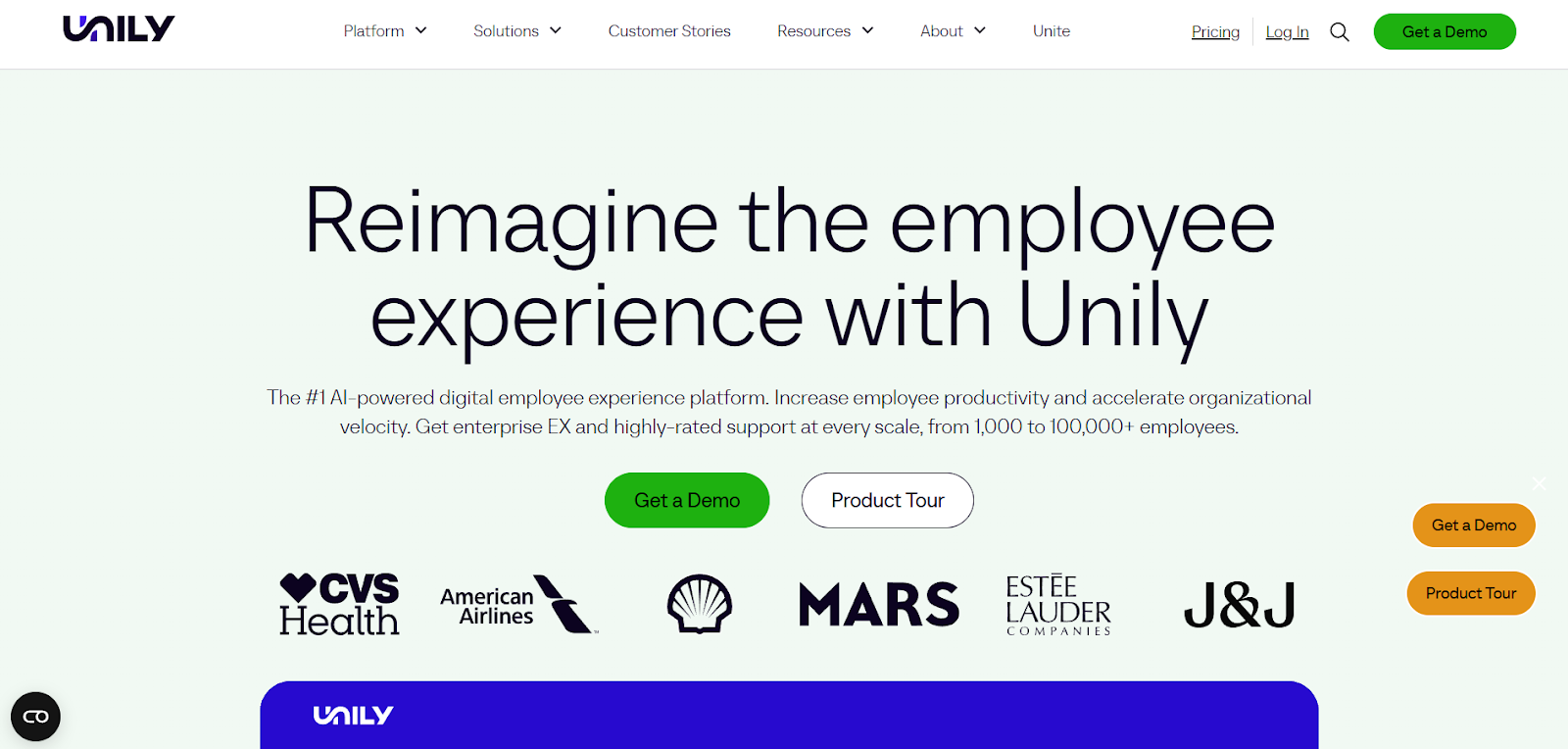
Unily is designed for large enterprises where the employee hub needs to support communications, HR, and IT at the same time. It’s a common choice when teams want one shared platform for messaging, programs, and access to tools, with clear ownership and controls that help make a large-scale intranet manageable.
Many teams use Unily as the starting point for employees’ day. They land on a personalized home experience, see targeted updates, and jump into key systems through integrations instead of hunting across tabs. It also fits well in Microsoft 365 environments because it sits on top of those tools rather than trying to replace them, so people can move between company updates, intranet content, and Microsoft apps from one place.
Communications teams typically rely on structured publishing workflows—scheduling, approvals, and multi-channel delivery—to run planned campaigns rather than one-off posts. Many organizations also add community spaces and interactive content like polls or forms to keep the hub active, especially when employees are distributed and don’t share the same day-to-day context.
Customization is a core reason enterprises choose Unily. Teams can run multiple intranet sites or portals within one platform, each with its own navigation, permissions, and local relevance. Because the platform is modular, organizations can layer in the capabilities they need—personalization, campaigns, journeys, or deeper integrations—without forcing every team into the same experience. That flexibility is especially useful in global environments where different regions operate differently.
Unily offers the most value when it has clear ownership and active management to make the most of its feature depth without excessive sprawling. Teams must plan for governance, integrations, and ongoing content responsibility rather than treating it as a self-sustaining communication hub. Happeo, on the other hand, is more lightweight and simpler to use and maintain—though knowledgebase management is still important for keeping resources current.
Unily uses quote-based pricing, with costs depending on the employee count, modules chosen, and add-ons needed to build out the intranet.
Add-ons include an in-platform chat, branded mobile app, advanced security options (IP whitelisting, geo-blocking), and dedicated hardware support.
G2: (4.5/5) – Based on 32 reviews
Capterra: (4.6/5) – Based on 23 reviews
Gartner: (4.4/5) – Based on 3 reviews
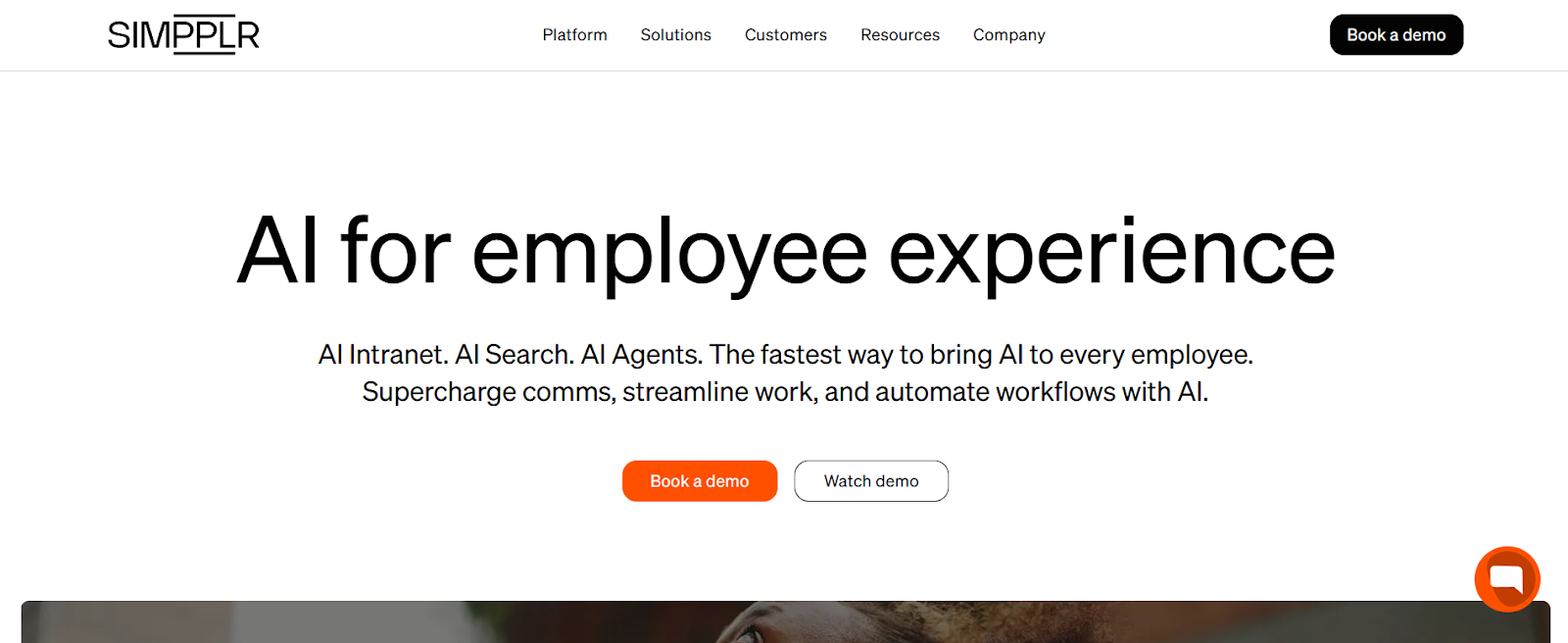
Simpplr is a good fit for teams that want one intranet-centered hub where employees can find updates, resources, and answers without bouncing between systems. It’s often used by internal comms, HR, and IT leaders who want a more “all-in-one” employee experience approach—communications, listening, and support—organized around an AI-powered central work hub.
Employees typically access Simpplr through a web experience and native iOS/Android apps, with content also reaching them through email and collaboration tools like Slack and Microsoft Teams via integrations. That setup lets comms teams run newsletters and campaign-style updates, while keeping the intranet as the main home base for content and navigation.
A major reason teams choose Simpplr is to help employees get answers faster. AI Search returns permission-aware results with clear links back to source content that centralized teams keep up to date. AI Agents add another layer by handling common HR and IT questions through guided interactions, and teams can configure those agents using a low-code builder so support workflows can evolve as policies and processes change.
Simpplr also puts listening and recognition close to everyday communication with their engagement features. Teams can run surveys inside the same experience, and use recognition and rewards to reinforce culture without adding another platform. It also emphasizes broad integration coverage (including APIs) to help tailor the employee experience more, though larger rollouts with multiple integrations may require add-on services like implementation or migration support.
Simpplr fits when you want a packaged, intranet-led employee experience that combines communications, listening, and AI-assisted support in one system. It’s not as social as feed-first tools or as deep as Happeo’s knowledge model, but it gives teams a single, well-integrated place to publish updates, collect feedback, and reduce basic support questions.
Simpplr doesn’t publish plan or pricing information publicly. You must request a quote for more information.
G2: (4.6/5) – Based on 357 reviews
Capterra: (4.8/5) – Based on 112 reviews
Gartner: (4.6/5) – Based on 94 reviews
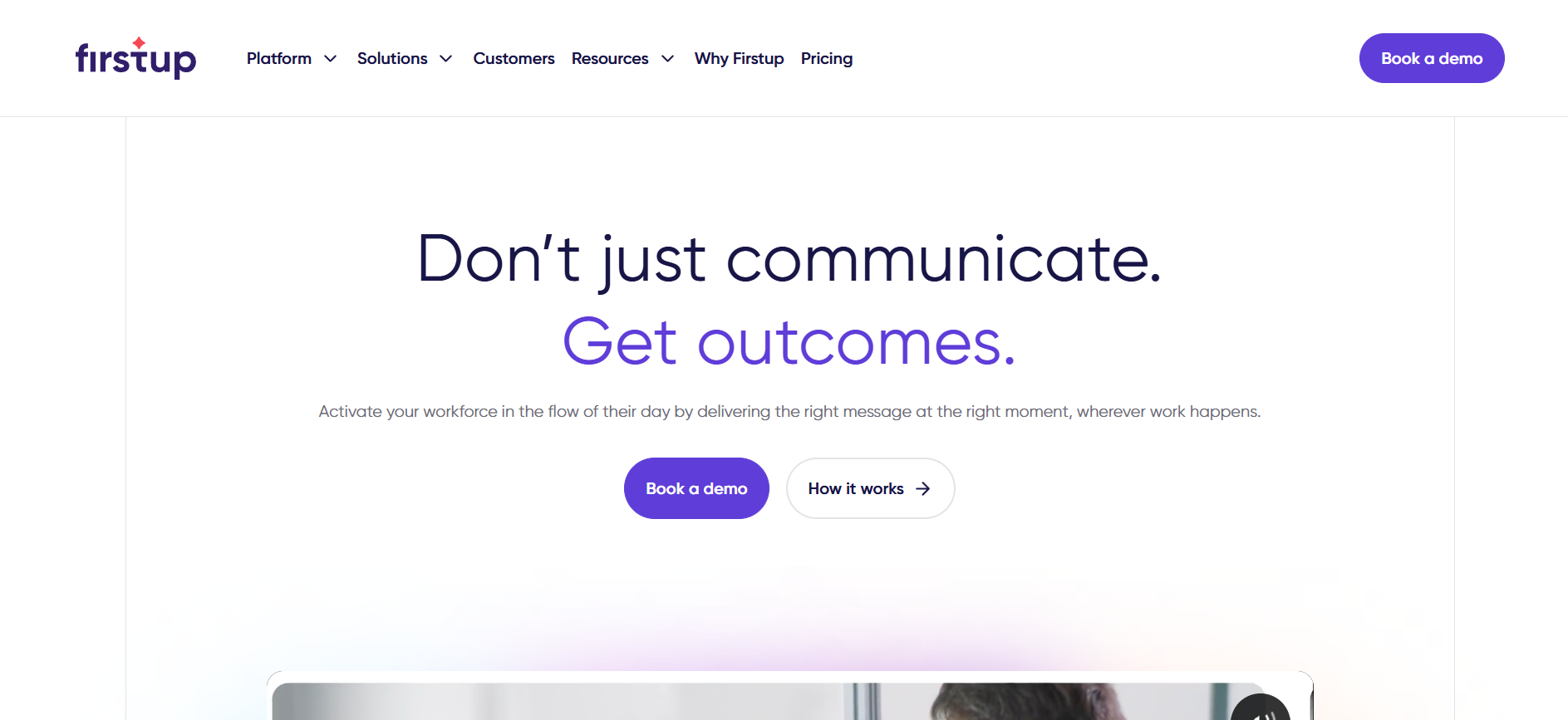
Teams consider Firstup when they need more control over how messages reach their workforce. Rather than publishing announcements and hoping people check the intranet, communications teams plan how information rolls out over time and across different groups. This is especially useful in organizations where frontline and desk-based employees have very different access preferences.
Employees don’t experience Firstup as a hub they’re expected to browse. Messages show up through the channels they already use—email, a branded mobile app, intranet surfaces, digital signage, and Microsoft-connected tools. Teams create content once and deliver it across those endpoints, so staying informed doesn’t depend on remembering to visit the “right” destination, particularly for employees who rarely use the intranet.
For communications and EX teams, the platform’s strength is structured delivery. Teams build sequenced communications tied to workforce attributes and behavior, which is useful for onboarding, benefits enrollment, policy rollouts, and change initiatives where timing and follow-through matter. Instead of publishing once and hoping for the best, teams plan how messages land over time.
Firstup also gives teams clearer visibility into what’s happening after messages go out. Engagement and response data are segmented by audience, making it easier to see where messages are landing, where they’re being missed, and which channels are actually driving action. On the backend, identity and data integrations support targeting and personalization at scale.
Firstup is built for teams that actively manage communications as an ongoing process. It works best when reaching employees and driving action is more important than maintaining a central hub employees are expected to search or browse. However, you can add on intranet features.
Happeo, by contrast, is designed for teams that want employees to find information on their own through a structured intranet. Pages and search play a central role, and updates are anchored to that hub rather than delivered as coordinated, multi-step campaigns.
Firstup uses quote-based pricing, typically billed annually on a per-user, per-month basis. Pricing depends on organization size, channel mix, and the level of orchestration and analytics required.
Packages are generally structured by capability:
Intranet functionality is available as an add-on, not a primary use case.
G2: (4.4/5) – Based on 203 reviews
Gartner: (4.8/5) – Based on 27 reviews
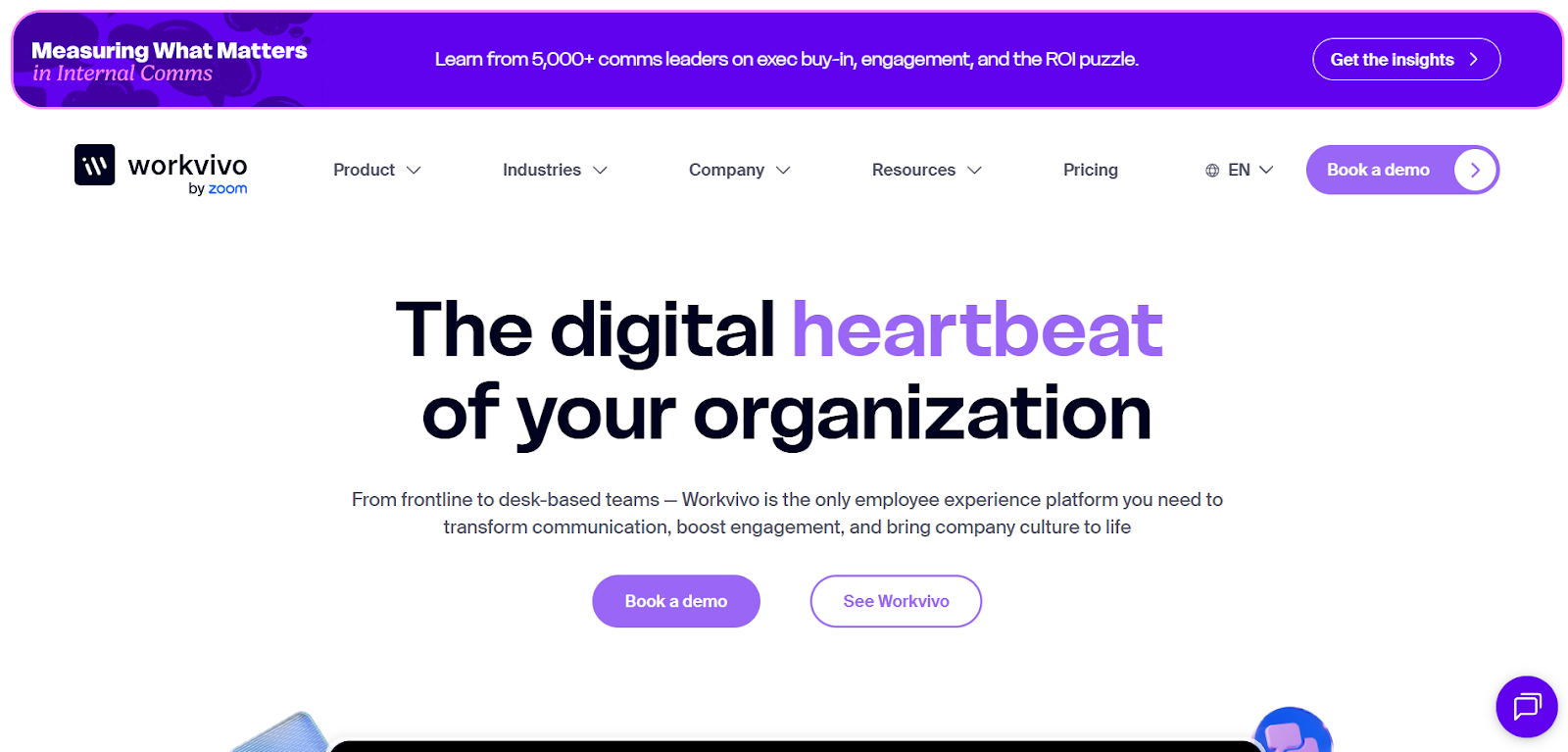
Workvivo is a strong fit when the goal is to keep communication moving and keep people involved, no matter where they work. Teams choose it when they want the platform to feel more like a workplace social network than a classic intranet, with recognition, community interaction, and frequent updates acting as the primary way employees stay connected.
Employees mostly experience Workvivo through a personalized feed and Spaces tied to teams, locations, or interests. That makes it easy to share quick updates, recognize people in the flow of work, and keep everyday moments visible without asking employees to navigate a traditional intranet structure.
Recognition and community posts keep people engaged and informed, with formal updates appearing alongside that activity. As with most feed-based tools, older posts naturally move out of view over time, which is why Spaces are important for keeping conversations and updates relevant to the right groups.
For comms teams, Workvivo works well when you publish in a more editorial, campaign-driven way. Instead of relying only on short announcements, teams mix formats—news and long-form articles, newsletters, live streams, podcasts, and auto-translation—so they can match the channel to the message and maintain momentum over time. For shared environments, Workvivo TV extends key updates to screens in offices, stores, and facilities.
Workvivo is typically chosen when teams prefer a feed-led, social experience to keep communication and interaction flowing across the organization. It works well when recognition, community activity, and frequent updates are the primary way employees stay connected. Happeo fits better when teams want a more structured intranet model, with pages and search playing a larger role in how employees find and maintain information.
Workvivo uses quote-based pricing, with plans primarily structured around organization size and support needs rather than feature-by-feature licensing.
Common paid add-ons include Chat, Workvivo TV, Advanced Analytics, and Employee Insights (listening).
G2: (4.8/5) – Based on 2,573 reviews
Capterra: (4.7/5) – Based on 134 reviews
Gartner: (4.7/5) – Based on 127 reviews
The right alternative to Happeo comes down to what you need your employee hub to do most consistently. If your workforce is largely desk-based and you can count on employees to visit the hub when they need information, a structured intranet model can work well. But if your bigger challenge is getting important updates seen across roles, locations, and schedules—and giving employees a reason to return regularly—you’ll get more value from a platform designed around everyday usability and engagement, not just content structure.
Jostle is the strongest fit when you want an employee hub that makes internal communication straightforward to run and easy for employees to follow. It gives official updates a clear home, supports simple targeting so the right people see the right message, and includes practical tools to improve visibility and acknowledgement when timing matters. At the same time, it keeps everyday connection visible without letting it compete with critical communication, so the hub stays active without turning into noise.
If you want an employee hub that’s easier to adopt and manage than a traditional intranet, Jostle is a practical place to start.
Book a demo to see how Jostle would work for your organization.

See why organizations are transforming their workplace culture with Jostle!



Read more by
Jostle

Jostle’s employee success platform is where everyone connects, communicates, and celebrates at work. Find out more at jostle.me. © 2009–2026 Jostle Corporation. All rights reserved.