Companies are spending more on employee experience software than ever. But for most, that investment hasn’t paid off. According to Gallup's State of the Global Workforce, global engagement sits at around 20%, the lowest it's been since 2020, translating to over $10 trillion in lost productivity globally.
Most platforms lose employee engagement after the initial rollout. Once the launch hype fades, usage drops because the tool doesn't match how employees actually get updates, find information, or connect with their team. They go back to asking a manager, digging through email, or pinging someone on Slack because the platform wasn't built around those everyday moments in the first place.
The right platform depends on your workforce, tech stack, and the specific gaps you're trying to close. One built for enterprise social engagement handles culture differently than one designed to reach shift workers without a company email address. And both look different from a hub built around helping employees find answers without involving management or opening a support ticket.
We evaluated nine employee experience platforms across features, real-world adoption, workforce fit, and pricing to give you a clear picture of what each does well and where it falls short.
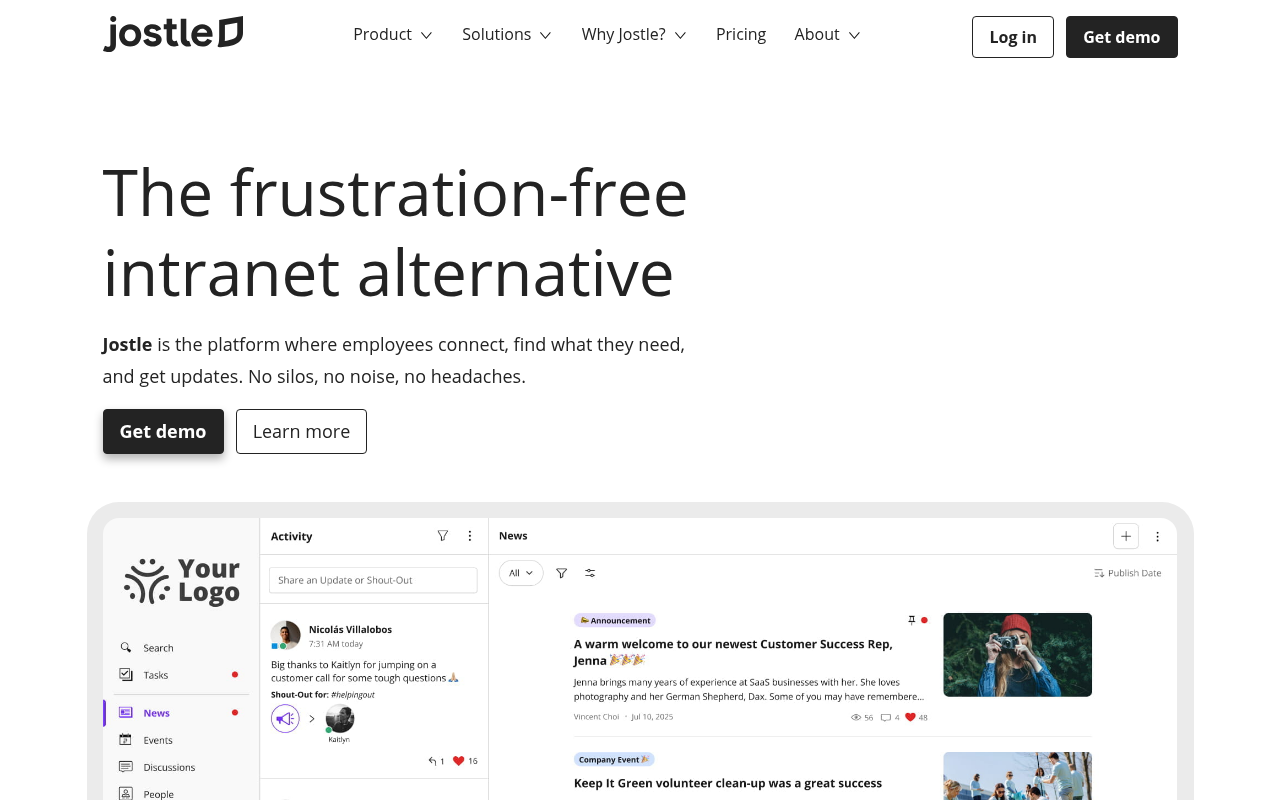
Jostle is an employee hub where communication, recognition, and knowledge management share the same space employees already check for updates.
The platform organizes itself around a small set of purpose-built destinations to keep navigation consistent and content easy to find as the organization grows. Because employees know where to look, they find what they need without asking a manager or waiting for a response. That removes the low-level friction that quietly chips away at engagement over time.
At the center of Jostle's engagement tools is Activity, a social-style feed for quick updates, photos, and the kind of recognition that would feel out of place in an official announcement. Shout-Outs let employees recognize a colleague or team publicly while tagging specific org values, giving People leaders a way to track which initiatives are landing and with whom. Birthdays and work anniversaries are added automatically, so personal milestones get acknowledged without depending on anyone remembering to post.
Official communication on Jostle happens through News, which is essentially a more precise version of a typical catch-all company feed. Posts are targeted at the item level by role, location, or department to minimize noise. That means the international team doesn’t receive US-only policy updates, and sales teams get Q3’s sales reports without cluttering the customer service team’s news feed. Speaking of policy updates, you can use sign-off tracking to confirm who’s read critical announcements like policy updates.
If your team does miss any updates, they can use Library to refer to policies, guides, and other key resources. The content here is stored with version control and syncs with Google Drive and OneDrive, so there’s no need to duplicate content to make it searchable.
Alternatively, your team can use JostleAI’s Ask a Question feature. It’s a permission-aware feature that allows your team to ask questions in natural language and answers those questions based on content in internal resources, provided they’re authorized to access that information.
And it’s not just information. Jostle also has a feature to help your team find the right person. Teams adds an org chart layer that helps employees identify reporting lines and find the right person for questions about leave policies, onboarding steps, or cross-functional projects. If someone wants to search by name, Jostle’s People directory search uses fuzzy-logic matching so a partial name or half-remembered department still returns the right result.
Even if some of your employees aren't checking in regularly, the personalized Weekly Digest pulls together recent News, Activity, Library updates, and upcoming events automatically.
Additionally, Jostle helps reach frontline and distributed workers through JostleTV. This feature broadcasts recognition and updates to shared screens in lunchrooms, manufacturing floors, and common areas for employees who may never open a laptop during their shift.
If you’re looking for a tool that covers comms, recognition, documents, people search, and culture, Jostle ticks all those boxes.
The platform is straightforward enough that employees actually use it, and structured enough that it stays manageable as you grow. Plus, free onboarding support is included across all plans, so switching from a fragmented tool stack or a legacy intranet is considerably less painful than it tends to be with other platforms.
Jostle pricing depends on how many users your organization has and what functionality it needs. The Bronze base plan includes essential employee experience tools, with higher-level plans adding more optional features you can choose from to build your own stack.
For 500 users:
Every plan also includes mobile apps, free onboarding & coaching, governance controls, SSO and provisioning, integrations (including Google Workspace and Microsoft 365), AI features, and more.
G2: 4.6/5 – Based on 222 reviews
Capterra: 4.4/5 – Based on 74 reviews
“I love Jostle's ease of use and social connection. It's an easy way to share photos, events, and updates, which is great for our hybrid company where the majority of employees are fully-remote. Jostle provides a centralized place to share photos of in-person events so that even remote employees can still be a part of the conversation, even when not physically there.” — Verified G2 User
“Jostle is really user friendly. It's visually easy to navigate and find what you are looking for. The design and structure of the platform supports our corporate vision and the content libraries are easy to find and upload articles to. Our staff are really enjoying the overall experience and becoming more interactive with it. Staff especially like the hints and tips that present themself. Customer support has also been positive, response times are quick and support analysts are knowledgeable and intuitive.” — Verified G2 User
Workvivo builds its entire employee experience around a social-style feed that mirrors the apps employees already use outside of work. When the platform feels like LinkedIn or Instagram, apps employees use regularly, they’re more likely to use it without being asked.
For organizations where getting people to actually engage with a company platform has been the persistent struggle, that familiarity accelerates adoption and helps make it part of everyday work long-term.
The core feed combines company updates, team content, and peer recognition in a single personalized stream. Employees can call out a colleague's win publicly, with recognition optionally tied to specific company values.
If your team wants to filter content, they can use Community Spaces. This feature lets teams create topic-based groups for ERGs, regional offices, wellness initiatives, or any shared interest, with optional access for contractors or external contributors, giving employees a sense of belonging that extends beyond their immediate team.
Workvivo also offers a campaign management tool that lets internal communications teams schedule and sequence multi-channel communications in advance, while read-and-acknowledge tracking confirms exactly how far a must-read update has spread.
When text isn’t enough, live streaming and an internal podcast handle town halls and executive updates on the same platform. Auto-translate across multiple languages then ensures announcements reach global employees without separate localization workflows.
Workvivo’s social-first design that drives adoption also creates a content management challenge.
High-volume activity across reactions, comments, and event reminders can push important leadership updates down the feed before employees see them. And content prioritization controls are manual; pinning is capped at a handful of posts and recommended for only a few days at a time, with no way to set standing rules that keep critical content consistently above social activity. Any teams that rely on Workvivo for both casual engagement and critical communications typically need clear internal guidelines about what gets posted where.
Workvivo is a good option for organizations with large or distributed workforces where the primary EX challenge is getting employees genuinely engaged with the platform. The $20,000/year starting price makes it a harder sell for smaller teams, but for enterprises managing frontline and desk-based populations across multiple regions, the reach and engagement depth offer decent value.
Workvivo uses tiered annual subscriptions with a 250-employee minimum. No per-user pricing is published; both plans require contacting sales for a quote. Optional paid add-ons include Chat, Workvivo TV (digital signage), Advanced Analytics, and Employee Insights.
 Unily’s is best suited for large, global organizations where information is spread across too many tools and teams are split across regions. In those environments, staying aligned and getting simple things done often means jumping between systems. Unily tries to address that problem by bringing communication, knowledge, and task execution into a single platform.
Unily Glass acts as a single interface across the platform, so employees can both find information and act on it without switching tools.
Raising an IT ticket, requesting time off, or updating a CRM record all happen through the same interface, drawing from 60-plus connected actions across Workday, Salesforce, ServiceNow, Microsoft 365, and others. All of this Unily content is discoverable inside Teams and Microsoft Copilot, thanks to Unily’s Microsoft Copilot connector.
Indi handles the publishing side, generating structured intranet pages from natural language prompts within approval workflows. That lets comms teams transition from a brief to a published page without relying on IT or design, and that’s an important capability at the scale most enterprise teams operate.
Then there’s the CMS, which covers drag-and-drop page building, broadcast emails, and rich media, with content governance through scheduled review dates and auto-moderation. The CMS can also translate 40+ languages, which keeps multilingual workforces working from one source of truth without duplicating editorial effort across regions.
Unily's feature depth is also its main challenge. The platform covers enough ground that teams often end up using only a fraction of it, especially without a dedicated intranet owner. If you don’t have the resources to manage Unily, you’ll find more value elsewhere.
That’s why Unily is ideal for large enterprises with resources to match. Even among large enterprises, it’s best for companies that need intranet to serve as an active work layer across regions and teams, and where Microsoft 365 is already central enough to daily work that the Copilot and Teams integrations become genuinely useful.
Unily uses quote-based pricing with a modular packaging model. Organizations select the capabilities they need and combine packages to match their rollout plans and complexity.
Optional add-ons are available to extend the platform further, such as branded mobile apps, in-platform chat, premium support tiers, additional identity and tenant connectors, and enhanced security controls.
Simpplr is an AI-powered employee experience platform that focuses heavily on the quality of the knowledge employees rely on day to day.
In most organizations, content maintenance ends up being inconsistent, with updates happening only when someone has time for it. But Simpplr has a built-in Auto-Governance Engine that continuously monitors content across the company and keeps it current so employees can always find accurate information.
It also flags outdated or redundant content and notifies owners to review or update it. Accountability is built into the publishing workflow itself so content on Simpplr doesn’t rely on a scheduled audit.
Simpplr has a built-in AI agent that takes care of drafting announcements and policy updates. The agent also answers questions from employees, pulling data from over 50 enterprise systems and being mindful of access permissions.
Simpplr's AI features deliver the most value once the platform is supplied with well-organized content. If your content is scattered or outdated, you’ll face meaningful cleanup work before the governance engine operates as intended. For teams expecting a plug-and-play deployment, that upfront investment can be a dealbreaker. But for organizations that want to make the platform their own, it’s solvable.
If your employee experience depends on people being able to find accurate, up-to-date information quickly, and your communications team needs more than a publishing tool to manage that at scale, Simpplr might be worth considering.
Simpplr uses a custom-quote pricing model based on organization size, with no publicly listed prices.
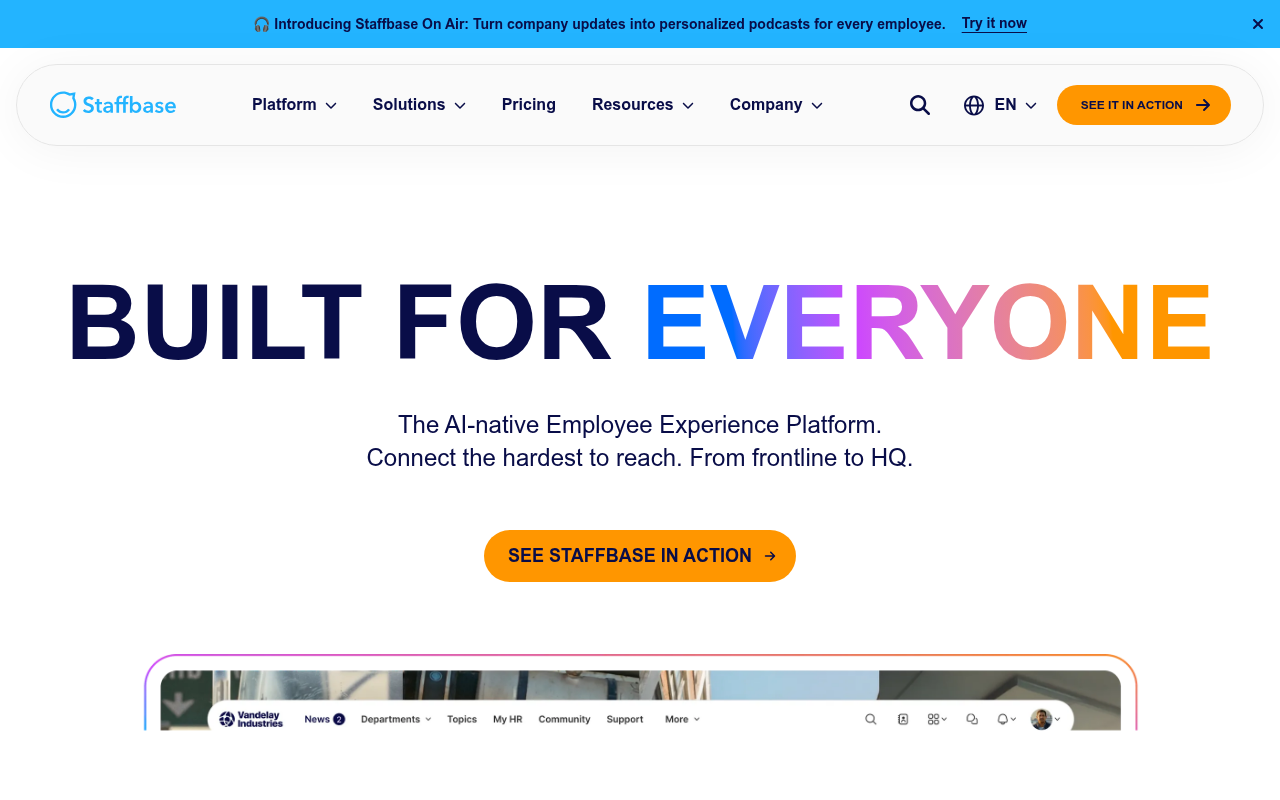 Staffbase is a communication-first platform where the central design problem is that most employees, particularly those in warehouses, retail locations, or out in the field, never had a reliable way to feel connected to the organization. It consolidates intranet, a branded mobile app, email, SMS, and digital signage into a single platform, providing a consistent employee experience whether someone is at a desk or finishing a shift on a factory floor.
The branded employee app supports push notifications, offline mode, and login options that don't require a corporate email address. This opens the platform to hourly and deskless workers that typically don’t have access.
Staffbase allows targeting content by role, location, and department in 75+languages, so employees in different regions see what applies to them without extra configuration on their end. It also generates tailored weekly audio briefings using AI for employees, giving companies a more practical way to reach employees who are more likely to listen than read during a shift.
Speaking of AI features, Staffbase also answers questions about PTO, shift schedules, or IT access using AI. Employees can ask the AI agent questions in natural language via text or mobile, which platform pulls info from approved internal resources. These resources are under agentic content governance that flags outdated or duplicate content, so internal data never goes stale.
Smart Impact Analytics goes beyond open rates, tracking visibility, engagement, and sentiment across every channel with alignment surveys embeddable directly into content. On the email side, dynamic content blocks deliver different information to different employee segments within a single send, and per-group performance data shows which departments or locations aren't engaging so comms teams know where to follow up.
The downside to using Staffbase is the admin experience. Managing content across multiple locations and user groups requires meaningful configuration work, and some changes can't be made without contacting support directly.
That creates a practical bottleneck for frontline-heavy organizations. When a policy changes or a safety update needs to go out immediately, the ability to act quickly matters. If you don't have a dedicated internal comms person with platform experience, you’ll feel that friction more than those that do.
If you’re an enterprise-grade company with significant deskless or frontline populations, and have a team in place to manage it, Staffbase is a good option for ensuring your messages reach their targets.
Staffbase does not publish pricing. All plans require contacting sales for a custom quote, and pricing scales based on organization size and selected channels.
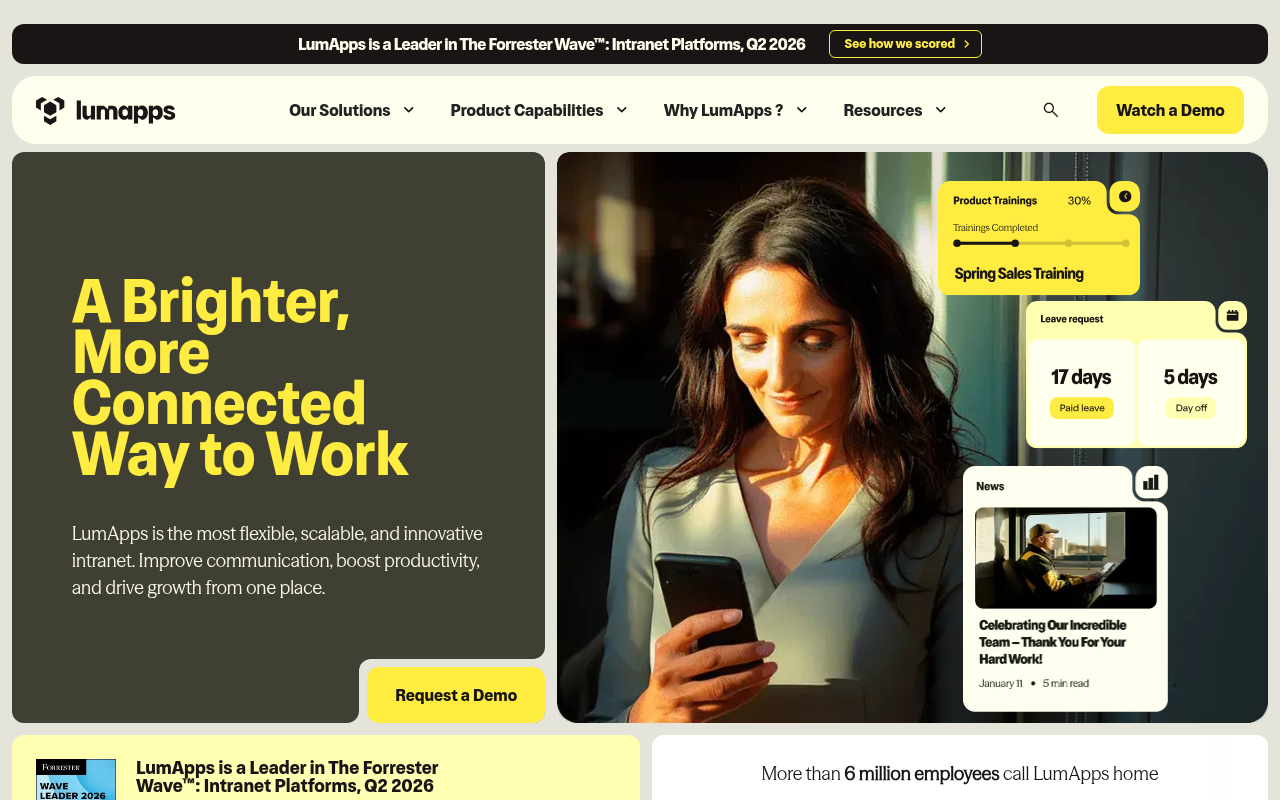 LumApps is an intranet for enterprises that need a single hub capable of reaching every employee.
Its deep native integration with both Microsoft 365 and Google Workspace lets employees access the platform with existing credentials, allowing them to find information or complete tasks without jumping between different tools.
The platform also has other ways to make intranet content and updates more accessible. For example, admins can segment audiences by role, location, language, and business unit. Multilingual publishing with automated translation across 30+ languages means the same update can reach teams in different regions without separate workflows. Multichannel delivery extends that accessibility further through mobile, desktop, and digital signage, so employees receive communications through the channels that fit how they work.
HR and comms teams control page design, content hierarchy, and permissions across the platform using LumApps’ customizable CMS. Teams access this content using AI-powered search, which pulls results across platform content, Google Workspace or Microsoft 365 files, and third-party tools connected via the integration marketplace. These results are personalized based on the employee’s role and activity, so they get relevant results past just the labels on their profile, which helps manage visibility more easily across larger headcounts.
LumApps also allows you to orchestrate the entire employee experience, from onboarding to offboarding, with Journeys. Each sequence adapts based on various factors (role, location, etc.), so a new hire in a frontline position moves through a different path than a corporate hire in a different country. . That way, lifecycle moments that typically require HR to follow up individually are handled consistently at scale.
As an enterprise-focused tool, LumApps's tradeoff is the time and financial cost of getting it to a place where it delivers on its promise. Customization beyond platform defaults requires CSS and HTML knowledge, implementation typically runs through an external consulting partner, and teams that go in without a content strategy and dedicated admin ownership tend to get a platform that performs accordingly.
For organizations that need a functioning employee hub quickly, or that don't have the internal resources to sustain ongoing governance, that overhead is often a dealbreaker.
That’s precisely why LumApps is primarily for organizations with the IT maturity and internal resources to build and maintain a sophisticated employee hub at scale. Those without dedicated admin capacity will find the overhead difficult to justify.
LumApps does not publish per-user pricing. All plans require contacting sales for a custom quote, and the company offers discounted pricing for organizations with 2,000+ employees.
Three tiers are available, with several capabilities sold as paid add-ons.
 Blink is tailor-made for staff that don’t sit at a desk, such as retail staff, transit workers, logistics drivers, and healthcare aides. The interface operates like a consumer social app, which keeps the training burden low in environments where getting workers to download yet another platform is already a hard sell.
To further improve engagement, communication runs through a targeted news feed where admins push updates by role, location, or department. Admins can track whether an employee actually opened critical content with Mandatory Read tracking so important updates never get overlooked.
For multilingual teams, real-time translation covers 100+ languages automatically, so a policy published in English reaches a warehouse team in Poland without a second publishing workflow. If your team needs to access policies (or procedures, HR tools, and external applications) at a later date, the Content Hub gives them that option.
In fact, they can do this using their mobile phones. Passwordless authentication via SMS, email, or QR code allows frontline staff without a corporate email address to get onto the platform without IT involvement. And Employee Journeys keep that momentum going with automated onboarding and role-based content paths that run consistently regardless of who's managing the process that week.
There are a few quirks to keep in mind, though. Blink uses a feed-first architecture, so older content ages out of view quickly, and finding a specific past message or procedure by keyword takes more effort than it should. In a frontline environment where workers look things up mid-shift, the result is either an unnecessary question to a manager or a step skipped entirely.
Keeping the Content Hub tightly organized with quick links reduces the need to search at all, but that puts the maintenance burden on admins and breaks down the moment the Hub stops being actively managed.
Blink is the right call if your primary EX challenge is reliable reach to workers who aren't sitting at a desk. If shift workers in five locations need to confirm they've read a new safety procedure before their next shift starts, or frontline staff need access to their everyday tools without a password manager, Blink fits the bill.
Blink uses per-user pricing with both annual and monthly billing options. A free trial is available across plans, and the Blink for Everyone program offers free access to qualifying charities.
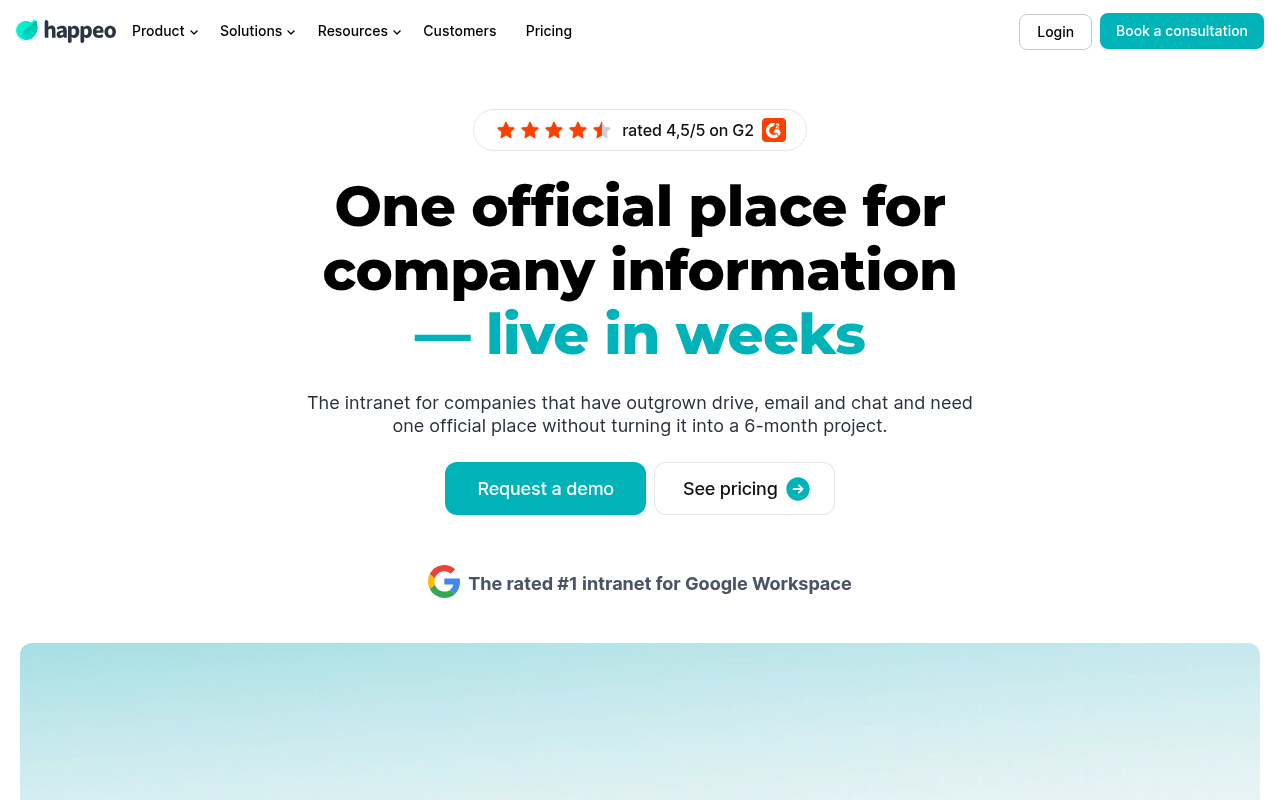 Happeo adds an intranet layer on top of Google Workspace, so it builds directly on the systems teams are already using. Sign-in, file permissions, and directory data carry over automatically, so there’s no need to recreate access controls or manage a separate user database.
Employees open Happeo and find their colleagues, their Drive content, and their team channels already organized, which speeds up onboarding and makes adoption easier to maintain because the foundation is familiar already.
The Google integration also makes creating and maintaining content easier. HR and comms teams can use Happeo’s no-code page builder with pre-built templates to publish onboarding portals, policy libraries, and department hubs without involving IT.
Whenever a document is embedded from Google Docs, Sheets, and Slides, it stays live within those pages, so employees always see the current version instead of a static upload. Another feature that reduces a content owner's burden is lifecycle management. This feature flags stale pages automatically, so individual owners don’t need to remember when they last updated something.
Happeo makes it easy to search through this content. A single search bar pulls results from Happeo pages, Channels, Google Drive, and Gmail, returning permission-aware answers with source citations. A new hire needs to look at the expense reimbursement process? They can easily get the right policy with a traceable link back to the official document, so they don’t need to double-check with their supervisor.
Happeo does many things well, but it’s limited when it comes to engagement. Channels support posts, threaded replies, reactions, and polls, but features like peer recognition or employee listening aren’t built in, and real-time conversations still happen in tools like Google Chat or Slack.
For teams that primarily need a structured knowledge hub with solid communication features on top, none of that is disqualifying. But organizations evaluating Happeo as a full employee experience platform will find that the culture and connection components require a separate tool.
Happeo does the job for desk-based teams, typically in the 100 to 500 employee range, committed to Google Workspace and looking for a structured, searchable home for company knowledge. Because it inherits Google's permissions and directory, teams can get up and running quickly without a long implementation or dedicated admin support.
Happeo uses quote-based pricing across all tiers with no publicly listed prices. The Starter plan supports monthly billing with no minimum user count, while Growth and Enterprise require annual billing and a minimum of 75 users.
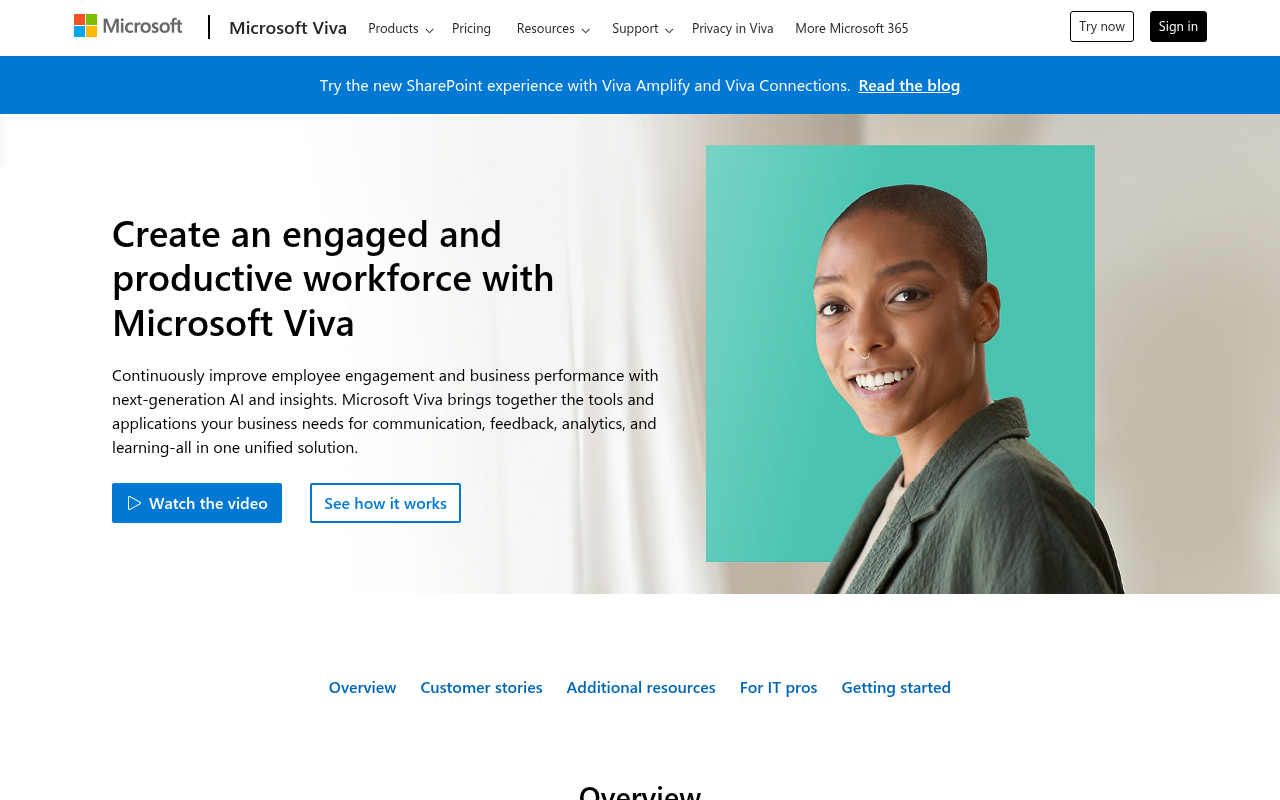 Unlike other platforms on this list, Microsoft Viva isn’t a standalone platform. It’s part of the Microsoft ecosystem and embeds an employee experience layer directly into Teams and Outlook.
For enterprises already running Microsoft 365, that deployment model removes most of the activation friction. Employees find Viva inside tools they already use, and IT can roll it out through the Teams admin center without managing a separate system.
Viva includes multiple modules. For example, the Insights module analyzes work patterns across Microsoft 365, tracking meeting load, after-hours activity, and focus time. It then uses that data to automatically schedule protected focus blocks in each employee's calendar. The data stays private to the individual, which helps avoid the usual concerns around monitoring.
Glint takes a similar approach on the engagement side, running org-wide surveys and feeding results directly into manager dashboards with suggested actions, instead of leaving the data sitting in a report.
With Viva, you can give your team a branded landing experience with Viva Connections. Your team can access targeted news, announcements, and resource links personalized by role or location through the Connections tab right inside Teams.
Then there’s Viva Amplify, which lets internal comms teams run multichannel campaigns across SharePoint, Outlook, and Teams from a single workflow, with analytics tracking reach and engagement across channels.
Note that both modules work best for organizations that already maintain SharePoint as their content backbone and have the resources to keep it current.
Viva’s tight integration with Microsoft 365 is both its strength and source of complexity.
Each module has its own setup requirements and dependencies. Connections relies on a properly structured SharePoint environment, Glint requires Global Admin involvement just to provision, and Insights depends on Exchange and Teams configuration for deeper analytics.
Teams that underestimate this often end up with modules that are technically active but not fully usable, which limits adoption and impact.
If you’re a large enterprise with dedicated IT capacity and an existing Microsoft 365 infrastructure, Microsoft Viva is an ideal choice. The analytics and listening capabilities in Insights and Glint are hard to replicate elsewhere in the stack and represent genuine EX value for organizations that need data-driven answers to workforce questions at scale.
But if you’re not already a Microsoft 365 power user, other alternatives on this list might fit your needs better.
Microsoft Viva requires an existing Microsoft 365 F1, F3, E3, or E5 license.
Baseline features, including the branded Connections hub, Engage communities, personal Insights, and learning content access, are included with enterprise M365 plans at no additional cost.
Premium capabilities are sold as bundled add-ons or individual modules, all billed annually per user.
The platforms on this list cover a wide range, from focused mid-market tools to enterprise suites with dozens of modules. But choosing the right one depends less on feature count than on how your organization is actually structured.
A platform built for frontline retail workers and one built for desk-based knowledge workers can both be described as "employee experience software," but they solve fundamentally different problems.
So before comparing features, it’s worth stepping back and getting clear on a few basics, such as your workforce composition, IT capacity, and problems with your last platform.
Effective communication is the most powerful lever for adoption. If updates aren’t relevant, or they’re delivered through the wrong channel, employees stop paying attention. This makes it harder to convince them to open the platform.
Look for a platform that lets you route content by role, location, or department, so employees see relevant content and updates. For regulated industries or distributed teams with compliance obligations, also verify how the platform handles confirmation that critical communications were actually received, like sign-offs and compliance reporting.
Implementation speed and ongoing admin load matter more than feature depth, especially for mid-market companies. A platform with hundreds of capabilities that takes months to deploy and requires constant IT involvement often ends up underused.
Before you commit to any platform, make sure you answer these questions to avoid adoption problems later on:
If the answer to any of these questions is “I don’t know,” take a step back and consider whether a simpler platform would work better.
When trying to judge whether a platform is built for distributed teams or just adapted for them afterward, just look at the mobile app. If any part of your workforce is deskless or frontline, verify if the mobile app offers push notifications, offline access, and login options that don’t require a corporate email address.
Integration depth determines whether a platform consolidates your tech stack or adds to it.
At minimum, you want native SSO with your identity provider, a working connection to your productivity suite, and an HRIS sync that keeps directories current without manual upkeep.
Integration also affects searchability. Search that pulls from connected systems rather than only the platform's own content changes how useful the platform feels to employees who work across multiple tools every day.
The most important filter is fit. Employee experience platforms fail when organizations buy for aspirational use cases and deploy for the actual ones, and discover the gap six months in.
The best platform for your organization is the one that maps cleanly to your real workforce, current IT capacity, and the specific communication or engagement problems you need to solve now. Those constraints narrow the field faster than any feature comparison will.
When employees can't find the updates and information they need, or feel disconnected from the people and purpose around them, the employee experience breaks down.
The platform used to solve this same problem is often the reason. Fragmented and complex platforms lead to inconsistent recognition and ineffective communication, and make it harder for teams to self-serve.
Jostle is built around the idea that employee experience efforts work best when the platform stays out of the way. Communication, recognition, and knowledge live in one place that employees have a reason to open, so consistent participation doesn't depend on reminders or re-engagement campaigns.
The result is an employee experience that functions consistently across roles and locations without requiring significant overhead to keep it running.
If you want a single, user-friendly hub that helps keep people informed, connected, and able to find what they need without friction, consider Jostle.
Book a demo today.

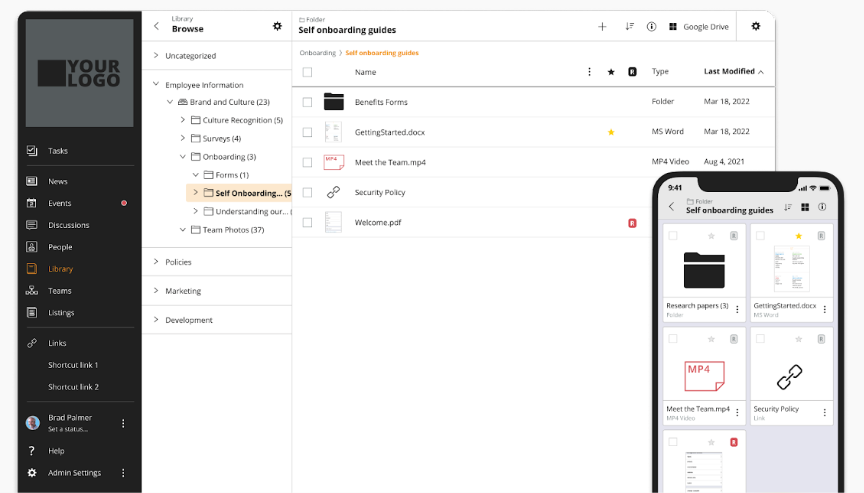
See why organizations are transforming their workplace culture with Jostle!



Read more by
Gabe Scorgie

Jostle’s employee success platform is where everyone connects, communicates, and celebrates at work. Find out more at jostle.me. © 2009–2026 Jostle Corporation. All rights reserved.