Unily is known for its in-depth, highly customizable intranet builds that help enterprises coordinate communication and internal resources across regions, departments, and teams. Organizations use it when regional offices need to manage their own content without relying on corporate IT, when a policy update needs sign-off from legal, operations, and leadership before going live, or when employees need single sign-on access to Workday, ServiceNow, and other business tools directly from their intranet homepage.
But if you don't have dedicated developers on staff or a substantial services budget, that capability can feel out of reach. Customizing beyond the standard features—building custom widgets, designing advanced page layouts, or setting up deeper integrations—generally requires HTML, CSS, and JavaScript expertise. That usually means either hiring developers internally or paying for professional services throughout your rollout and beyond.
When you factor in months-long implementations—including custom page development, integration configuration, and training to help employees get the most out of Unily—and the ongoing support needed to maintain code and update dashboards as needs change, the total cost of implementing adds up quickly. That's why teams look for employee platforms that help them reach employees reliably, keep information findable and current, and stay usable without requiring months-long rollouts and ongoing technical support.
In this article, we'll review the strongest Unily alternatives and what makes each one worth considering if you want faster deployments, self-service content management without developer dependencies, and lower total cost of ownership while still reaching employees reliably and keeping them connected.
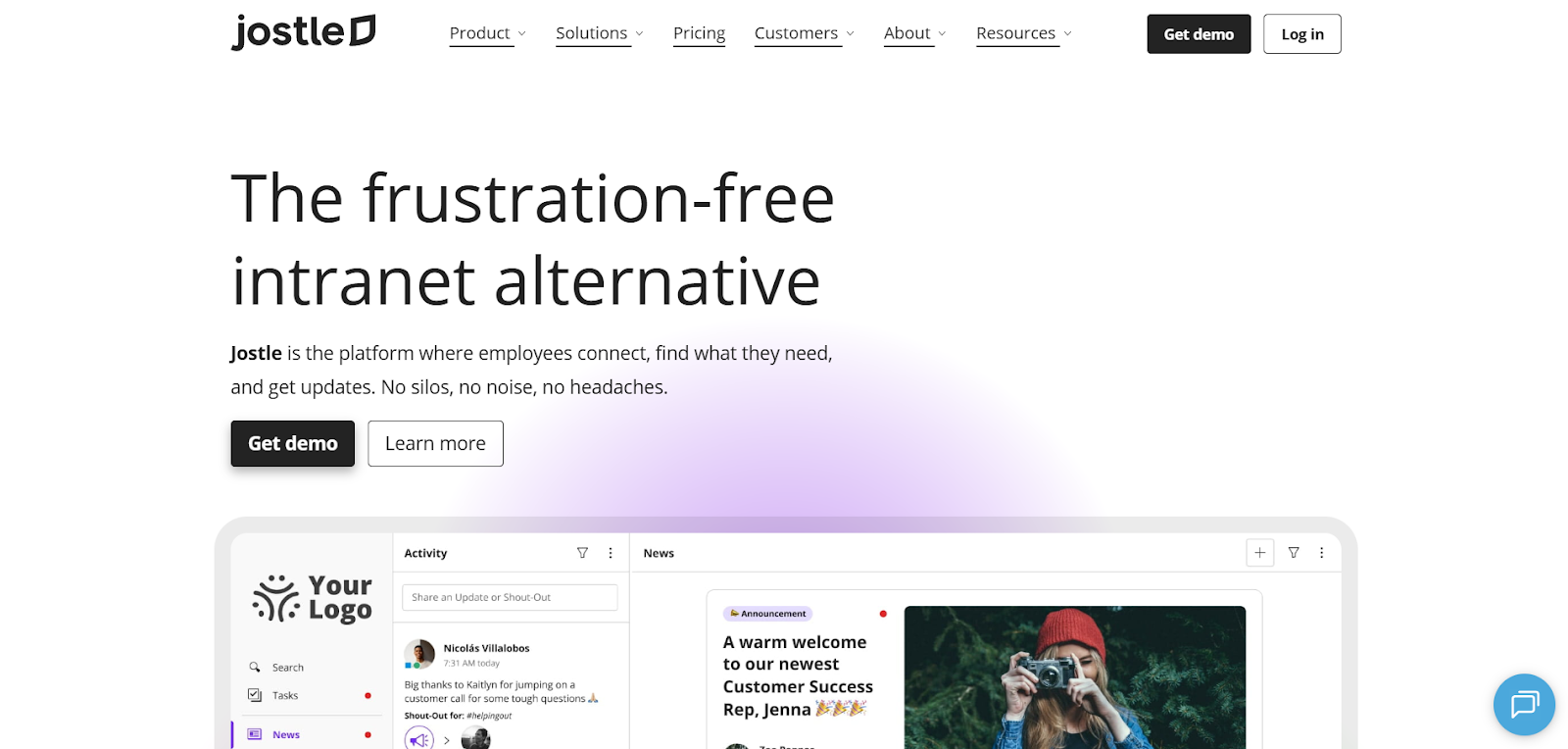
Jostle serves as a central employee platform for organizations that want straightforward communication and reliable reach across desktop, mobile, and common area TVs. It's designed to be configured and maintained by teams themselves, so there’s no coding skills or significant IT involvement required to make changes. And with free onboarding and rollout support included in all plans, implementation typically happens in weeks rather than months.
With Jostle, communication stays manageable because News creates a clear home for leadership updates, policy changes, and operational announcements. Targeting by location, department, or role means local employees only see their office’s posts rather than a retirement announcement for another office across the country, so updates stay relevant to what applies to them. For another layer of confidence, managers can require that employees sign off on posts to acknowledge that they read them, or use Notify to push notifications to employees immediately so they don’t get buried in an inbox or missed entirely.
Activity creates a dedicated feed for shout-outs, recognition, celebrations, and everyday moments, so culture-building content doesn't compete with essential communication like benefits enrollment deadlines, safety protocols, or IT outages in News. This separation helps employees stay connected socially across locations and departments while keeping News as the credible, uncluttered source for information they need to act on.
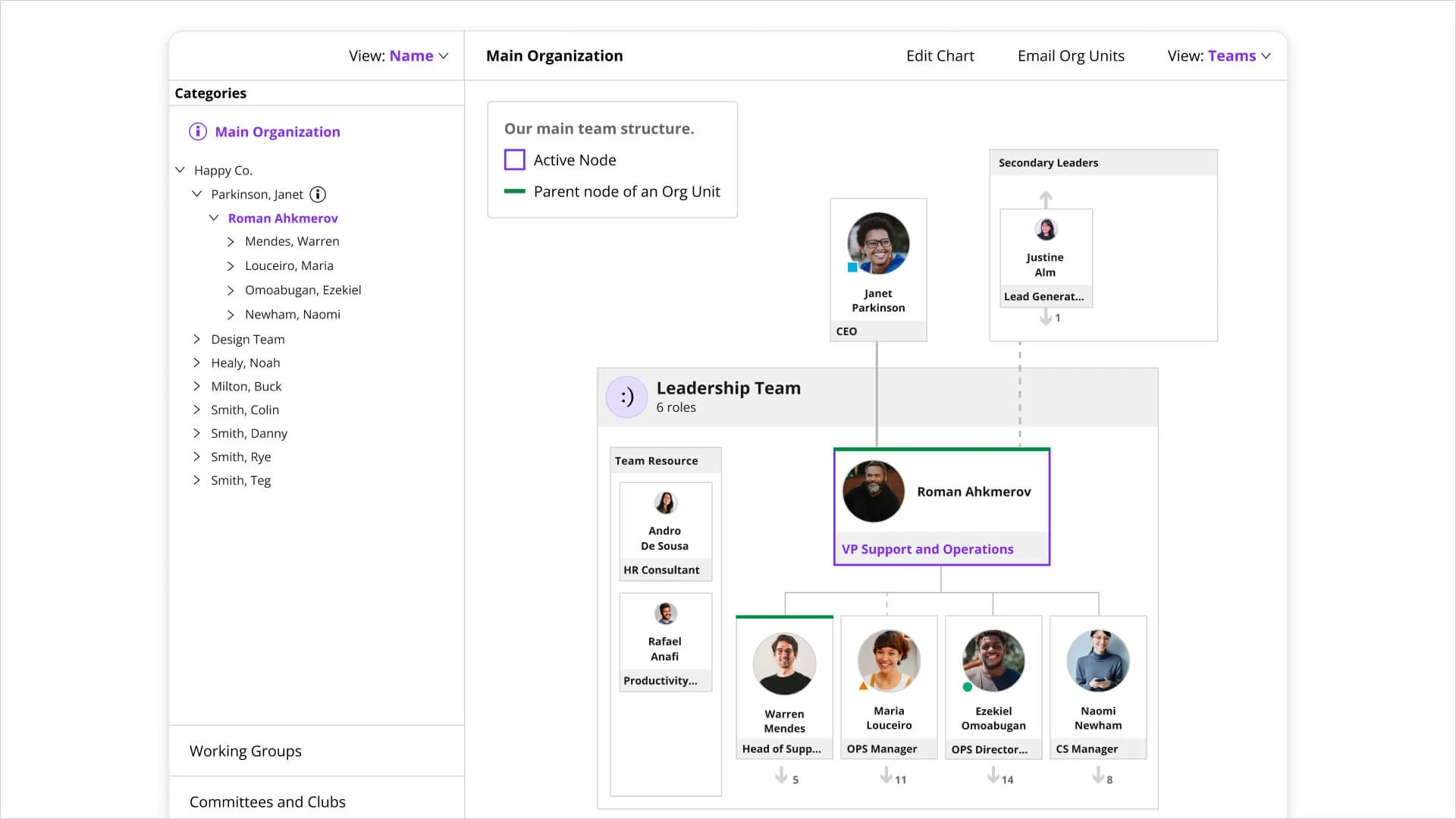
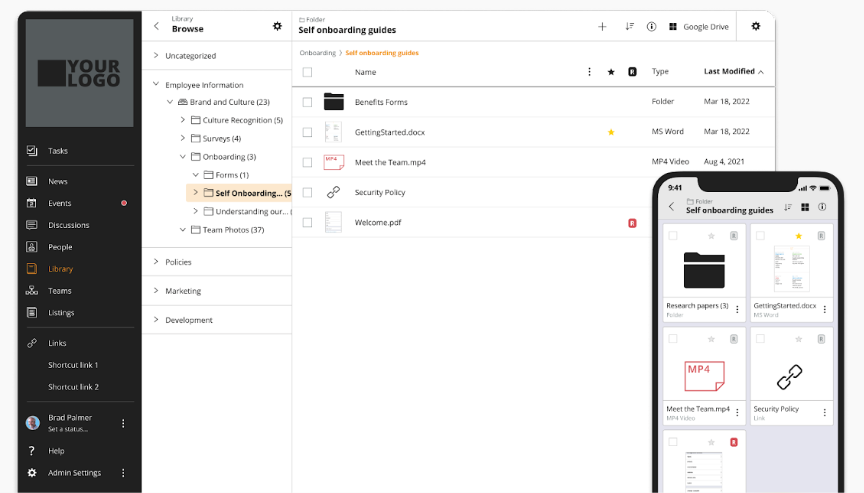
When employees need to find someone or locate information, the People directory and Teams org charts show who they should contact with questions about policies or deadlines, and how they can reach them directly. The Library then serves as the maintained home for policies, procedures, and reference materials. Unlike traditional intranets where documents get buried in nested folder structures, Library content stays findable and current, with Jostle-side permission controls that keep access up to date even when people change teams or roles. That way, employees can find what they need without searching old email threads or Slack conversations.
If a manager needs to know the current PTO policy for hourly employees in California, they can ask JostleAI and get an answer pulled directly from Library content they have access to, filtered by their role and location. This reduces the volume of routine questions to HR, prevents employees from working off outdated information, and keeps them from abandoning the search to dig through email threads or Slack conversations instead.
Beyond the platform itself, teams can bring in the tools employees actually use, without developer support. Custom Views let teams embed external dashboards—like payroll portals or scheduling systems—directly inside Jostle, so employees can access what they need without switching tabs or hunting through bookmarks. Links provide quick access to systems that work better as direct launches, such as benefits enrollment portals or IT ticketing systems that employees use occasionally but don't need embedded in their daily view.
Weekly Digests pull key updates from News, Activity, and the Library into personalized email recaps based on department, location, and role, which keeps employees up to date on policy changes and announcements even when they haven't logged in that week. Integrations with Microsoft 365, Google Workspace, Slack, and Teams also improve communication by adding updates directly into the channels employees already use daily, so important messages reach them rather than them needing to remember to check the employee hub frequently.
Jostle works best for teams that need reliable communication and everyday usability without requiring developers on staff or waiting months to launch. The platform is designed to go live in weeks with included onboarding support, and because it doesn't require coding skills to manage content or customize views, teams can maintain it themselves without depending on IT or paying for ongoing professional services.
Jostle pricing depends on the number of users and the add-ons required. Each plan adds more options (Tasks, Teams, JostleTV, Listings, Events) to extend functionality beyond the core features offered in Bronze and Silver plans.
For 500 users:
All plans also include onboarding support, mobile apps, Microsoft 365 and Google Workspace integrations, SSO and user provisioning, APIs and data sync, analytics and governance controls, and built-in AI functionality.
G2: (4.5/5) – Based on 217 reviews
Capterra: (4.4/5) – Based on 73 reviews
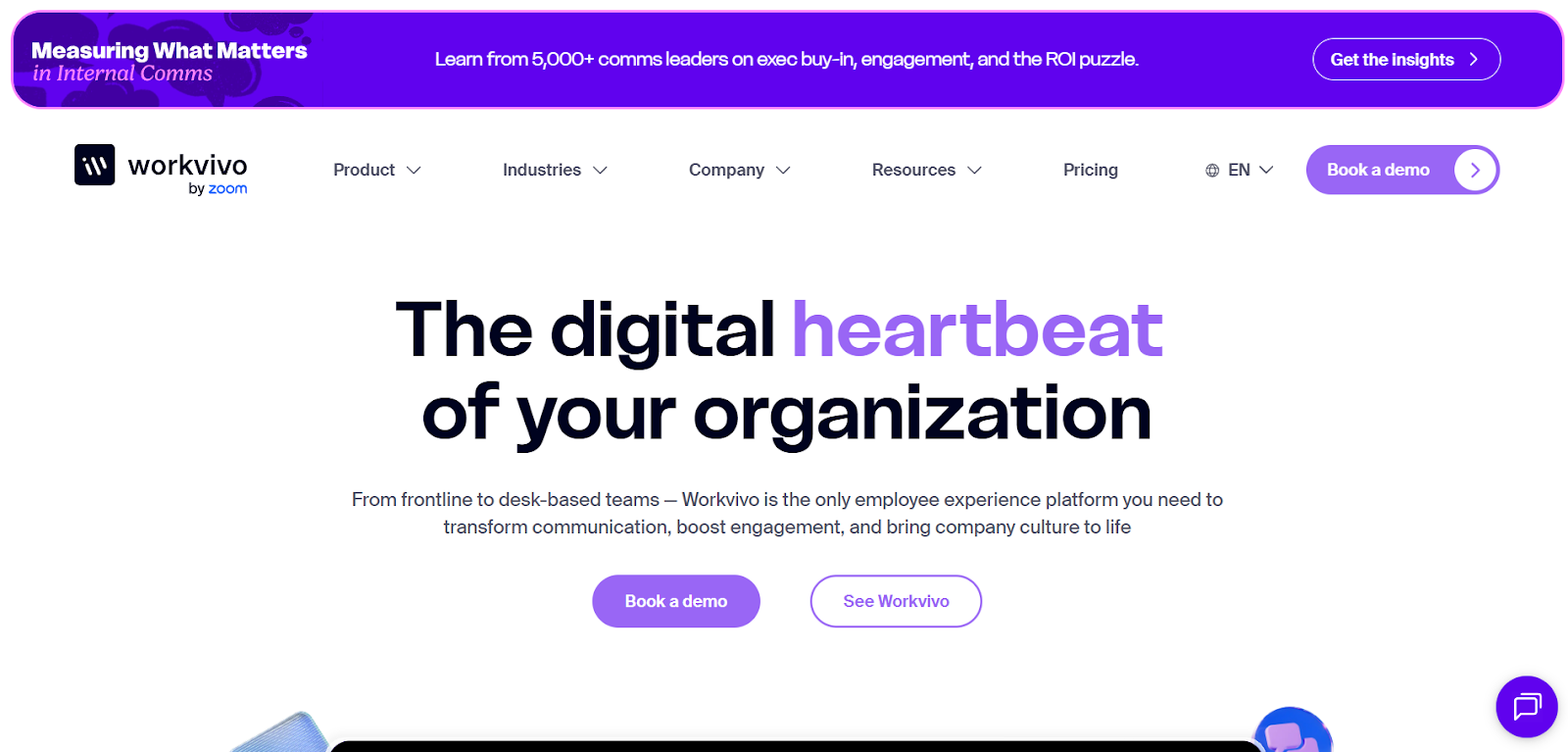
Workvivo builds the employee experience around a social feed where employees see company announcements, recognize colleagues, and participate in conversations all in one place. Teams choose it when they want employees opening the platform regularly to see what's happening, not just when they need a specific document. It's commonly adopted by organizations with 250+ employees, particularly those with frontline or distributed workforces who need mobile-first access.
Communications teams publish through the feed with scheduling and targeting to ensure messages land consistently across regions and time zones. Critical messages, like new safety protocols at manufacturing sites or policy changes affecting store teams, can be marked as mandatory using read-and-acknowledge tracking, with automated follow-up reminders pushed directly to anyone who didn't sign off.
Teams also adjust format based on what works best for the message. Live streaming supports town halls where employees can ask questions in real time during strategy announcements or organizational changes, while Newsletters extend reach through email for weekly roundups or department updates. For faster, more personal updates, voice messages give leaders an easy way to share weekly commentary without drafting formal posts. Built-in translation across all text posts also ensures global teams stay informed without comms teams creating separate versions for each region.
Recognition and engagement happen in the same feed as official announcements, which drives frequent visits but means important messages can get buried as employees share shout-outs, celebrate wins, and comment on updates. For example, a safety notice might scroll past while employees react to recognition posts or team celebrations.
Spaces help by organizing content into focused areas by region, department, or interest, so employees can follow what's relevant without everything competing in one feed. Still, teams need to establish clear guidelines for what belongs in the main feed versus Spaces and what should be pinned to stay visible, so essential updates aren’t missed.
For knowledge management, Workvivo provides pages for policies, pinned resources for quick access, a searchable knowledge base, and a people directory. But organizations managing complex approval workflows for policy updates, or those requiring structured content hierarchies with version control and governance, typically maintain that depth in a dedicated system and use Workvivo as the engagement and communication layer on top.
Workvivo is the better fit when rapid adoption and consistent participation across frontline teams matter more than deep customization, while Unily makes sense for enterprises that can dedicate the time and technical resources needed to build a highly governed, extensively tailored intranet experience.
Workvivo pricing is quote-based and scales by employee count, plan tier, and any add-ons required. Publicly, Workvivo packages its core platform into two plans, with additional modules sold separately.
G2: (4.8/5) – Based on 2,573 reviews
Capterra: (4.7/5) – Based on 134 reviews
Gartner: (4.7/5) – Based on 127 reviews
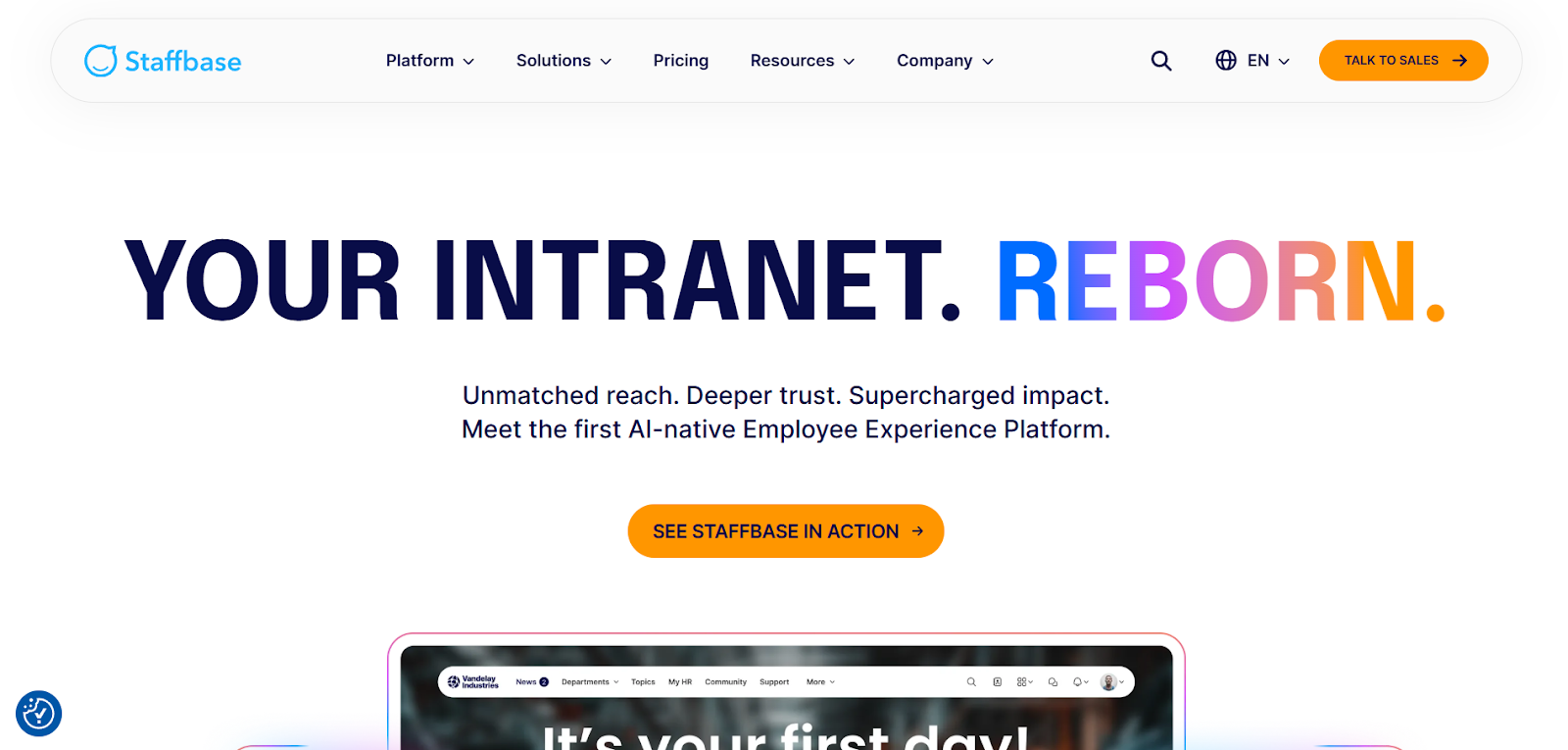 Staffbase is a communications-centric employee experience platform designed for organizations with team members on multiple channels and devices. It's commonly adopted by enterprise internal comms teams supporting a mix of desk and frontline employees, where efficient publishing means creating content in one workflow, targeting the right audiences, and delivering it through the channels employees actually use.
A typical workflow publishes a corporate update as an intranet article for desk teams, a mobile push notification for frontline staff, and an email newsletter for roles that start their day in Outlook. For critical messages—like safety updates at manufacturing sites or policy changes affecting specific regions—targeting ensures only relevant employees see it, and automated follow-ups re-send to anyone who didn't open or acknowledge the first message without comms teams manually tracking non-responders.
Editorial calendars help coordinate publishing across central and local teams so messages don't pile up or conflict. Smart Campaigns and Smart Impact connect content to outcomes—teams can see whether a benefits enrollment campaign actually increased participation or whether a safety training push led to completion, not just whether employees opened the message.
Staffbase works well when communications can't be fully centralized, like when regional offices need to manage their own updates but corporate still needs approval controls and brand consistency. Local teams publish through Spaces while corporate sets templates and workflows that keep messaging aligned. Screens extends this to employees who don't carry devices, automatically pulling published content to digital signage in warehouses or manufacturing floors. And AI features help streamline updates: employees get digests, while communicators get drafting help, translation, and sentiment analysis showing whether messages are resonating.
Compared to Unily, Staffbase prioritizes reaching employees wherever they are over building a centralized hub that they visit daily. It has intranet, knowledge, and social features (via Microsoft 365), but its real strength is communications delivery—making it ideal when messages need to reach their recipients quickly and reliably across any channel, not when building a comprehensive, customized digital workplace.
Staffbase offers three core products built around different communication channels, with no public pricing available.
The main product areas include:
Staffbase also offers add-ons, including Screens for digital signage, SMS delivery (separate subscription required), Q&A and other engagement modules, advanced analytics, and more.
G2: (4.6/5) – Based on 244 reviews
Capterra: (4.7/5) – Based on 79 reviews
Gartner: (4.6/5) – Based on 226 reviews
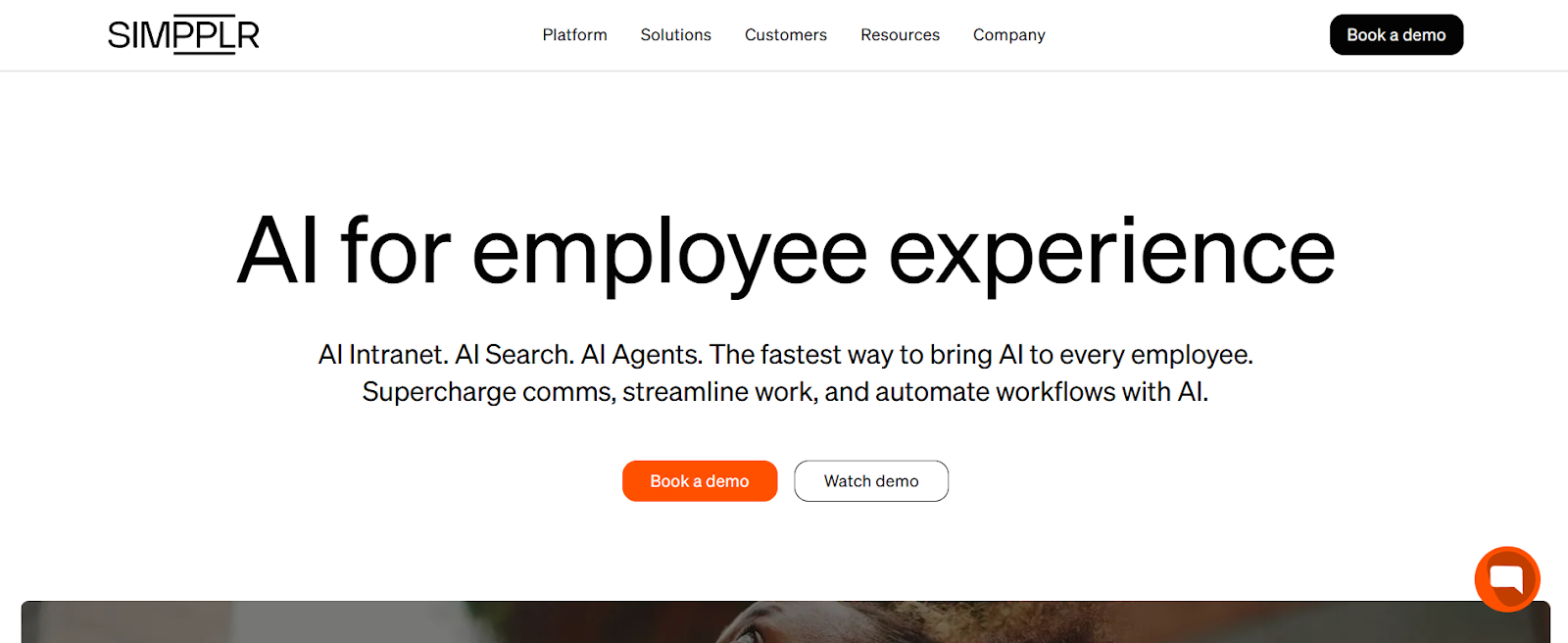
Simpplr is an intranet platform that uses AI-powered search and automated workflows to reduce support tickets by helping employees find answers and complete requests themselves. Organizations choose it when they want employee self-service that deploys in weeks rather than months, without requiring custom development or complex integrations to maintain.
Teams use Simpplr to publish company updates and policy changes, with must-read tracking for content that requires confirmation, like open enrollment deadlines or new compliance requirements. Pulse surveys capture feedback on those specific announcements or organizational changes, which helps comms teams understand whether a message resonated or needs clarification before the next communication.
Simpplr's AI capabilities focus on reducing repetitive questions by helping employees find the answers themselves. AI Search returns permission-aware results with clear links back to source content, so when someone searches for PTO policies or expense reimbursement processes, they get relevant answers with traceability to the official document.
AI Agents can also walk employees through common tasks like submitting IT requests or starting leave processes by asking qualifying questions and routing them to the right form or system, which saves managers and HR time pointing employees to the right form or policy.
Recognition lets teams acknowledge achievements tied to company values, with recognition appearing in feeds where colleagues can react and comment. But Simpplr is built primarily as an “updates, answers, and next steps” hub rather than a social-first platform, so while recognition exists, it's designed to support the broader intranet experience rather than drive daily engagement on its own.
When it comes to customization, Simpplr offers configuration options for branding, layouts, and content organization, but changes beyond that generally require developer work. Pricing is also by quote only, and with no public package listings, teams need to make sure they’re getting everything they need—and know the full cost of implementation—before committing to the platform.
Simpplr fits organizations prioritizing fast deployment and self-serve answers that save both managers and employees time. For teams seeking a highly customized employee hub that extends beyond information retrieval into structured communications, multi-site publishing, and extensive workflow integration. Unily usually fits better.
Simpplr doesn’t publish plan or pricing information. Organizations must contact them directly for a quote.
G2: (4.6/5) – Based on 357 reviews
Capterra: (4.8/5) – Based on 112 reviews
Gartner: (4.6/5) – Based on 94 reviews
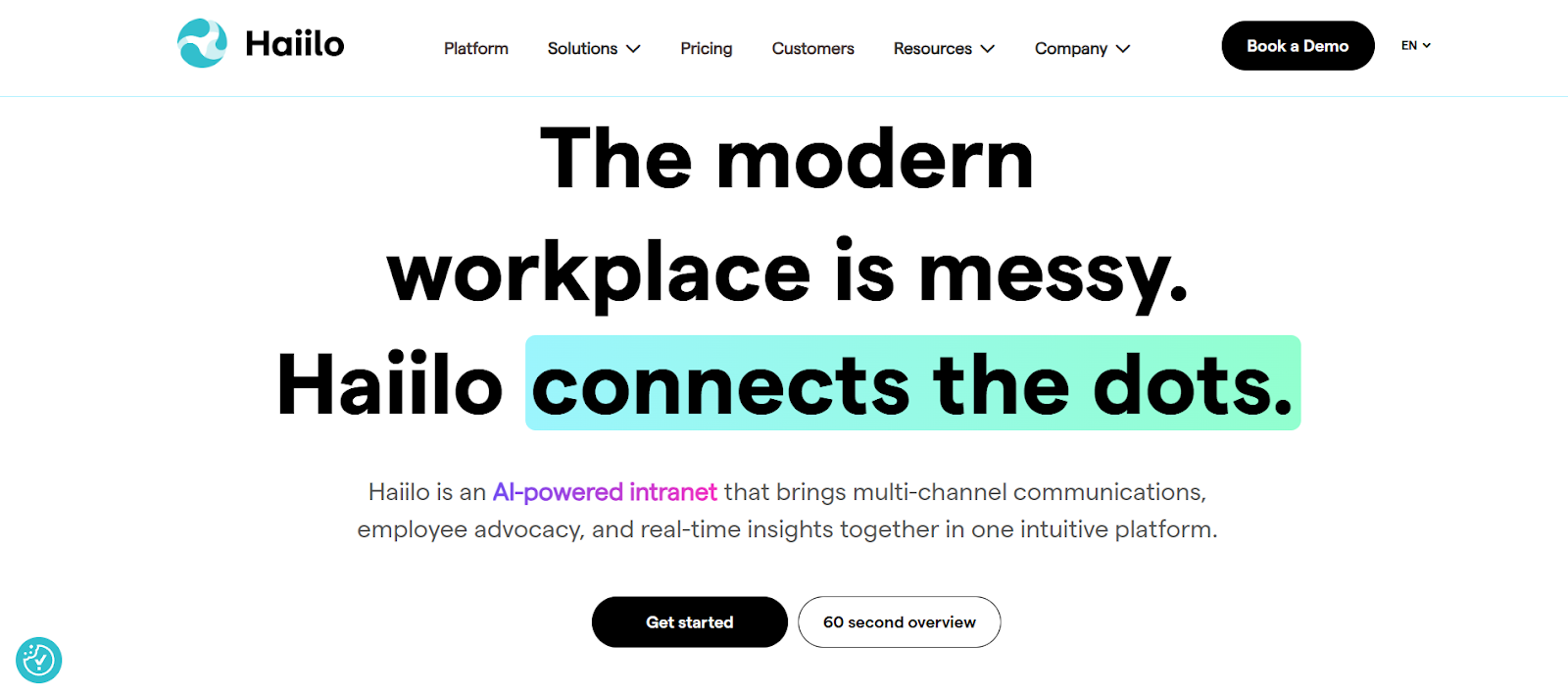
Haiilo is an employee experience suite that combines an intranet and employee app with communications planning, analytics, and an optional employee advocacy layer. It's usually chosen by mid-market and enterprise teams that need to reach employees beyond email—particularly frontline workers—and track which messages got through and which didn't.
Teams use the content calendar to plan campaigns ahead of time, target by region or role, and deliver through mobile apps and digital signage in break rooms or common areas where frontline employees check updates during shifts. Auto-translation converts content into multiple languages automatically, so global comms teams don't maintain separate versions of the same announcement.
Measurement breaks down by segment to reveal which groups engaged and which ignored the message. When search data reveals employees repeatedly looking for the same benefit detail or policy question, comms teams can update the source content instead of answering the same question in multiple new posts. The optional AMPLIFY module extends this to external reach—teams curate content for employees to share on social channels like LinkedIn, then track how many people participated and what engagement the shares generated.
AVA, Haiilo's AI assistant, speeds up content creation for communicators with drafting help and tone adjustments, while employees use it for article summaries and conversational search that delivers answers without browsing through multiple pages. This helps improve the speed of information sharing, which makes coordination easier and ensures everyone stays on the same page with deadlines, updates, or availability.
Because Haiilo typically starts at 500 licenses and covers multiple channels (timeline posts, communities, knowledge pages, digital signage), it works best when teams have clear content ownership across those channels. Without defined roles for who maintains policies, who reviews updates, and who manages community spaces, the platform can become cluttered with outdated information or duplicate posts across channels.
Haiilo fits best when multi-channel communications and measurement are more important than creating a centralized go-to employee hub, especially when teams need multi-site functionality and deep governance to keep the main organization separate but accessible from regional locations.
Haiilo is quote-based and modular, allowing teams to pick the core features they want and fill in the gaps with add-ons that cover integrations, AI, and privacy.
They generally offer volume discounts for larger user counts, with plans starting at 500 licenses.
G2: (4.6/5) – Based on 289 reviews
Capterra: (4.3/5) – Based on 29 reviews
Gartner: (4.1/5) – Based on 50 reviews
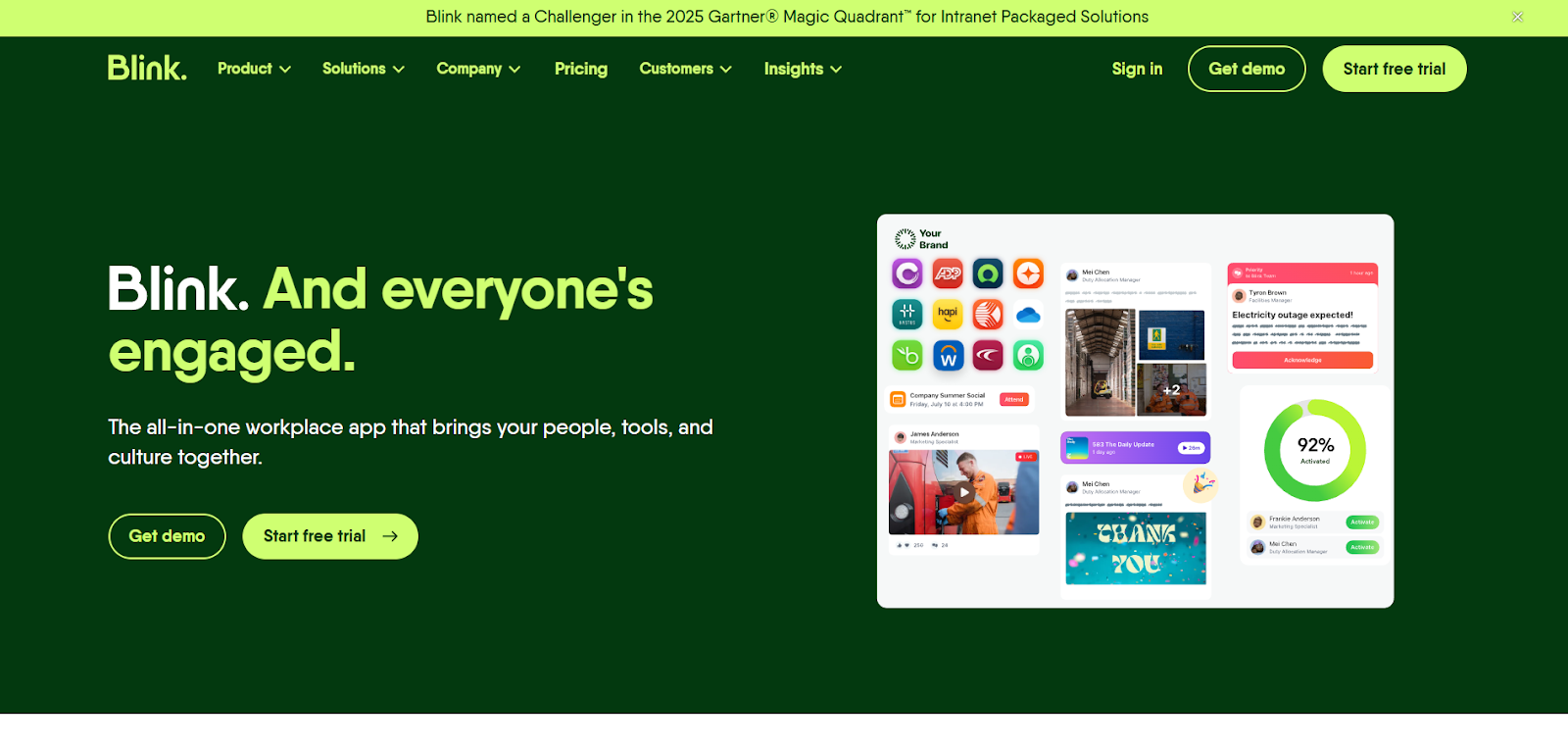
Blink is chosen when frontline employees don't have corporate email, work varied shifts across multiple locations, and need mobile access they can start using immediately without training sessions. The platform combines a mobile feed for company updates, a resource hub for policies and guides, secure messaging, and single sign-on that launches other workplace tools from one app.
Posts segment by role, location, or team so a procedure change at one warehouse doesn't flood retail staff at another location. Priority Posts and Mandatory Reads require acknowledgement, which means when a safety protocol changes or training becomes required, managers can see exactly who confirmed and who still needs follow-up, instead of relying on shift supervisors to verbally relay the message or sending repeated reminder emails hoping people read them.
Employees typically open Blink to access their schedule, view pay stubs, submit HR requests, or launch training modules, then see company updates while they're already in the app. SSO means they authenticate once to reach each system without managing separate passwords or remembering multiple login credentials. In addition to accessing tools, Blink’s directory also helps employees find specific people, like a supervisor at another site or a regional manager, to get answers without asking around.
Chat helps shift leads handle real-time coordination—covering an unexpected absence or answering questions about procedures—without employees switching to personal messaging apps, which keeps work conversations in a secure, searchable place. When something happens that needs documentation, forms and surveys let employees capture it immediately from their phone, so incident reports and maintenance requests get recorded without waiting for managers to track down paper forms or compile responses later.
For new employees, Journeys reduce the onboarding burden by walking people through required steps and acknowledgements over their first few shifts, which means managers aren't pulled away from their own work to manually guide every new hire through setup.
Blink’s hub organizes policies, guides, and links in a straightforward folder-like structure, but it's not built for nested site hierarchies or custom page templates like traditional intranets. Teams needing complex publishing workflows or formal content governance typically use Blink for frontline reach and messaging, then maintain structured knowledge management in a separate system.
Compared to Unily, Blink trades intranet sophistication for mobile simplicity. It's built around getting deskless employees to open one app daily for both updates and tool access, not around managing complex content hierarchies across multiple sites.
Blink packages are separated into Business and Enterprise use cases.
Blink also offers a 14-day trial for smaller teams, and a nonprofit program (“Blink for Good”) that provides their full platform for free to eligible organizations.
G2: (4.7/5) – Based on 257 reviews
Capterra: (4.7/5) – Based on 127 reviews
Gartner: (4.8/5) – Based on 48 reviews
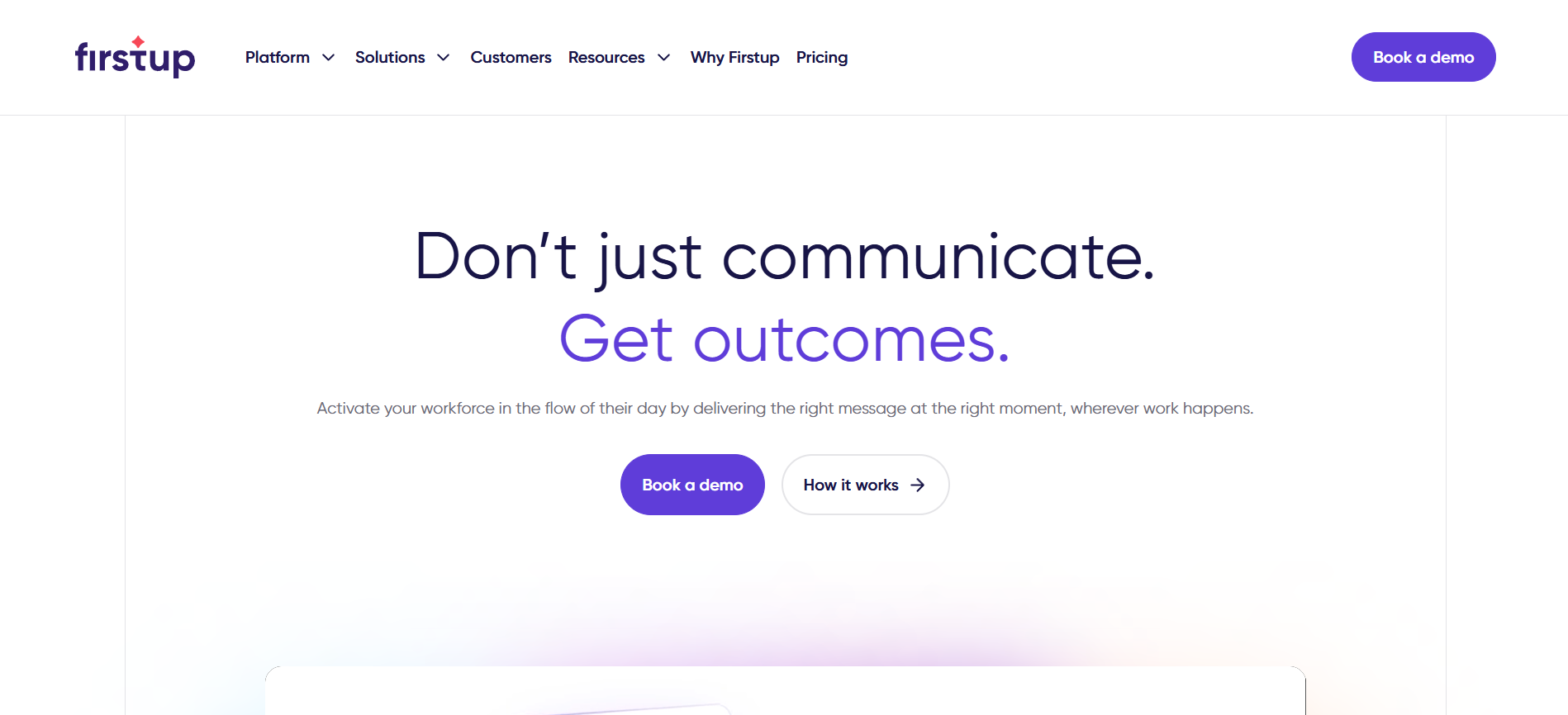
Firstup is an enterprise communications platform for large organizations that need to send targeted versions of messages to specific employee segments, deliver across multiple channels, and automate follow-ups to non-responders. It's most common in companies with frontline populations where email alone won't reach everyone, and where comms teams plan multi-step campaigns—like a benefits enrollment push with reminders leading up to the deadline—rather than sending one-off announcements as issues come up.
Comms teams create a message once, then target it by role, location, language, or department before distributing through the channels each group actually uses—email for desk teams, mobile app for frontline workers, digital signage for break rooms, or embedded in Microsoft Teams and SharePoint. That means a safety update relevant to one manufacturing site reaches those employees without creating irrelevant messages for corporate staff, and a benefits enrollment reminder goes to eligible employees in their preferred language without manual list management.
Journeys automate multi-step communications over time based on employee actions. A new-hire campaign might send a welcome message on day one, remind them to complete required training on day three if they haven't finished it, then route them to role-specific resources once training is complete. A change management initiative can repeat key messages to employees who haven't acknowledged them while stopping follow-ups to those who already engaged. The platform optimizes send times based on when employees typically engage and selects the channel they're most likely to see, then automatically re-sends to non-responders.
Analytics break down performance by segment—shift, location, role, language—so teams can see which groups engaged and which didn't. When a message underperforms with night shift workers but resonates with day shift, comms can adjust timing or channel for the next send. AI writing tools help draft campaign content and translate it into multiple languages
Firstup performs best when employee data used for targeting—location, role, shift, language, manager—stays accurate and syncs regularly from HR systems, and when campaign ownership is clearly defined (who drafts, approves, schedules, and manages follow-ups). Without clean data, messages reach the wrong people or miss intended recipients entirely. The intranet is also an add-on, so teams expecting one hub for both campaigns and evergreen resources should confirm what's included in their package.
When comparing both platforms, Firstup is best for campaign orchestration and multi-channel delivery with automated follow-up logic, while Unily centers on building a comprehensive digital workplace with deeper content architecture and customization that makes it the go-to place for everyday work.
Firstup pricing is quote-based and typically sold on annual agreements, with tiers that gate the depth of orchestration, personalization, and analytics. Intranet functionality is available as an add-on.
G2: (4.4/5) – Based on 203 reviews
Gartner: (4.8/5) – Based on 27 reviews
Unily delivers what many enterprise digital workplace programs need: deep customization, multi-site architecture, and the extensibility to support complex governance requirements. For organizations with the developer resources and implementation timelines that approach requires, it's built to handle those high-demand use cases at scale.
The alternatives in this guide solve different problems. Staffbase and Haiilo optimize for multi-channel communications delivery and measurement. Blink prioritizes mobile-first frontline access. Workvivo centers on social engagement. Simpplr focuses on AI-powered search. Firstup orchestrates campaigns with journey logic. The right choice depends on whether your challenge is reach, engagement, measurement, or access.
Jostle fits when you need reliable communication and everyday usability without developers on staff or months-long implementations. You won't need to code to organize content, maintain complex workflows, or depend on professional services to keep things running. You can launch in weeks with included onboarding support, and because it's designed for people who aren't IT specialists, you can manage it yourself as your organization grows—without constantly rebuilding structures or troubleshooting integrations.
If Unily's technical demands or timeline don't match your team's capacity, give Jostle a try. Schedule a demo today.

See why organizations are transforming their workplace culture with Jostle!



Read more by
Jostle

Jostle’s employee success platform is where everyone connects, communicates, and celebrates at work. Find out more at jostle.me. © 2009–2026 Jostle Corporation. All rights reserved.